Smooth Nested Accordion Plugin with jQuery & jQuery UI - multiAccordion
| File Size: | 6.31 KB |
|---|---|
| Views Total: | 16707 |
| Last Update: | |
| Publish Date: | |
| Official Website: | Go to website |
| License: | MIT |
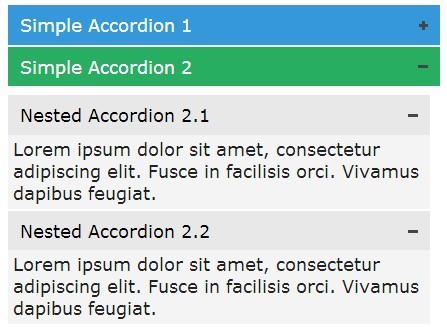
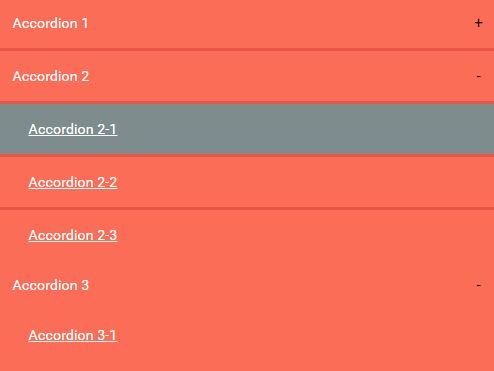
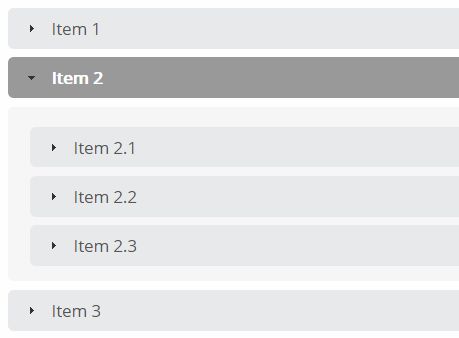
multiAccordion is a tiny jQuery plugin to extend the jQuery UI Accordion widget that allows you to expand multiple sub- content panels at a time.
How to use it:
1. Include the necessary jQuery & jQuery UI in the document.
<link rel="stylesheet" href="//ajax.googleapis.com/ajax/libs/jqueryui/1.11.2/themes/smoothness/jquery-ui.css">

<script src="//ajax.googleapis.com/ajax/libs/jquery/1.11.1/jquery.min.js"></script>
<script src="//ajax.googleapis.com/ajax/libs/jqueryui/1.11.2/jquery-ui.min.js"></script>
2. Include the jQuery multiAccordion plugin's stylesheet and JS after jQuery library.
<link rel="stylesheet" href="css/multiaccordion.jquery.min.css">
<script src="js/multiaccordion.jquery.min.js"></script>
3. Create a nested accordion widget as follows.
<div class="accordion blue">
  <h3>Simple Accordion</h3>
  <div class="content">

    <div class="accordion odd">
      <h3>Nested Accordion 1.1</h3>
      <div class="content">
        Content goes here
      </div>
    </div>

    <div class="accordion odd">
      <h3>Nested Accordion 1.2</h3>
      <div class="content">
        Content goes here
      </div>
    </div>

    ...

  </div>
</div>
4. Call the plugin on the parent container.
$(document).ready(function() {
  $(".accordion").multiaccordion();
});
5. Available options.
// selector for the header
header: "h3",

// selector for the container
container: ".content",

// jQuery UI icon when accordion is closed
defaultIcon: "ui-icon-circle-arrow-e",

// jQuery UI icon when accordion is open
activeIcon: "ui-icon-circle-arrow-s",

// initial state of accordion(s) ("open" or "close")
initialState: "open",

// whether the content display is animated or not
animation: false
6. Public methods.
// initialize multiaccordion
$(selector).multiaccordion('init');

// open selected accordion(s)
$(selector).multiaccordion('open');

// close selected accordion(s)
$(selector).multiaccordion('close');
Change log:
v1.3.1 (2014-11-25)
- added more options.
This awesome jQuery plugin is developed by TouPye. For more Advanced Usages, please check the demo page or visit the official website.