


Preset - Slider
This demo shows how create a simple slider.
The auto-rotation stops while hovering and continues after the mouse leaves. Try swiping over the rondell if you are using a touch device.
Here's how it's done
<div id="rondellSlider">
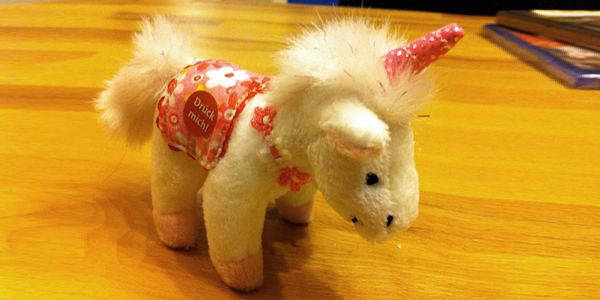
  <img src="images/slider/pic1.png" alt="unicorn" title="A beautiful unicorn">
  <img src="images/slider/pic2.png" alt="swan" title="Swan on the alpsee">
  <img src="images/slider/pic3.png" alt="landscape" title="Great landscape">
  <img src="images/slider/pic4.png" alt="mountains" title="Austrian mountains">
</div>

<script type="text/javascript">
  $(function() {
    $('#rondellSlider > *').rondell({
      preset: 'slider'
    });
  });
</script>