jQuery & CSS3 Based Text Rotator Using Animate.css
| File Size: | 9.33 KB |
|---|---|
| Views Total: | 8160 |
| Last Update: | |
| Publish Date: | |
| Official Website: | Go to website |
| License: | MIT |
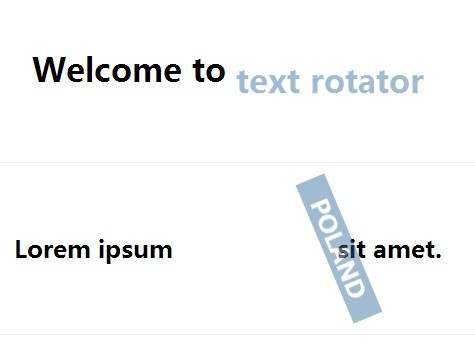
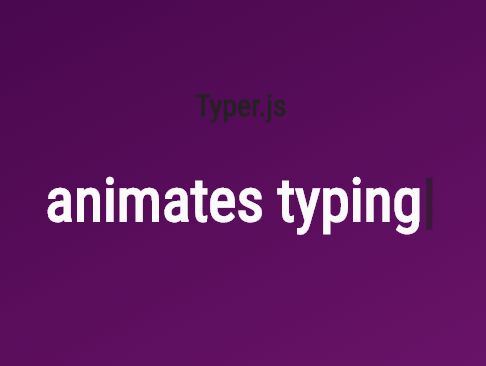
A very simple jQuery plugin used to swap a list of words in your text with cool CSS3 animations based on animate.css.
How to use it:
1. Include the required animate.css and rotator.css in your document's head section.
<link href="//cdnjs.cloudflare.com/ajax/libs/animate.css/3.1.1/animate.min.css" rel="stylesheet">
<link href="css/rotator.css" rel="stylesheet">
2. Create a list of words for the text rotator. Use Html5 data-* attributes to customize the text animations.
data-rotate-interval: animation interval in ms. Default: 3000.data-rotate-animate: animation types. Default: fadeIn,fadeOut
<ul class="rotate"
    data-rotate-interval="3000"
    data-rotate-animate="fadeInDown,fadeOutDown">
  <li>jQuery</li>
  <li>jQuery plugin</li>
  <li>text rotator</li>
  <li>jQueryScript.net</li>
</ul>
3. Initialize the plugin to active the text rotator on document ready.
$(".rotate").rotator();
4. Plugin options.
$(".rotate").rotator({

animateClass : "animated",
interval     : "5000",
animate      : "fadeInUp,fadeOutDown"

});
Change log:
2015-07-11
- update JS & CSS
This awesome jQuery plugin is developed by ht2pl. For more Advanced Usages, please check the demo page or visit the official website.