Simple jQuery DOM Elements Highlighting Plugin - Highlighter
| File Size: | 5.04KB |
|---|---|
| Views Total: | 995 |
| Last Update: | |
| Publish Date: | |
| Official Website: | Go to website |
| License: | MIT |
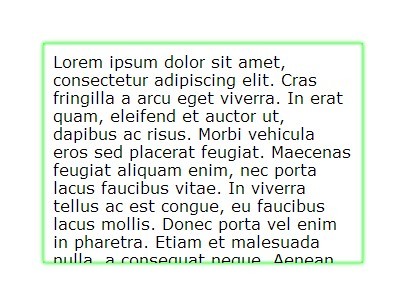
Highlighter is a simple jQuery plugin that enables you to highlight an Html DOM element with a border transition effect.
How to use it:
1. Load the latest jQuery javascript library and jQuery highlighter plugin at the bottom of your document.
<script src="http://ajax.googleapis.com/ajax/libs/jquery/1.10.2/jquery.min.js"></script>
<script src="jquery.highlighter.js"></script>
2. Create an Html DOM elements where you want to apply the highlighting effect on.
<div id="demo"> HIGHLIGHTED CONTENT </div>
3. Call the plugin.
<script>
$(document).ready(function(){
$("#demo").highlight();
});
</script>
4. Custom the plugin.
<script>
$(document).ready(function(){
$("#demo").highlight(
{
shadow: {
sInside: true,
sOutside: true,
sHshadow: '0px',
sVshadow: '0px',
sBlur: '5px',
sSpread: '0px',
sColor: '#00ff00'
},
customShadow: '',
transition: 'box-shadow',
period: '1s'
}
);
});
</script>
This awesome jQuery plugin is developed by vi3k6i5. For more Advanced Usages, please check the demo page or visit the official website.





