Horizontal and Vertical Scrolling Ticker - BeMarquee
| File Size: | 10.7 KB |
|---|---|
| Views Total: | 197 |
| Last Update: | |
| Publish Date: | |
| Official Website: | Go to website |
| License: | MIT |
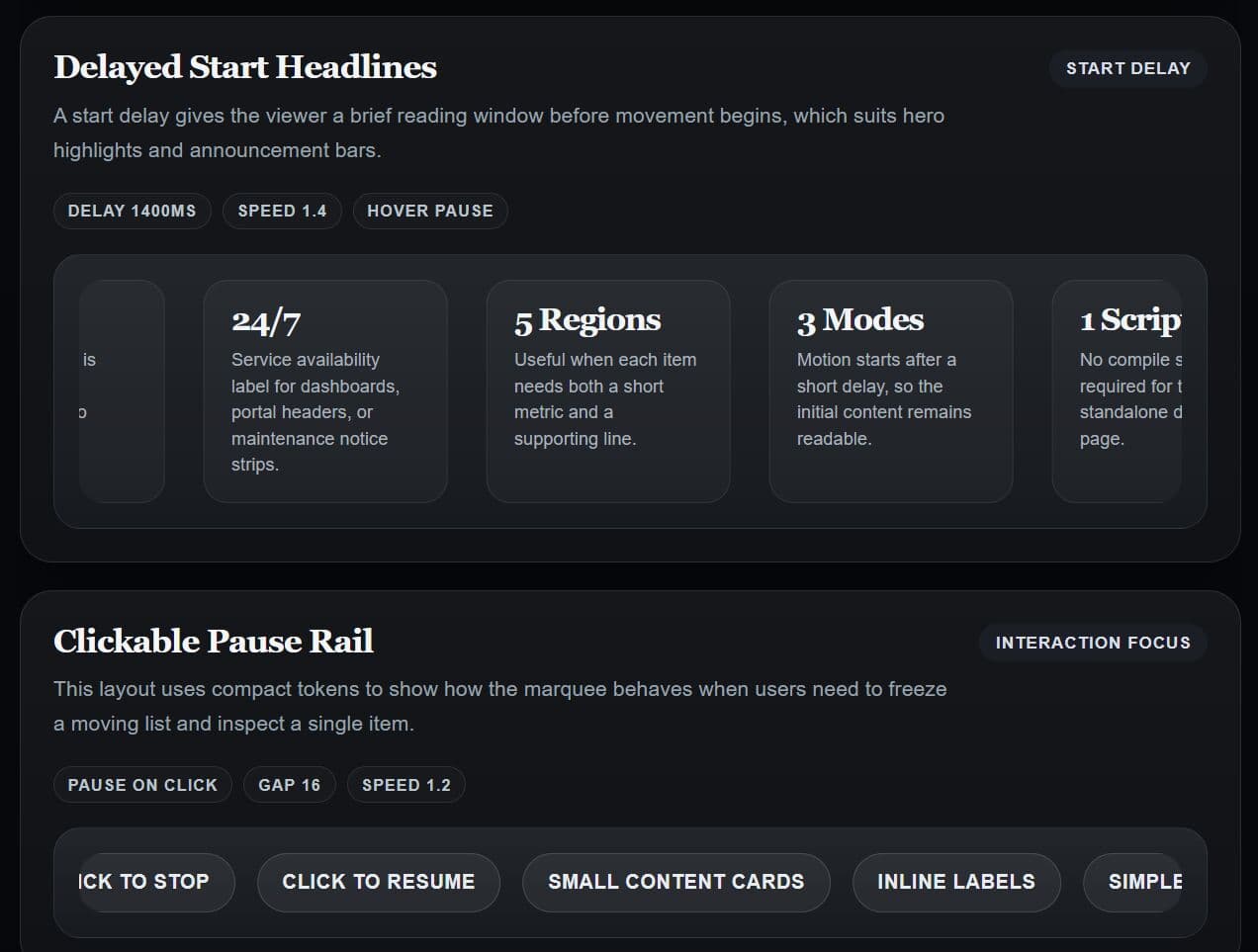
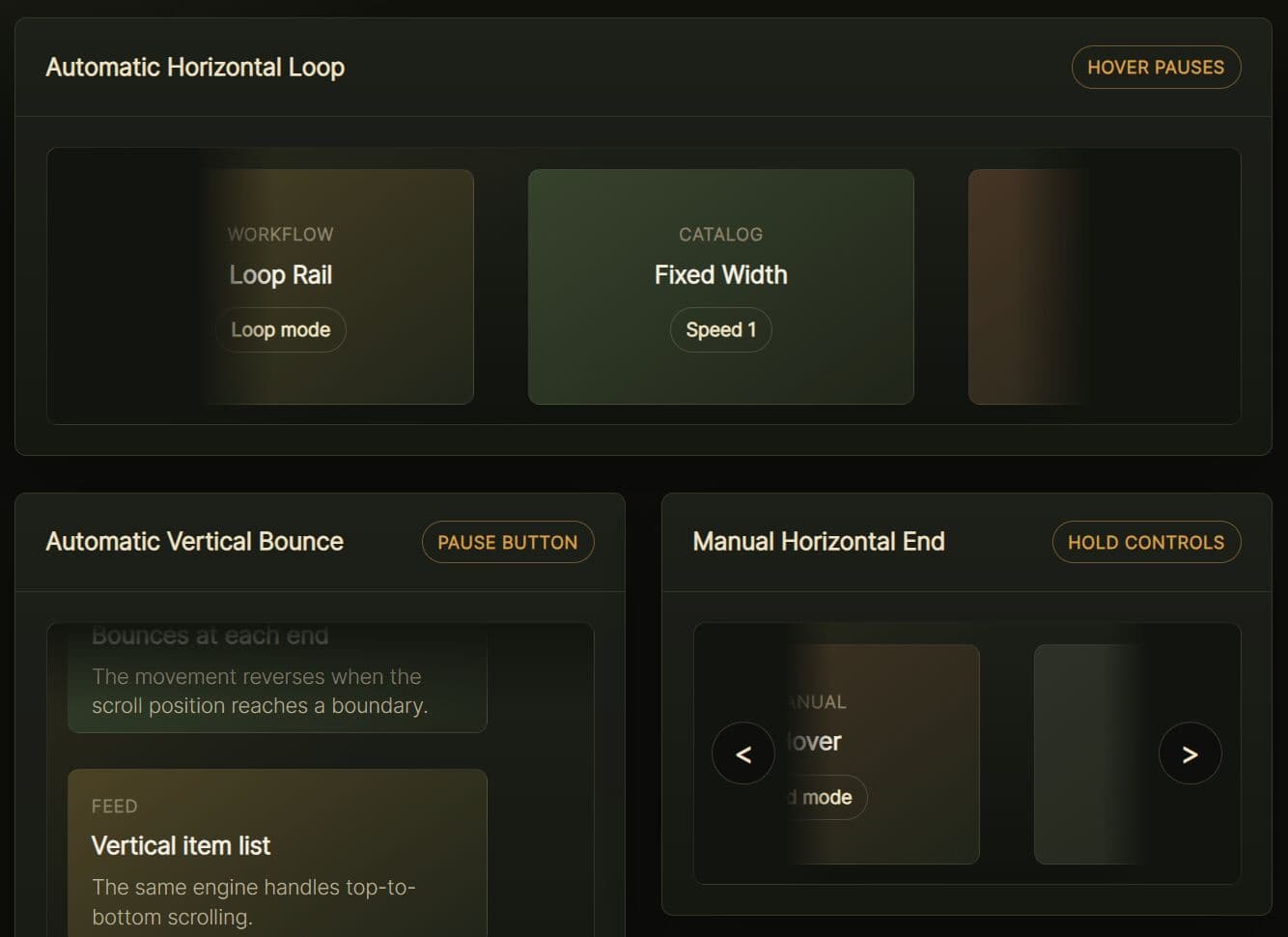
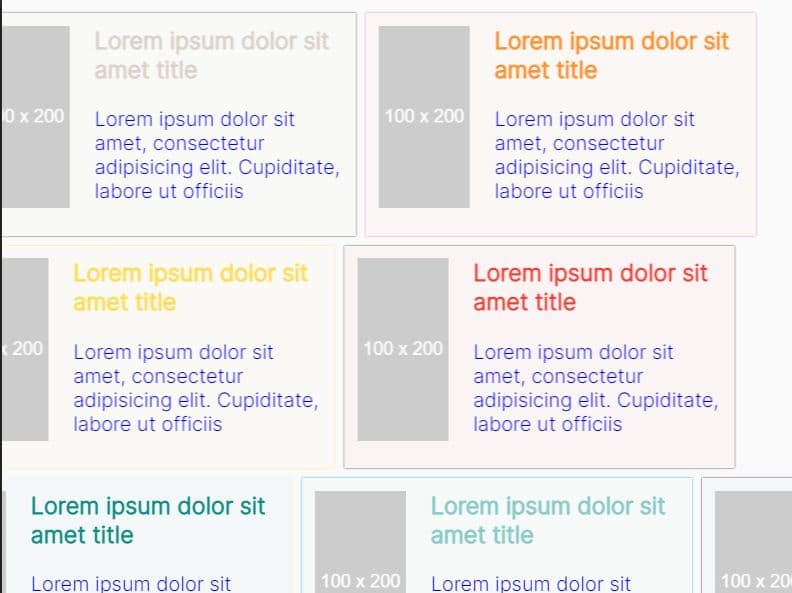
BeMarquee is a jQuery & Vanilla JS marquee plugin that helps you create continuously scrolling content strips for static pages and web applications.
It works directly with HTML markup and reads configuration from a data-settings attribute. Ideal for landing pages, announcement bars, logo walls, product tickers, status rails, promo banners, and compact dashboard feeds.
Features:
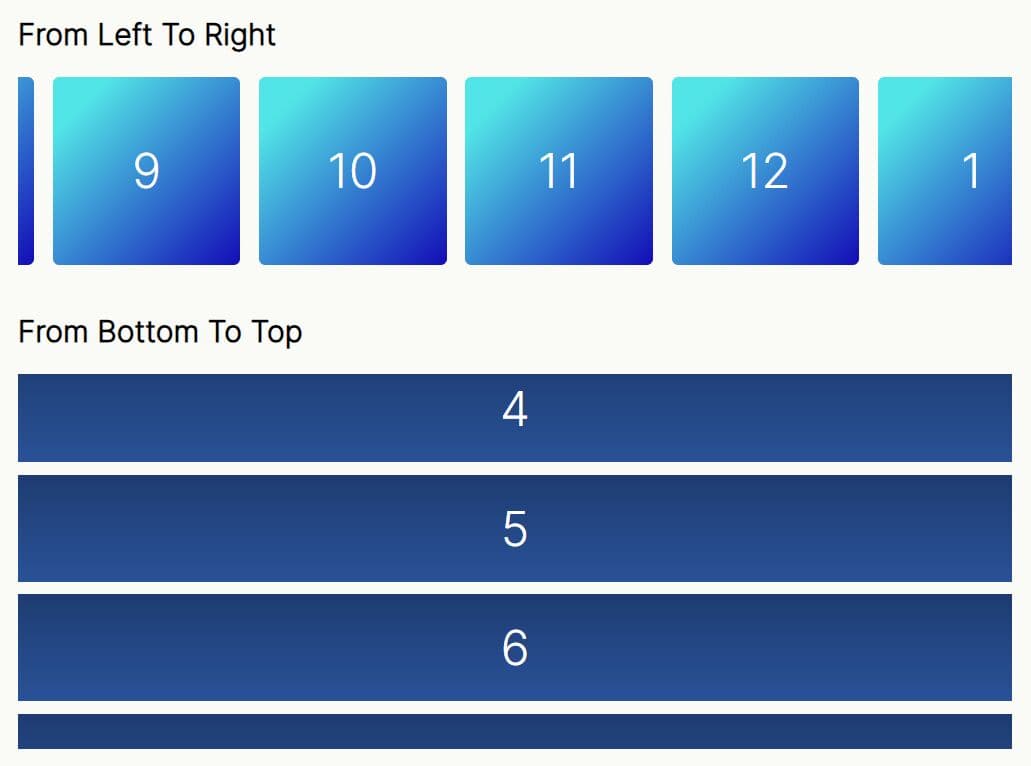
- Horizontal scrolling in both left and right directions.
- Vertical scrolling through a column-based track layout.
- Loops content continuously by duplicating the inner track until the total length supports a smooth cycle.
- Stops motion after a single pass when looping is off.
- Pauses motion automatically when the pointer enters the scrolling strip.
- Toggles pause and resume on each click of the wrapper.
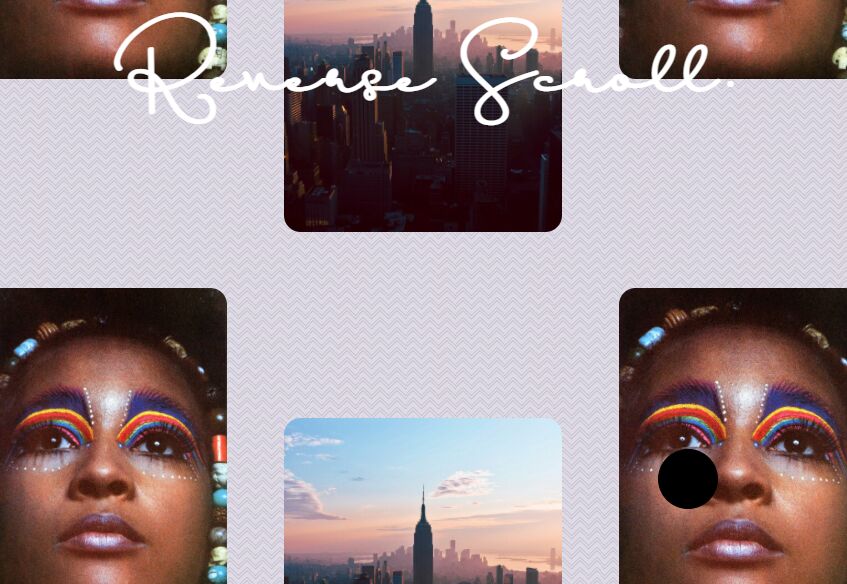
- Reverses the scroll direction on hover, with a brief transition pause before resuming.
- Delays animation start by a configurable number of milliseconds.
- Controls the pixel gap between items through a single numeric value.
- Sets the wrapper height automatically to match the total content height in vertical mode.
Use Cases:
- Display real-time announcements and system status messages in dashboard headers.
- Showcase partner logos and sponsor badges across marketing landing pages.
- Rotate limited-time offers and promotional codes in e-commerce banners.
- Feed compact status updates and release notes through sidebar tickers.
How to use it:
1. Add bemarquee.js before the closing </body> tag. The script initializes automatically on DOMContentLoaded.
<script src="bemarquee.js"></script>
2. The library provides a separate jQuery plugin file for projects that already use jQuery:
<script src="/path/to/cdn/jquery.min.js"></script>
<script src="/path/to/bemarquee.jquery.js"></script>
3. Build the Markup. Every marquee uses a two-element structure. The outer wrapper defines the visible viewport. The inner track holds the scrolling items.
<div class="be-marquee">
  <!-- Inner track: the element that physically moves -->
  <div class="be-marquee-inner">
    <!-- Items: text, badges, logos, links, or any HTML -->
    <div class="marquee-item">New Collection</div>
    <div class="marquee-item">Free Shipping Today</div>
    <div class="marquee-item">Members Save 15%</div>
  </div>
</div>
4. Pass a JSON object to data-settings to control speed, direction, gap, and interaction behavior. All property names must use double quotes. All default options:
direction(string): Sets the initial scroll direction. Accepts"left"or"right". Default:"left".speed(number): Sets the pixel distance the track advances per animation frame. Higher values move faster. Default:1.gap(number): Sets the pixel space between adjacent items. Default:30.loop(boolean): Repeats content in a continuous cycle whentrue. Stops after one pass whenfalse. Default:true.pause_on_hover(boolean): Pauses the track when the pointer enters the wrapper. Default:true.pause_on_click(boolean): Toggles pause and resume on each click of the wrapper. Default:false.reverse_on_hover(boolean): Flips the scroll direction when hover begins, with a 50ms pause before resuming. Default:false.start_delay(number): Delays the animation start by the specified number of milliseconds. Default:0.vertical(boolean): Switches the marquee to vertical movement. Default:false.auto_height(boolean): Sets the wrapper height to the full inner content height in vertical mode. Default:false.
<div
  class="be-marquee"
  data-settings='{
    "gap":24,
    "speed":1.5,
    "pause_on_hover":true,
    "loop":true}'>
  <div class="be-marquee-inner">
    <div class="marquee-item">React</div>
    <div class="marquee-item">Vue</div>
    <div class="marquee-item">Angular</div>
    <div class="marquee-item">Svelte</div>
  </div>
</div>
5. BeMarquee handles motion and layout. Item appearance is yours to define with CSS.
/* Style each item as a pill badge */
.marquee-item {
  padding: 10px 20px;
  background: #1a1a2e;
  color: #e0e0e0;
  border-radius: 999px;
  font-size: 14px;
  font-weight: 500;
}
6. The default behavior targets elements with the .be-marquee class. For custom selectors, create a new instance after the script loads.
// Wait for the library to load
document.addEventListener('DOMContentLoaded', function() {
  // Initialize marquees with a custom class
  const tickerInstance = new BeMarquee('.announcement-ticker');
});
Alternatives:
This awesome jQuery plugin is developed by mehedidb. For more Advanced Usages, please check the demo page or visit the official website.