Full-featured jQuery Date Picker Plugin - RendezVous.js
| File Size: | 119 KB |
|---|---|
| Views Total: | 4504 |
| Last Update: | |
| Publish Date: | |
| Official Website: | Go to website |
| License: | MIT |
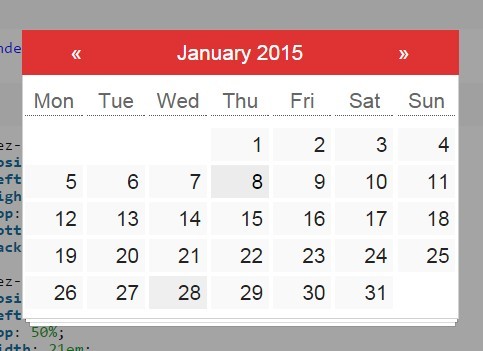
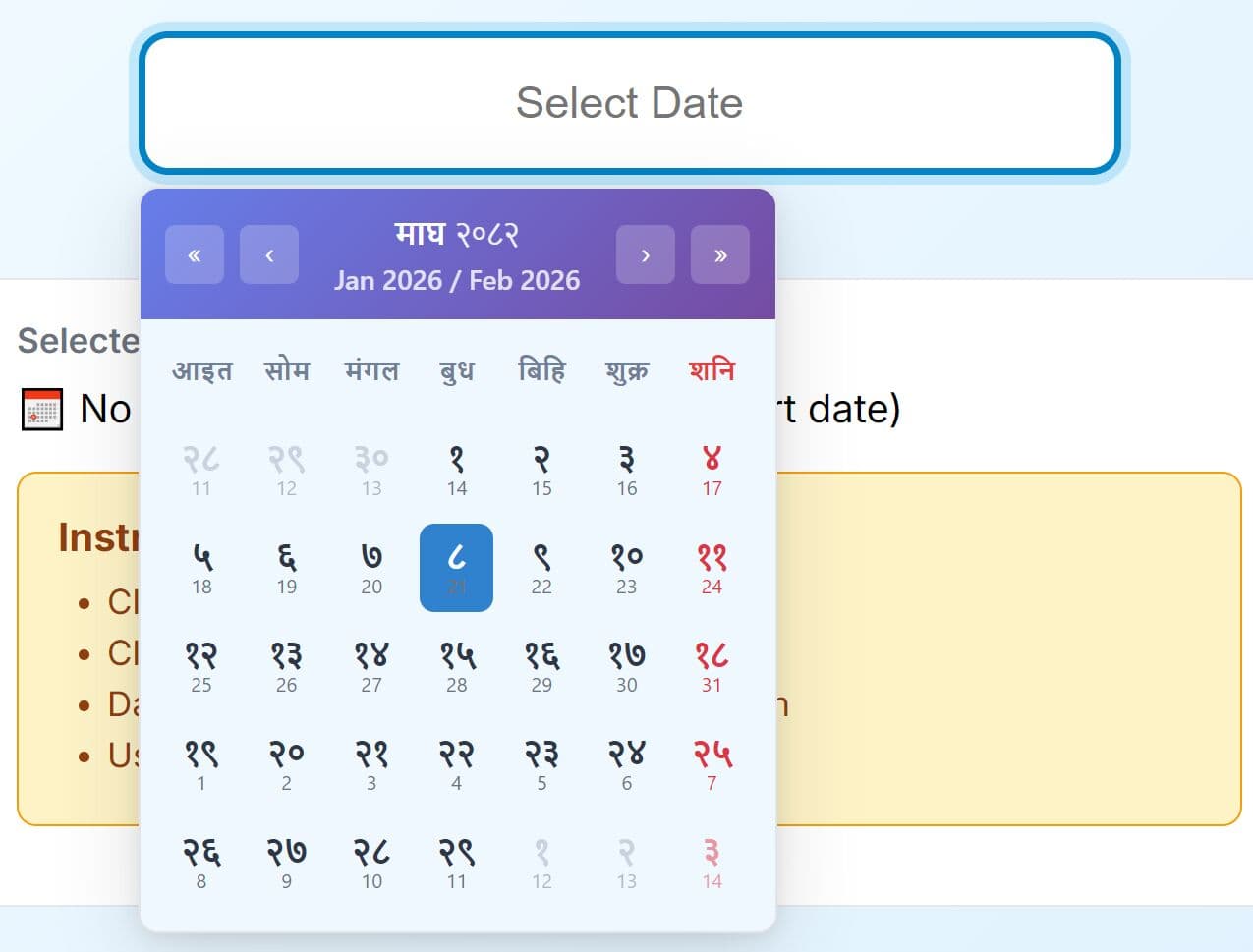
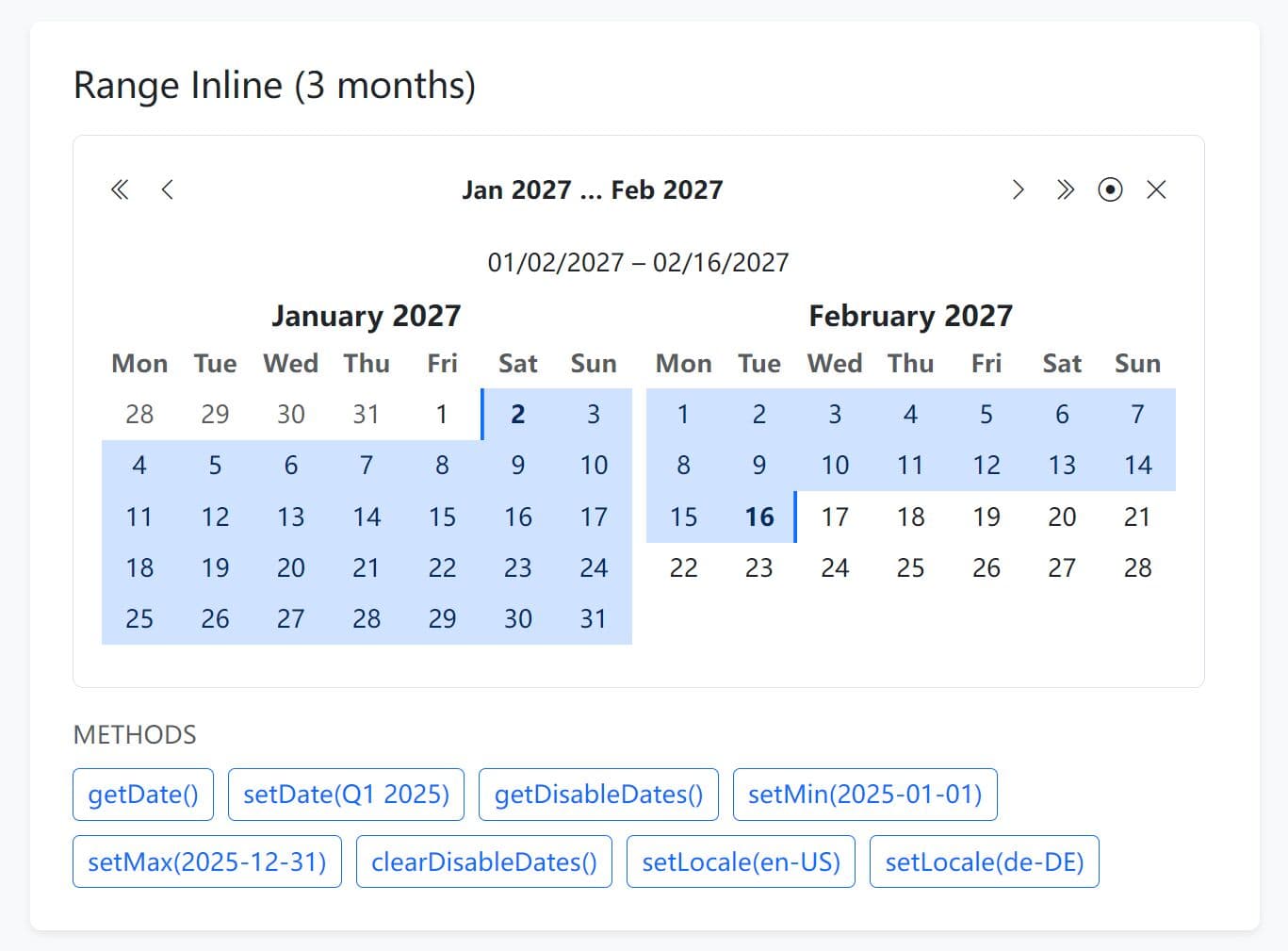
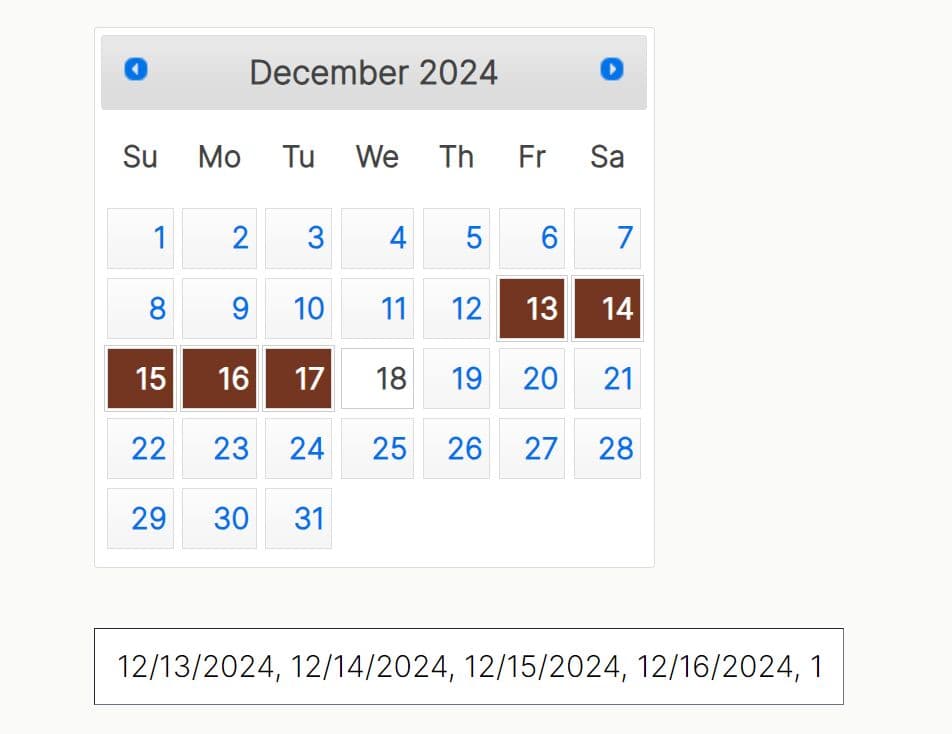
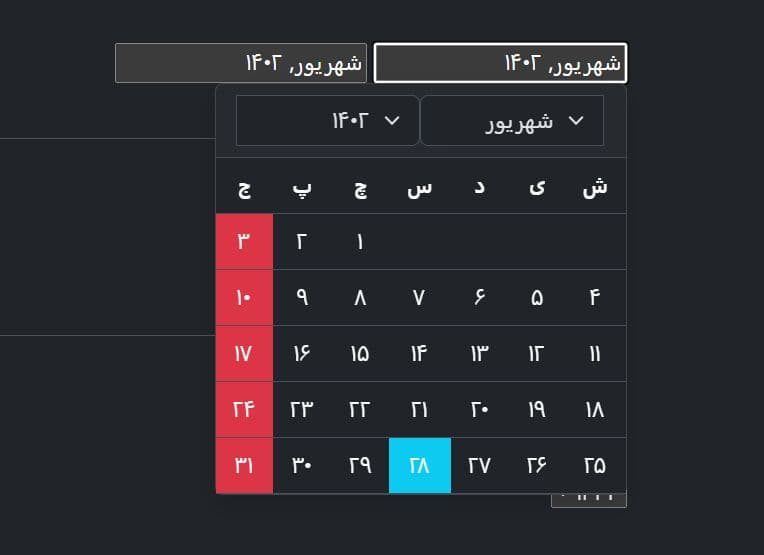
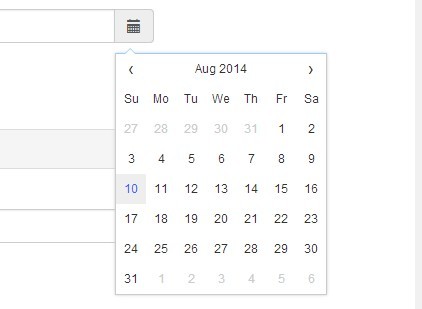
RendezVous.js is a simple yet highly customizable jQuery date picker plugin which allows you to select a date from a monthly calendar with tons of customization options and full-featured API.
Basic usage:
1. Load the jQuery rendezVous.js plugin's CSS file in the head section of the web page.
<link href="rendezvous.css" rel="stylesheet">
2. Load jQuery library and the jQuery rendezVous.js plugin's script at the end of the web page.
<script src="//ajax.googleapis.com/ajax/libs/jquery/2.1.3/jquery.min.js"></script>
<script src="rendezvous.js"></script>
3. Create an empty DIV element with an unique ID.
<div id="demo"></div>
4. Call the plugin on the DIV element to transform it into a date input that shows a date picker when focused/ clicked on.
$('demo').RendezVous(//OPTIONS);
5. Available options and defaults.
// If false, the datepicker can be only closed by calling "close();"
canClose: true,

// If true, the date input will be split in day, month and year inputs
splitInput: false,

// If true, the date input will be split in day, month and year inputs
splitInput: false,

// If false, input content can be edited
inputReadOnly: true,

// If false, input will contains the default date by default
inputEmptyByDefault: true,

// Separator between inputs (for splitted input)
inputSeparator: ' / ',

// Default scale at which the datepicker opens
// month, year, decade
defaultScale: 'month',

// Input formats
/**
* Available formats
*
* DAYS
* %d   : Numeric day (e.g. 2)
* %D   : Numeric day with leading zeros (e.g. 02)
* %da  : Textual day abbreviation (e.g mon)
* %Da  : Textual capitalized day abbreviation (e.g Mon)
* %day : Textual day (e.g monday)
* %Day : Textual capitalized day (e.g Monday)
*
* MONTHS
* %m: Numeric month (e.g. 1)
* %M: Numeric month with leading zeros (e.g. 01)
* %mo    : Textual month abbreviation (e.g jan)
* %Mo    : Textual capitalized month abbreviation (e.g Jan)
* %month : Textual month (e.g january)
* %Month : Textual capitalized month (e.g January)
*
* YEARS
* %y: Numeric year, 2 digits (e.g 15)
* %Y: Numeric year, 4 digits (e.g 2015)
*/
formats: {
  display: {

    // day input (for splitted input)
    day:   '%D',

    // month input (for splitted input)
    month: '%Month',

    // year input (for splitted input)
    year:  '%Y',

    // date input
    date:  '%D %Month %Y'
  }
},

// Default selected date
defaultDate: {
  day:   today.getDate(),    // 1 through 31
  month: today.getMonth(),   // 0 through 11
  year:  today.getFullYear() // No limits
},

// Current language
i18n: { /* ... */ }
6. API.
$('#demo').RendezVous(function(rdv) {

// To open the datepicker
rdv.open();

// To close the datepicker
rdv.close();

// To set the day of the datepicker
rdv.setDay(day); // 1 through 31

// To get the day of the datepicker
rdv.getDay();

// To set the month of the datepicker
rdv.setMonth(month); // 1 through 12

// To get the month of the datepicker
rdv.getMonth();

// To set the year of the datepicker
rdv.setYear(year); // No limits

// To get the year of the datepicker
rdv.getYear();

// To set the date of the datepicker
// (combination of the 3 previous)
rdv.setDate(day, month, year);

// To get the date of the datepicker (Date object)
rdv.getDate();

// To set the date to the previous day
rdv.previousDay();

// To set the date to the next day
rdv.nextDay();

// To set the date to the previous month
rdv.previousMonth();

// To set the date to the next month
rdv.nextMonth();

// To set the date to the previous year
rdv.previousYear();

// To set the date to the next year
rdv.nextYear();

// To set the scale of the datepicker
rdv.setScale(scale); // month, year, decade

// To get the current scale of the datepicker
rdv.getScale();

});
Change logs:
2015-01-31
- New "Always Open" API
2015-01-30
- Fix month rounding when current month day is greater than current month max day
This awesome jQuery plugin is developed by Julien-Marcou. For more Advanced Usages, please check the demo page or visit the official website.