Minimal Any Date Countdown Timer for jQuery & Vanilla JS - countdown
| File Size: | 50.1 KB |
|---|---|
| Views Total: | 8137 |
| Last Update: | |
| Publish Date: | |
| Official Website: | Go to website |
| License: | MIT |
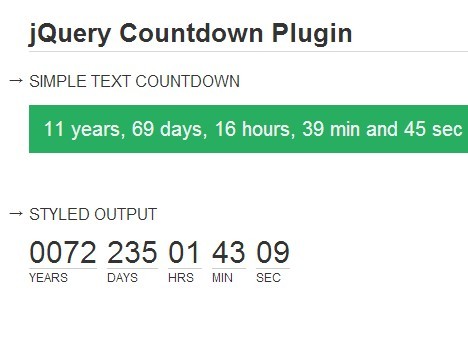
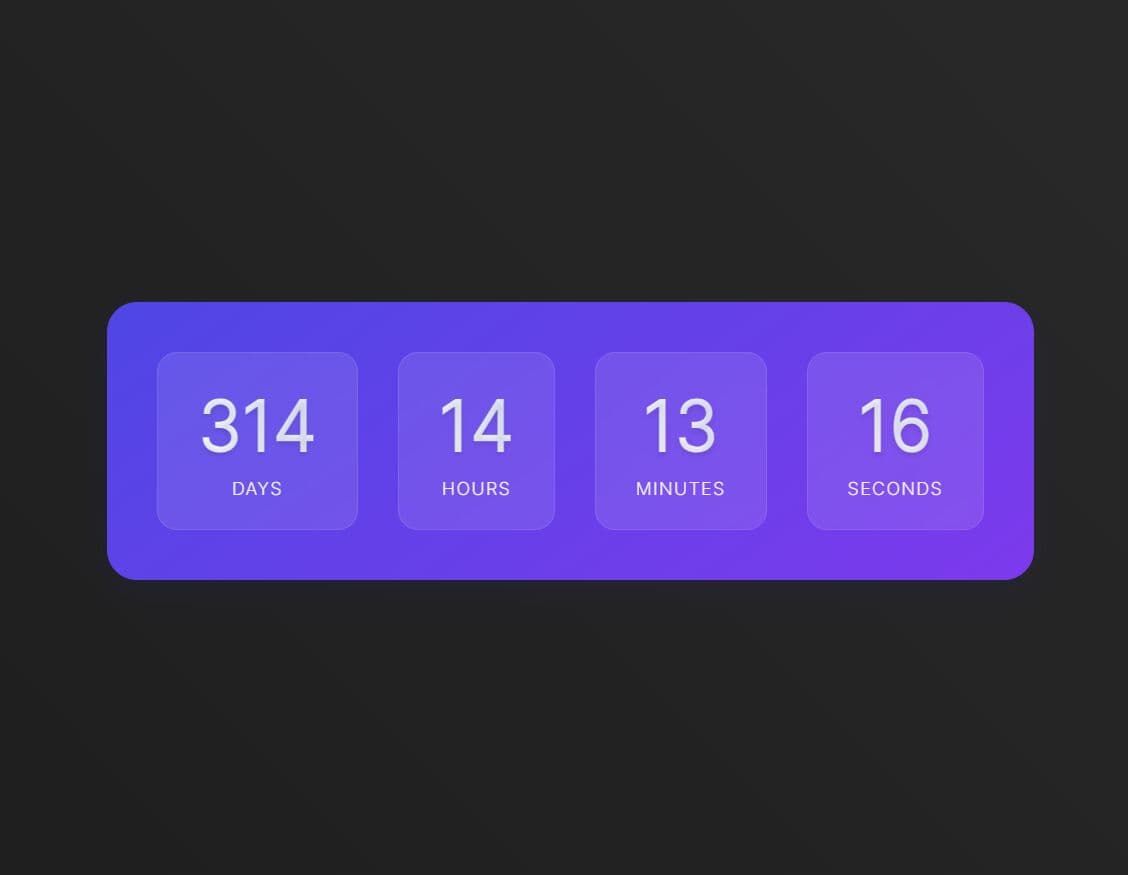
Yet another jQuery/Vanilla JS countdown plugin that displays how many years, days, hours, minutes, and seconds are left from a given date/time, with callback and time offset support. Fully styleable via CSS.
See Also:
How to use it:
1. Install and import the countdown plugin.
npm install easy-countdown
import { Countdown } from 'easy-countdown';
2. You can also directly load the UMD bundle in the document.
<!-- As a Vanilla JS Plugin -->
<script src="/path/to/dist/countdown.min.js"></script>

<!-- As a jQuery Plugin -->
<script src="/path/to/cdn/jquery.min.js"></script>
<script src="/path/to/dist/jquery.countdown.min.js"></script>
3. Create an empty container for the countdown and initialize the plugin and set the date you wish to countdown from:
<div class="countdown"></div>
new Countdown(document.querySelector('.countdown'), {
  date: '2036-01-01',
  // ... more options here
});
4. You can also set the target date using the data-date attribute.
<div class="countdown" data-date="2036-01-01"></div>
5. Available configuration options to customize the countdown timer.
// The end time of your fancy countdown.
// Accpets either a date object or a string/integer
date: "June 7, 2087 15:03:25",

// Refresh rate in milliseconds or false to avoid automatic updates.
refresh: 1000,

// A period of time (in milliseconds) that is used as offset in time difference calculation between now and end time.
offset: 0,

// Called when the end date is reached
onEnd: function() {
  return;
},

// Custom Html template for output
render: function (date) {
  this.el.innerHTML = date.years + " years, " +
  date.days+ " days, " +
  this.leadingZeros(date.hours) + " hours, " +
  this.leadingZeros(date.min) + " min and " +
  this.leadingZeros(date.sec) + " sec";
}
6. API methods.
// Add leading zeros to a number.
leadingZeros(num, length?, fractionDigits)

// Update the end time.
update()

// Update the offset (time in milliseconds).
updateOffset(ms)

// Call the render method. This might be usefull if you set refresh to false.
render()

// Stop the refresh loop.
stop()

// Start the refresh loop.
start()

// Update the options and restart the countdown
restart(options)

// Destroy the countdown timer
destroy()

// Get the remaining time
getDiffDate()
Changelog:
v3.1.0 (2026-07-23)
- jQuery is OPTIONAL now.
v2.2.0 (2016-05-07)
- added restart countdown api method
- Fixed bower dependencies and main field
This awesome jQuery plugin is developed by rendro. For more Advanced Usages, please check the demo page or visit the official website.