Simple Pomodoro / Tomato Timer Clock with jQuery
| File Size: | 5.47 KB |
|---|---|
| Views Total: | 2897 |
| Last Update: | |
| Publish Date: | |
| Official Website: | Go to website |
| License: | MIT |
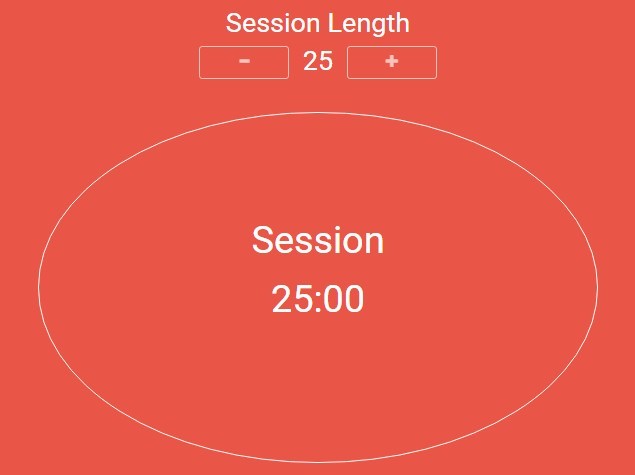
A simple jQuery timer app using the Pomodoro Technique™ which allows the visitor to start a 25 minute pomodoro, and the timer will go off once 25 minutes has elapsed.
How to use it:
1. Load the needed jQuery JavaScript library and the app.js script in the html page.
<script src="//code.jquery.com/jquery-1.11.3.min.js"></script>
<script src="js/app.js"></script>
2. Build the html structure for the Pomodoro clock and timer controls.
<div id="clock">
  <h2>Controls</h2>
  <button id="start" type="button">
    Start
  </button>
  <button id="resume" type="button">
    Resume
  </button>
  <button id="stop" type="button" >
    Pause
  </button>
  <button id="reset" type="button">
    Reset
  </button>
</div>

<div id="clock">
  <h2>Session</h2>
  <h3 id="time">25</h3>
</div>
3. Apply your own CSS styles to the Pomodoro clock.
button {
  ...
}

#clock {
  ...
}
This awesome jQuery plugin is developed by marcoscruz92. For more Advanced Usages, please check the demo page or visit the official website.