jQuery Plugin For Image Hover Zoom - WM Zoom
| File Size: | 671 KB |
|---|---|
| Views Total: | 21808 |
| Last Update: | |
| Publish Date: | |
| Official Website: | Go to website |
| License: | MIT |

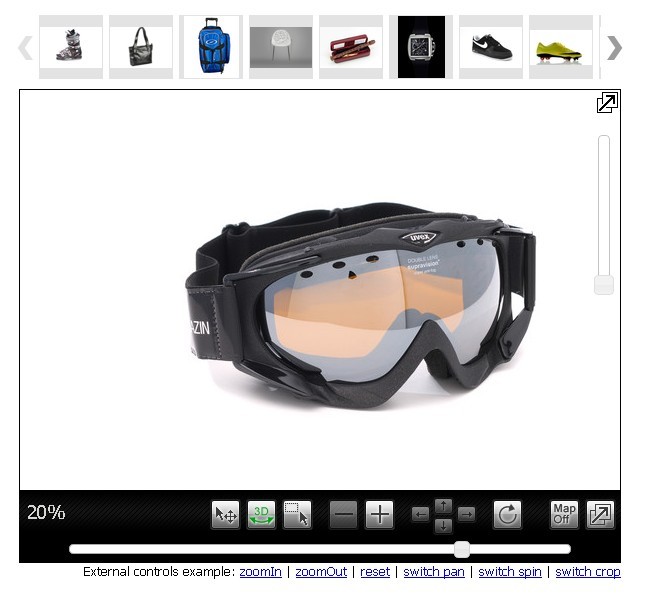
WM Zoom is a jQuery plugin that creates a magnifier overlay on top of your image and displays the high definition version beside it. Also provides a config to provide inner zoom functionality as you mouse hover the image.
How to use it:
1. Include the jquery.wm-zoom-1.0.min.css in the header and the jquery.wm-zoom-1.0.min.js in the footer but after the jQuery library.
<head>
...
<link rel="stylesheet" href="wm-zoom/jquery.wm-zoom-1.0.min.css">
...
</head>
<body>
...
<script src="//code.jquery.com/jquery-1.11.2.min.js"></script>
<script src="wm-zoom/jquery.wm-zoom-1.0.min.js"></script>
...
</body>
2. Add the small image and original image into your webpage.
<div class="wm-zoom-container demo">
  <div class="wm-zoom-box">
  <img src="small-image.jpg" class="wm-zoom-default-img"
       data-hight-src="big-image.jpg"
       data-loader-src="loader.gif">
  </div>
</div>
3. Call the function on the parent container.
$('.my-zoom').WMZoom({
  config : {

    // disable inner zoom
    inner : false

  }
});
4. Default configs.
config : {

  // stage size
  stageW : 500,
  stageH : 400,

  // set to true to enable the inner zoom mode
  inner  : false,

  // [top, right, bottom, left]
  position : 'right',

  // margin
  margin : 10

}
Change log:
2015-03-28
- fixed mouseEnter bug.
This awesome jQuery plugin is developed by welisonmenezes. For more Advanced Usages, please check the demo page or visit the official website.