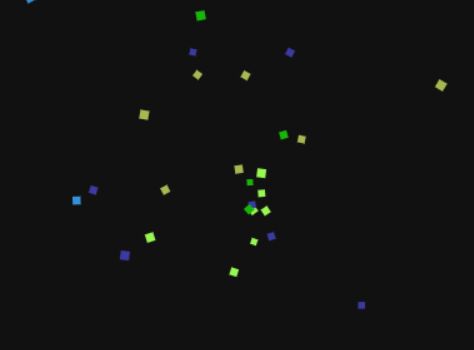
Customizable Interactive Particles Animation with jQuery - jParticle
| File Size: | 8.32 KB |
|---|---|
| Views Total: | 18432 |
| Last Update: | |
| Publish Date: | |
| Official Website: | Go to website |
| License: | MIT |

jParticle is a jQuery plugin for creating an animated, interactive, fully customizable particle system using requestAnimationFrame on a canvas element, which reacts to viewer's mouse position.
See also:
- jQuery Plugin For Particle System Background with Parallax Effect - Particleground
- Create An Animated Particle System with jQuery and Canvas
How to use it:
1. Load the jQuery jParticle plugin in the document, after the latest jQuery JavaScript library.
<script src="//code.jquery.com/jquery-2.1.4.min.js"></script>
<script src="jparticle.jquery.min.js"></script>
2. Call the function and specify the target container in where you wish to generate a particle system with default settings.
$("body").jParticle({
  // OPTIONS
});
3. Possible options to customize the particle system.
// number of particles
particlesNumber: 100,

// Distance where link is full opacity
linkDist: 50,

// Distance where particles start linking.
createLinkDist: 150,

// disable links between particles
disableLinks: false,

// disable mouse interaction
disableMouse: false,

// background color
background: 'black',

// Particles and links color.
color: 'white',

// container's width/height
width: null,
height: null,

// Links width in pixels
linksWidth: 1,

particle: {

  // Particles color.
  color: "white",

  // min / max size
  minSize: 2,
  maxSize: 4,

  // animation speed
  speed: 60
}
This awesome jQuery plugin is developed by ThomasArbona. For more Advanced Usages, please check the demo page or visit the official website.