jQuery Plugin To Animate Elements On View While Scrolling - BoxLoader
| File Size: | 100 KB |
|---|---|
| Views Total: | 1805 |
| Last Update: | |
| Publish Date: | |
| Official Website: | Go to website |
| License: | MIT |
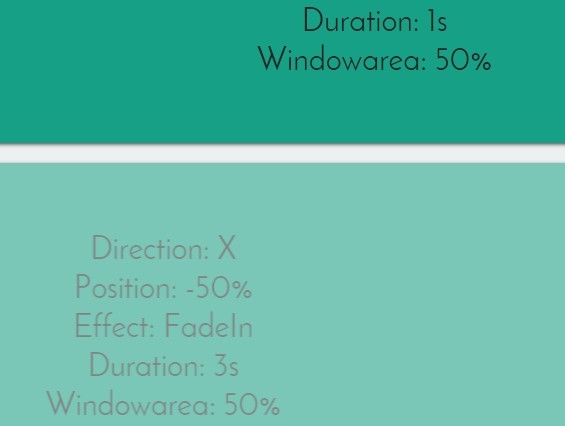
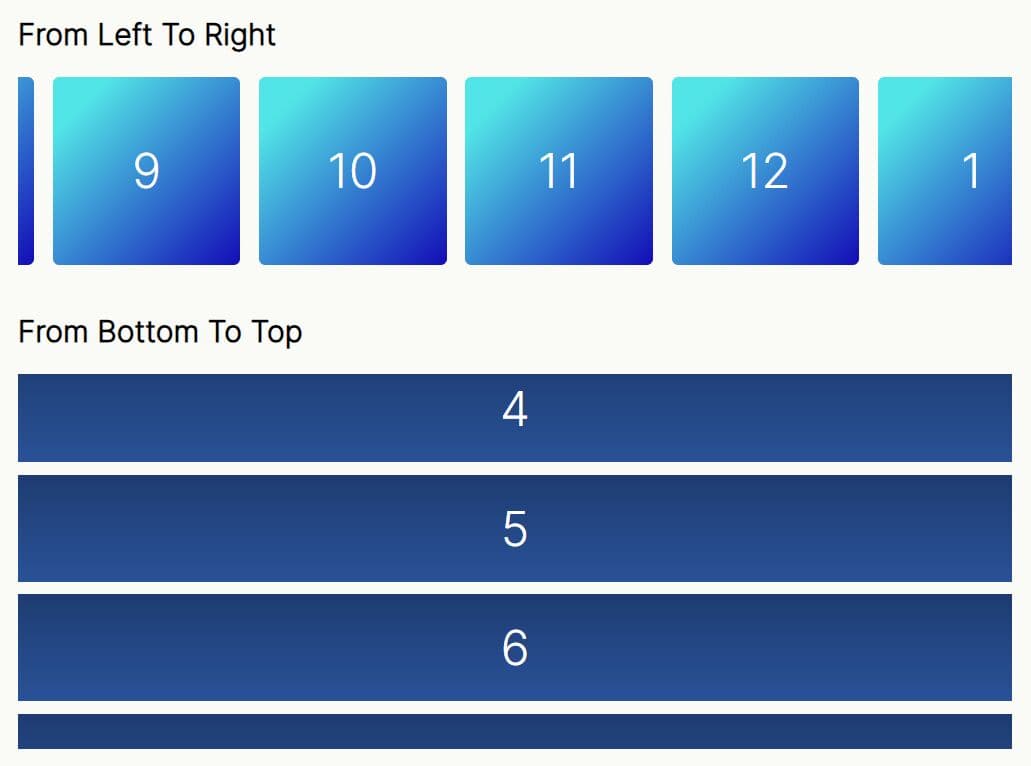
BoxLoader is a small and simple jQuery plugin that implements slideUp, slideDown, slideLeft, slideRight and fadeIn animations on Html elements as they become visible in the browser viewport.
How to use it:
1. Load the jQuery BoxLoader plugin after you have jQuery library included.
<script src="//code.jquery.com/jquery-1.11.2.min.js"></script>
<script src="js/jquery.boxloader.min.js"></script>
2. Call the plugin on the Html element to specify the scroll animation as you scroll down the webpage.
$(".element").boxLoader({
  direction:"y",
  position: "100%",
  effect: "none",
  duration: "2s",
  windowarea: "50%"
});
3. Full config options.
$(".element").boxLoader({
  //defaults values
  direction: "x",
  position: "-50%",
  effect: "fadeIn",
  duration: "1s",
  windowarea: "50%",
  container: window
});
Change log:
2015-05-17
- Update jquery.boxloader.js
This awesome jQuery plugin is developed by matiasdg. For more Advanced Usages, please check the demo page or visit the official website.