Realistic Snow Falling Effect with jQuery and CSS3 - snow.js
| File Size: | 11.2 KB |
|---|---|
| Views Total: | 8850 |
| Last Update: | |
| Publish Date: | |
| Official Website: | Go to website |
| License: | MIT |
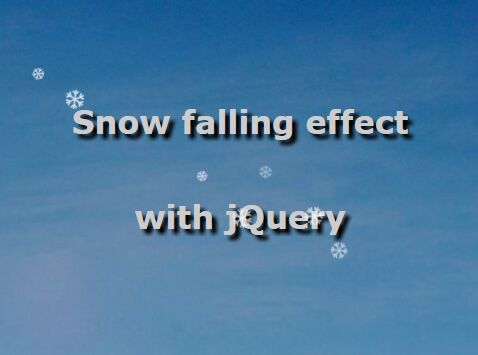
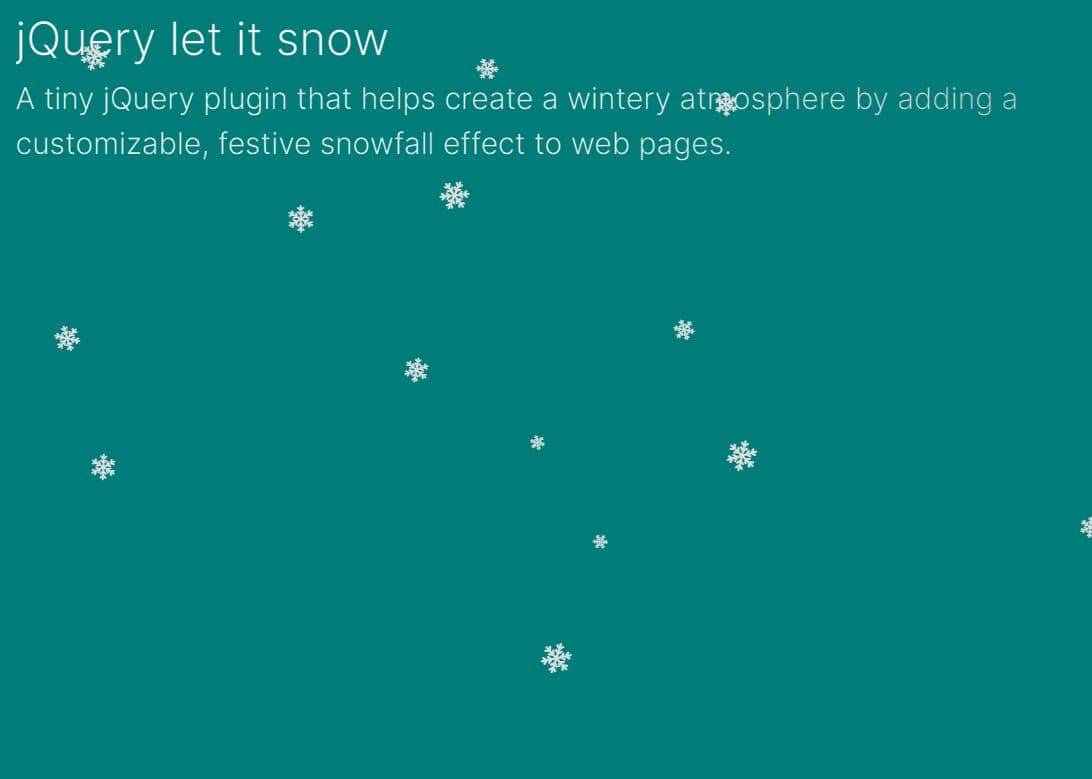
snow.js is a dead simple jQuery script which uses several CSS3 properties to create a realistic snowfall effect with rotating snowflakes for your webpages.
How to use it:
1. Place the jQuery snow.js plugin after jQuery JavaScript library.
<script src="//code.jquery.com/jquery-1.11.3.min.js"></script>
<script src="js/snow.js"></script>
2. Create an element for the snowflake.
<span class="hidden" id="snowflake">❄</span>
3. Style the snowflakes.
.background {
   background: rgba(0, 0, 0, 0);
   position: absolute;
   width: 100%;
   height: 100%;
}

.foreground {
   position: absolute;
   overflow: visible;
   z-index: 999;
   width: 100%;
   height: 100%;
   pointer-events: none;
}

.hidden {
   display: none !important;
}

#snowflake {
   color: #fff;
   position: absolute;
   font-size: 25px;
   top: -50px;
   -webkit-animation: spin-clockwise 6s linear infinite;
   -moz-animation: spin-clockwise 6s linear infinite;
   animation: spin-clockwise 6s linear infinite;
}
4. Rotate the snowflakes with CSS3.
@-moz-keyframes
spin-clockwise { 100% {
-moz-transform: rotate(360deg);
}
}

@-webkit-keyframes
spin-clockwise { 100% {
-webkit-transform: rotate(360deg);
}
}

@keyframes
spin-clockwise { 100% {
-webkit-transform: rotate(360deg);
transform: rotate(360deg);
}
}

@-moz-keyframes
spin-counterclockwise { 100% {
-moz-transform: rotate(-360deg);
}
}

@-webkit-keyframes
spin-counterclockwise { 100% {
-webkit-transform: rotate(-360deg);
}
}

@keyframes
spin-counterclockwise { 100% {
-webkit-transform: rotate(-360deg);
transform: rotate(-360deg);
}
}
This awesome jQuery plugin is developed by codebucketdev. For more Advanced Usages, please check the demo page or visit the official website.