Minimalist jQuery Image Lightbox Plugin
| File Size: | 839 KB |
|---|---|
| Views Total: | 683 |
| Last Update: | |
| Publish Date: | |
| Official Website: | Go to website |
| License: | MIT |

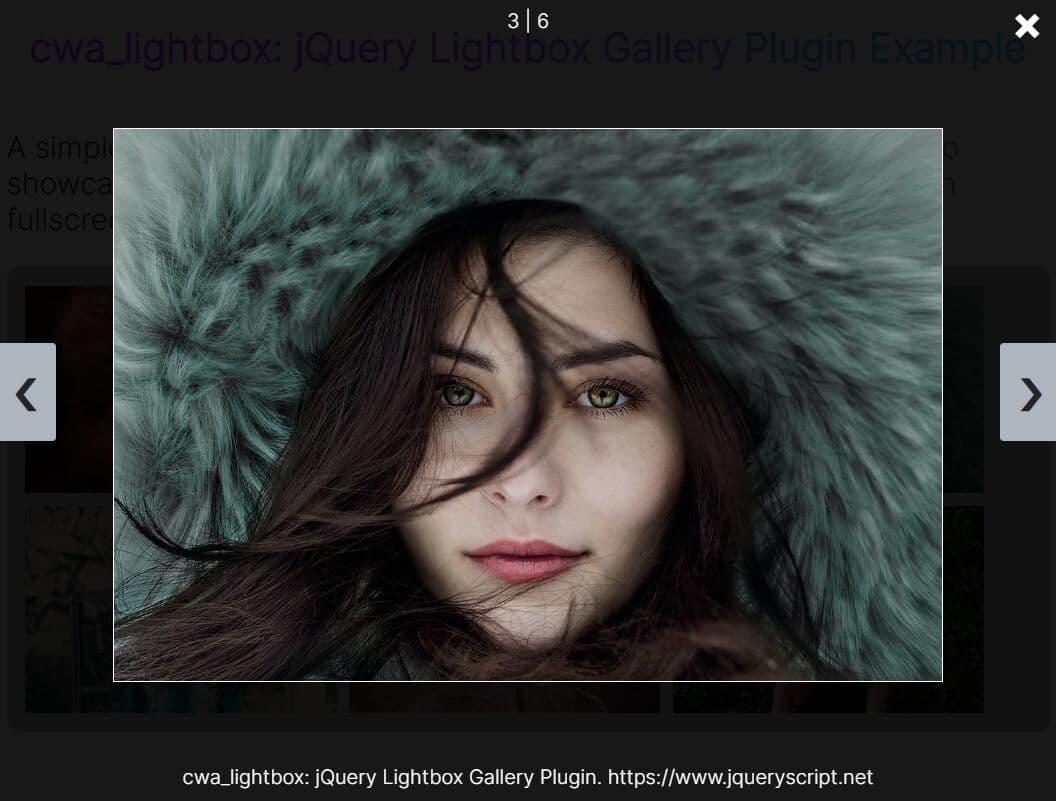
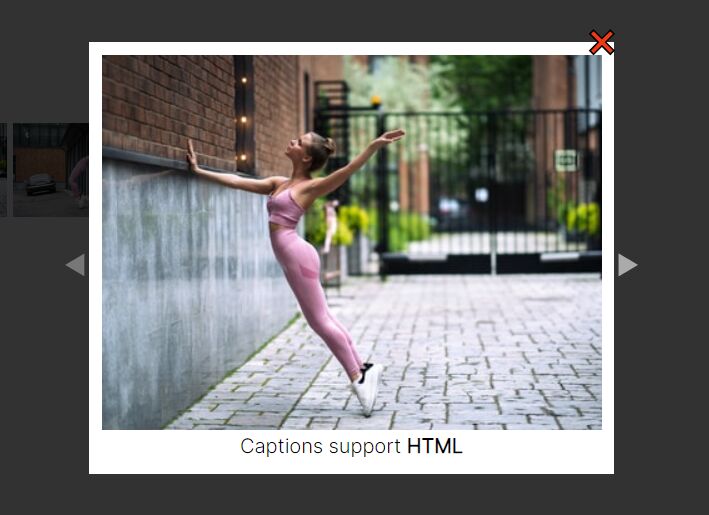
Just another jQuery plugin to display the large image in a lightbox which is always centered as window resized.
How to use it:
1. Create a gallery of images on your webpage as follows.
<ul id="imageGallery" class="flexContainer">

  <li class="flexItem"> <img src="1.jpg">
    <div class="img-overlay"> <a href="1.jpg" class="expand">+</a> </div>
  </li>
  <li class="flexItem"> <img src="2.jpg">
    <div class="img-overlay"> <a href="2.jpg" class="expand">+</a> </div>
  </li>
  <li class="flexItem"> <img src="3.jpg">
    <div class="img-overlay"> <a href="3.jpg" class="expand">+</a> </div>
  </li>

  ...

</ul>
2. The CSS to style the image gallery.
.flexContainer {
  padding: 0;
  margin: 0 auto;
  list-style: none;
  display: -webkit-box;
  display: -moz-box;
  display: -ms-box;
  display: -webkit-flex;
  display: flex;
  flex-flow: row wrap;
  justify-content: space-around;
  max-width: 45%;
  text-align: center;
}

.flexItem {
  background: #C7F464;
  padding: 2px;
  width: 25%;
  margin: 2%;
  border-radius: 5%;
  -webkit-box-shadow: 2px 2px 3px #2D2D2D;
  -moz-box-shadow: 2px 2px 3px #2D2D2D;
  box-shadow: 2px 2px 3px #2D2D2D;
  position: relative;
}

ul li img {
  display: block;
  margin: 0;
  padding: 0;
  max-width: 100%;
  border-radius: 5%;
}
3. The CSS to style the lightbox.
body a { text-decoration: none; }

body a.expand {
  display: block;
  width: 100%;
  height: 100%;
  text-align: center;
  color: #FF6B6B;
  font-weight: 700;
  font-size: 200%;
}

.img-overlay {
  display: block;
  top: 40%;
  width: 97%;
  background: rgba(0, 0, 0, 0.6);
  overflow: hidden;
  transition: all 0.5s;
  opacity: 0;
  position: absolute;
}

.img-overlay:hover { opacity: 1; }

#overlay {
  background: rgba(0, 0, 0, 0.6);
  width: 100%;
  height: 100%;
  position: absolute;
  top: 0;
  left: 0;
  display: none;
  text-align: center;
}

#overlay img {
  margin-top: 5%;
  border-radius: 5%;
  border: 3px solid #C7F464;
}
4. Include the need jQuery library at the bottom of the document.
<script src="//ajax.googleapis.com/ajax/libs/jquery/1.11.1/jquery.min.js"></script>
5. The Javascript to enable the image lightbox.
var $overlay = $('<div id="overlay"></div>');
var $image = $("<img>");

//Append lightbox to page
$("body").append($overlay);
  $overlay.append($image);

//When image is clicked, show lightbox
$("#imageGallery a").click(function(event) {
  event.preventDefault();
  var imageLocation = $(this).attr("href");
  $overlay.show();
  $image.attr("src", imageLocation);
  $overlay.show();
});

//When lightbox is clicked, hide lightbox
$overlay.click(function() {
  $overlay.hide();
});<script>
This awesome jQuery plugin is developed by helloheyjess. For more Advanced Usages, please check the demo page or visit the official website.