Lightbox2: jQuery Image Lightbox & Gallery Plugin
| File Size: | 328 KB |
|---|---|
| Views Total: | 71334 |
| Last Update: | |
| Publish Date: | |
| Official Website: | Go to website |
| License: | MIT |
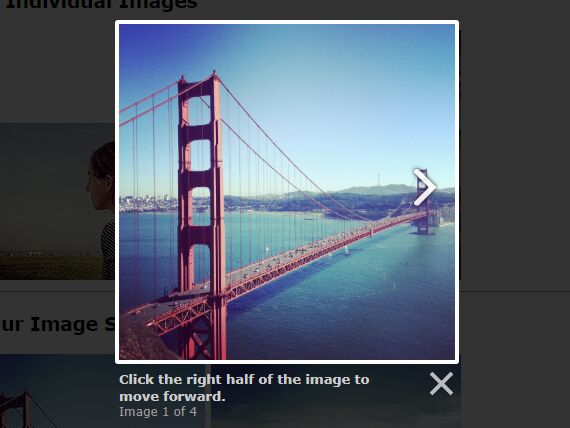
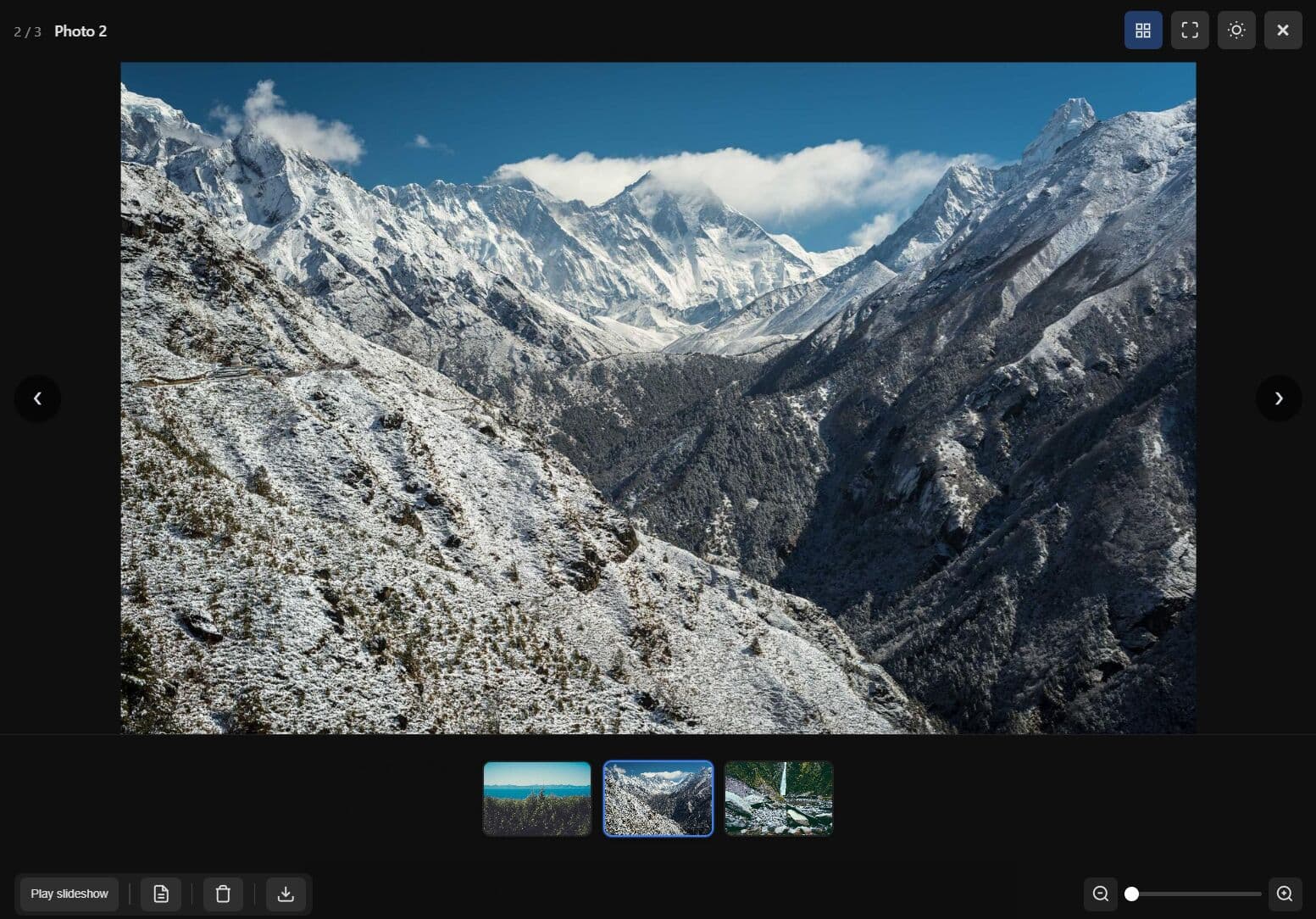
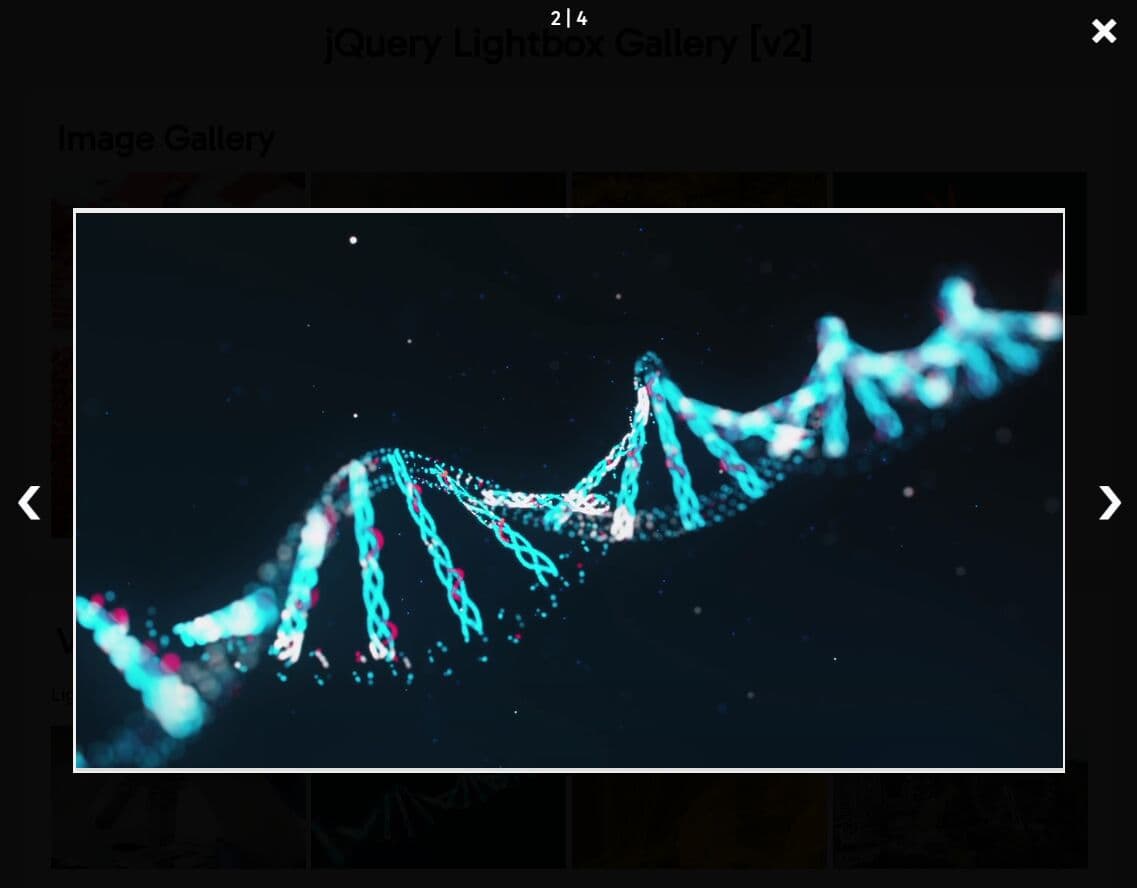
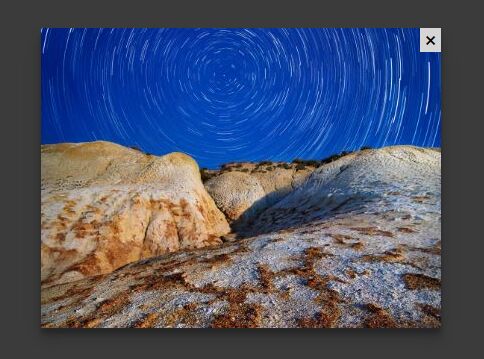
Lightbox2 is a jQuery plugin for opening full-size images and image sets in an overlay on the current page. Standard HTML setup uses image links with data-lightbox, and normal usage does not require an initialization call.
Features:
- Grouped gallery navigation with previous and next controls and optional wrap-around.
- Captions from
data-titleand enlarged-image alt text fromdata-alt. - Keyboard navigation, image counters, viewport fitting, and page-scrolling control.
- Programmatic controls and document-level events for application integration.
- CSS custom properties, focus trapping, focus restoration, and ARIA dialog metadata.
How to use Lightbox2:
1. Install Lightbox2
Lightbox2 requires jQuery 1.7 or newer. Load the full jQuery build before lightbox.js. The jQuery slim build is not supported because Lightbox2 uses jQuery's effects module.
Install the package with npm:
npm install lightbox2 --save
You can also download a release package and use the files from its dist folder.
2. Load the CSS and JavaScript
If your page already loads jQuery, include Lightbox2 after jQuery:
<link rel="stylesheet" href="dist/css/lightbox.min.css">

<script src="/path/to/jquery.min.js"></script>
<script src="dist/js/lightbox.min.js"></script>
If the page does not already use jQuery, Lightbox2 also ships with lightbox-plus-jquery.js, which packages jQuery and Lightbox2 together:
<link rel="stylesheet" href="dist/css/lightbox.min.css">
<script src="dist/js/lightbox-plus-jquery.min.js"></script>
3. Load Lightbox2 from a CDN
cdnjs hosts the Lightbox2 2.12.0 CSS, JavaScript, bundled jQuery build, and image assets:
<link rel="stylesheet" href="https://cdnjs.cloudflare.com/ajax/libs/lightbox2/2.12.0/css/lightbox.min.css">

<script src="/path/to/jquery.min.js"></script>
<script src="https://cdnjs.cloudflare.com/ajax/libs/lightbox2/2.12.0/js/lightbox.min.js"></script>
Use the bundled build if the page does not already load jQuery:
<link rel="stylesheet" href="https://cdnjs.cloudflare.com/ajax/libs/lightbox2/2.12.0/css/lightbox.min.css">
<script src="https://cdnjs.cloudflare.com/ajax/libs/lightbox2/2.12.0/js/lightbox-plus-jquery.min.js"></script>
4. Create a single-image lightbox
Add data-lightbox to a link that points to the full-size image. Use a unique value for an image that should open by itself.
<a href="photos/city-large.jpg" data-lightbox="city-photo">
  <img src="photos/city-thumb.jpg" alt="City skyline at night">
</a>
5. Add captions and linked-image alt text
data-title sets the caption shown in the lightbox. data-alt sets the alt text on the enlarged image.
<a href="photos/lake-large.jpg"
   data-lightbox="lake-photo"
   data-title="Sunset over the lake"
   data-alt="Orange sunset reflected on a mountain lake">
  <img src="photos/lake-thumb.jpg" alt="Lake at sunset">
</a>
6. Create an image gallery
Give related links the same data-lightbox value. Lightbox2 groups those images into one gallery with previous and next navigation.
<a href="gallery/photo-1-large.jpg" data-lightbox="travel-gallery" data-title="Mountain trail">
  <img src="gallery/photo-1-thumb.jpg" alt="Mountain trail">
</a>

<a href="gallery/photo-2-large.jpg" data-lightbox="travel-gallery" data-title="Forest lake">
  <img src="gallery/photo-2-thumb.jpg" alt="Forest lake">
</a>

<a href="gallery/photo-3-large.jpg" data-lightbox="travel-gallery" data-title="Coastal road">
  <img src="gallery/photo-3-thumb.jpg" alt="Coastal road">
</a>
Lightbox2 also recognizes legacy rel="lightbox" markup. Use data-lightbox for new markup.
Lightbox2 Options:
Pass configuration values to lightbox.option(). maxWidth and maxHeight have no active default limit. Set them only when the enlarged image needs a fixed pixel cap.
albumLabel: Sets the image counter text for a gallery. Type: String. Default:Image %1 of %2.alwaysShowNavOnTouchDevices: Keeps previous and next arrows visible on touch-capable devices. Type: Boolean. Default:false.disableScrolling: Prevents page scrolling while the lightbox is open. Type: Boolean. Default:false.fadeDuration: Sets the overlay and lightbox fade duration in milliseconds. Type: Number. Default:600.fitImagesInViewport: Resizes images that exceed the viewport. Type: Boolean. Default:true.imageFadeDuration: Sets the image fade-in duration in milliseconds. Type: Number. Default:600.maxWidth: Limits the enlarged image width in pixels when set. Lightbox2 does not preserve the aspect ratio when this limit changes the image width. Type: Number. Default: Not set.maxHeight: Limits the enlarged image height in pixels when set. Lightbox2 does not preserve the aspect ratio when this limit changes the image height. Type: Number. Default: Not set.positionFromTop: Sets the lightbox distance from the top of the viewport in pixels. Type: Number. Default:50.resizeDuration: Sets the container resize animation duration in milliseconds. Type: Number. Default:700.showImageNumberLabel: Shows the current image and gallery total below the caption. Type: Boolean. Default:true.wrapAround: Connects the last gallery image back to the first image and the first image back to the last. Type: Boolean. Default:false.sanitizeTitle: Inserts captions as text when enabled. Set it totruefor user-supplied or other untrusted caption text. Type: Boolean. Default:false.
Example configuration:
lightbox.option({
  albumLabel: 'Photo %1 of %2',
  fadeDuration: 300,
  imageFadeDuration: 300,
  maxWidth: 1200,
  maxHeight: 800,
  resizeDuration: 400,
  wrapAround: true,
  disableScrolling: true,
  sanitizeTitle: true
});
API Methods:
lightbox.open(images, startIndex): Opens a single image or an image set programmatically. Parameters: URL string or array of{link, title, alt}objects; optional zero-based start index with a default of0.lightbox.close(): Closes the active lightbox. Parameters: None.lightbox.next(): Moves to the next image in the current album. Parameters: None.lightbox.prev(): Moves to the previous image in the current album. Parameters: None.lightbox.destroy(): Closes the lightbox, removes its generated DOM elements, and unbinds its event listeners. Parameters: None.
Open images programmatically
lightbox.open([
  {
    link: 'photos/product-front.jpg',
    title: 'Front view',
    alt: 'Front view of the product'
  },
  {
    link: 'photos/product-side.jpg',
    title: 'Side view',
    alt: 'Side view of the product'
  }
], 0);
Lightbox2 Events:
Lightbox2 triggers three jQuery events on document. The open and change events pass an object with the current album and zero-based image index.
lightbox:open: Fires when a lightbox opens. Arguments: Event object and data object withalbumandcurrentImageIndex.lightbox:change: Fires after the displayed image changes. Arguments: Event object and data object withalbumandcurrentImageIndex.lightbox:close: Fires when the lightbox closes. Arguments: Event object.
$(document).on('lightbox:open', function(event, data) {
  console.log('Opened image index:', data.currentImageIndex);
});

$(document).on('lightbox:change', function(event, data) {
  console.log('Current image:', data.album[data.currentImageIndex].link);
});

$(document).on('lightbox:close', function() {
  console.log('Lightbox closed');
});
CSS Custom Properties:
Override the Lightbox2 custom properties in your stylesheet to change overlay opacity, colors, image borders, text colors, and control transition speeds.
:root {
  --lb-overlay-opacity: 0.8;
  --lb-overlay-bg: black;
  --lb-border-radius: 3px;
  --lb-image-border-width: 4px;
  --lb-image-border-color: white;
  --lb-container-bg: white;
  --lb-text-color: #ccc;
  --lb-caption-link-color: #4ae;
  --lb-number-color: #999999;
  --lb-nav-transition-speed: 0.6s;
  --lb-close-transition-speed: 0.2s;
}
Project Status & Lightbox3:
Lightbox2 is in maintenance mode, and its npm package is marked deprecated. Existing jQuery integrations can continue to use Lightbox2. Lightbox3 is the author's zero-dependency successor with a vanilla JavaScript codebase and touch-focused interactions.
Alternatives & Related Resources:
- Lightbox3: Image Gallery Lightbox with Touch & Zoom Support
- 10 Best Lightbox Gallery Plugins In JavaScript & CSS
- 10 Best Gallery Lightbox Libraries In Pure JavaScript
- Responsive & Touch-Friendly jQuery Gallery Lightbox Plugin - lightGallery
FAQs:
Q: Does Lightbox2 require jQuery?
A: Yes. Lightbox2 requires jQuery 1.7 or newer. Use the full jQuery build because the slim build does not include the effects module that Lightbox2 uses.
Q: Can I use Lightbox2 on a page that does not already load jQuery?
A: Yes. Load lightbox-plus-jquery.js or its minified version. That distribution file packages jQuery with Lightbox2.
Q: Why are the Lightbox2 loading or navigation icons missing?
A: Check the image paths used by lightbox.css. A local installation expects the loading, close, previous, and next image files from dist/images to remain at the relative path referenced by the stylesheet.
Q: How do I run code when a user changes images?
A: Listen for lightbox:change on document. The handler receives the current album and currentImageIndex.
Q: Should a new project use Lightbox2 or Lightbox3?
A: Lightbox2 remains relevant for existing jQuery projects. Lightbox3 removes the jQuery dependency and is the successor for new vanilla JavaScript implementations.
Changelog:
v2.12.0 (2026-02-28)
- Added dialog ARIA metadata, focus trapping, focus restoration, caption association, and live image-count announcements.
- Added
lightbox.open(),lightbox.close(),lightbox.next(),lightbox.prev(), andlightbox.destroy(). - Added
lightbox:open,lightbox:close, andlightbox:changeevents. - Changed the overlay and lightbox positioning to
position: fixed. - Added 11 CSS custom properties for colors, borders, and transition speeds.
- Fixed a resize-handler memory leak, broken-image loading state, SVG URL detection, rapid-navigation race conditions, and several selector and event-handler issues.
- Replaced older build tooling with npm scripts and ESLint.
v2.11.5
- Removed old IE6 and IE7 CSS rules.
v2.11.4
- Included bug fixes and maintenance updates.
v2.11.3
- Improved SVG sizing behavior.
v2.11.1
- Fixed
maxHeightandmaxWidthbehavior. - Prevented the Escape keypress from bubbling after Lightbox2 handles it.
v2.11.0
- Improved SVG sizing, scrolling behavior, image accessibility labels, caption-link handling, and keyboard controls.
This awesome jQuery plugin is developed by lokesh. For more Advanced Usages, please check the demo page or visit the official website.