Responsive Gallery Lightbox with Zoom & Rotate - jQuery mbox
| File Size: | 59.6 KB |
|---|---|
| Views Total: | 3638 |
| Last Update: | |
| Publish Date: | |
| Official Website: | Go to website |
| License: | MIT |
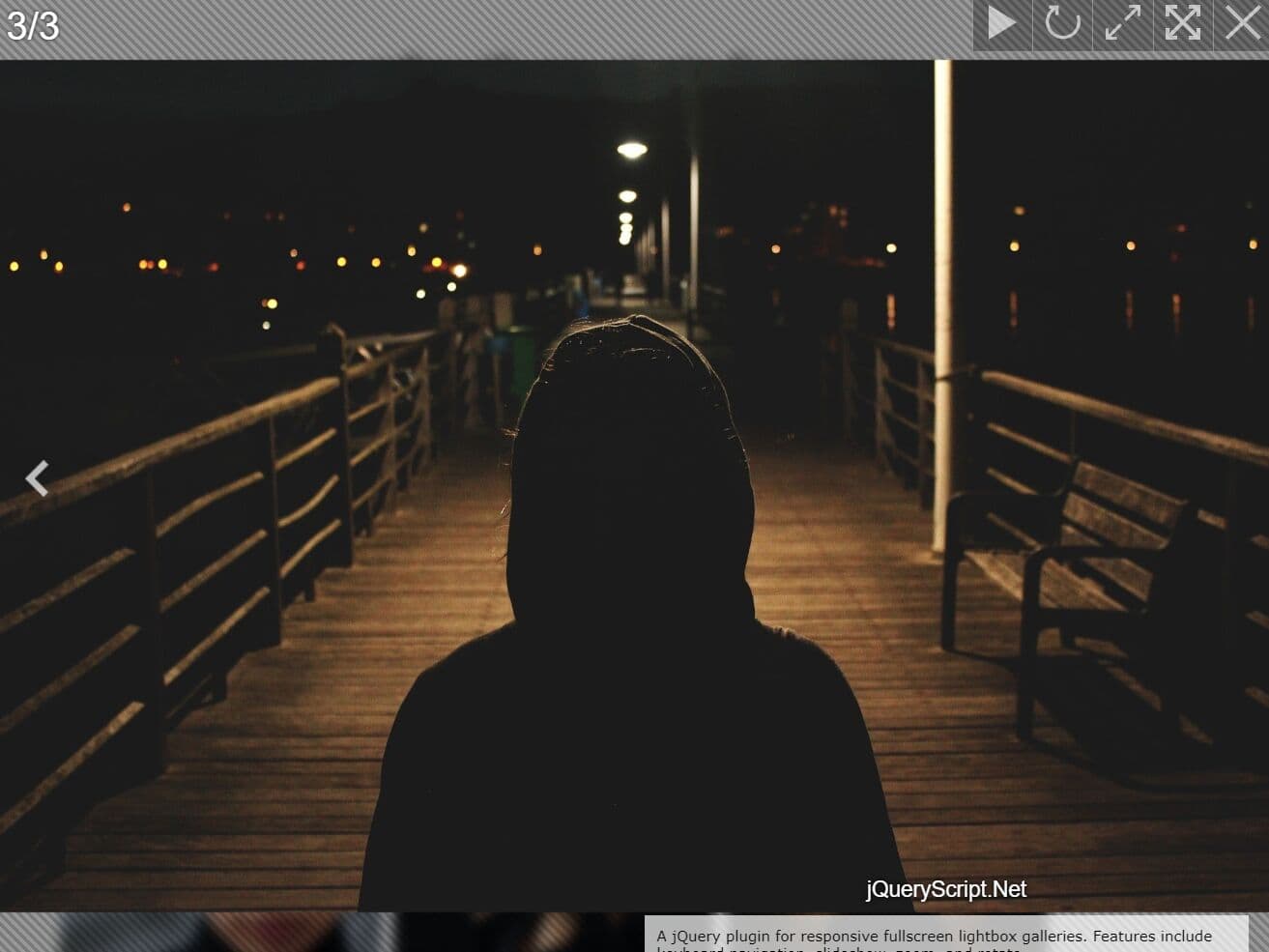
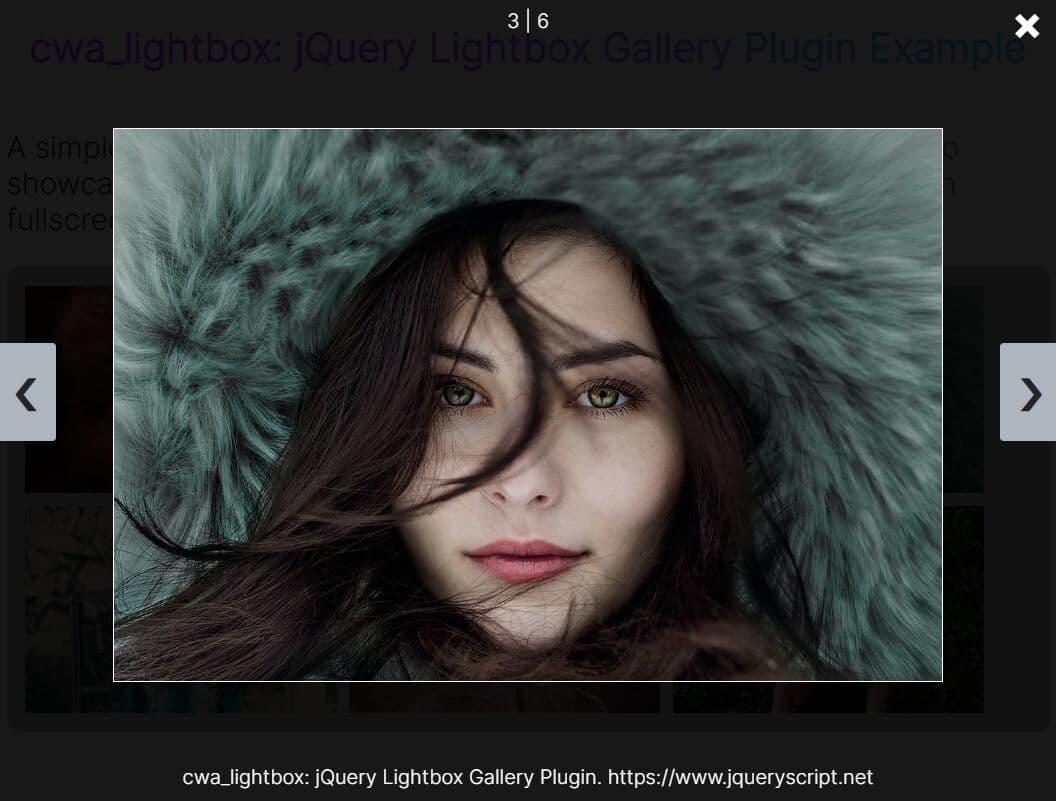
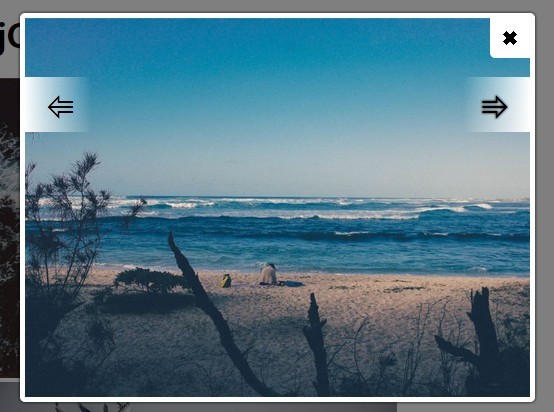
mBox.js is a lightweight jQuery plugin that creates responsive fullscreen image galleries with lightbox functionality. It supports image rotation, zooming, keyboard navigation, and automated slideshows with countdown timers.
More Features:
- Fullscreen and Lightbox Modes: You can enjoy images in fullscreen or lightbox mode, with both options providing a smooth viewing experience.
- Keyboard Navigation: You can easily navigate through images using arrow keys and control the slideshow with the spacebar.
- Manual and Auto-Image Switching: mBox.js allows manual image switching or automatic transitions in slideshow mode, with a countdown timer showing the remaining time for each image.
- Image Rotation and Zoom: You can rotate images in 90-degree increments and zoom in for a more detailed view.
- Image Counter and Descriptions: A counter displays the current image in the sequence, and titles and descriptions can be optionally added for context.
How to use it:
1. Load the required jQuery mbox plugin's files in your HTML page which has the latest jQuery library installed.
<script src="/path/to/cdn/jquery.min.js"></script>
<link rel="stylesheet" href="/path/to/mbox.css" />
<script src="/path/to/mbox.min.js"></script>
2. Add your images to the page. You can include multiple galleries on the same page by grouping them with the mbox-group attribute.
<div mbox-group="jqueryscript" class="example">
  <a href="full-1.jpg">
    <img src="thumb-1.jpg">
  </a>
  <!-- Title and Description Are OPTIONAL -->
  <div class="image-title">Image Title</div>
  <div class="image-description">Image Description</div>
</div>

<div mbox-group="jqueryscript" class="example">
  <a href="full-2.jpg">
    <img src="thumb-2.jpg">
  </a>
  <div class="image-title">Image Title</div>
  <div class="image-description">Image Description</div>
</div>

... more images here ...
3. Initialize the mBox plugin to activate the lightbox functionality.
$('.example').mBox({
  // options here
});
4. You can further customize mBox.js lightbox using the following options:
- getTitle: Specifies the selector to fetch the image title.
- showTitle: A boolean to display the title (true) or hide it (false).
- getInfo: Specifies the selector to fetch the image description.
- showInfo: A boolean to display the description (true) or hide it (false).
- getPic: Defines the selector for the link to the full-size image.
- fullScreen: Enables (true) or disables (false) the fullscreen mode on init.
- slideTime: Sets the slideshow interval in milliseconds (e.g., 5000 for 5 seconds).
$('.example').mBox({
  getTitle: '.title',
  showTitle: true,
  getInfo: '.info',
  showInfo: false,
  getPic: 'a:first',
  fullScreen: true,
  slideTime: 5000,
});
5. Callback functions.
- onOpen: Executes when the lightbox opens. Provides the triggering element ($el) and the lightbox container ($lightbox) as arguments.
- onClose: Executes when the lightbox closes.
- onNext: Executes when navigating to the next image. Provides the next image element ($el) as an argument.
- onPrev: Executes when navigating to the previous image. Provides the previous image element ($el) as an argument.
$('.example').mBox({
  onOpen: function($el, $lightbox) {
    console.log('Lightbox opened:', $el);
  },
  onClose: function() {
    console.log('Lightbox closed');
  },
  onNext: function($el) {
    console.log('Next item:', $el);
  },
  onPrev: function($el) {
    console.log('Previous item:', $el);
  }
});
6. You can customize the appearance of the lightbox by applying your own CSS styles using the following CSS classes:
.mbox-ctr {
  /* Wrapper for the lightbox container */
}

.mbox-lightbox {
  /* Main lightbox element */
}

.mbox-content {
  /* Container for the main content (image) */
}

.mbox-header {
  /* Contains navigation and control buttons */
}

.mbox-footer {
  /* Displays title and info */
}

.mbox-prev {
  /* Navigation button for previous item */
}

.mbox-next {
  /* Navigation button for next item */
}

.mbox-play {
  /* Button to toggle slideshow mode */
}

.mbox-rotate {
  /* Button to rotate the image */
}

.mbox-fullscreen {
  /* Button to toggle fullscreen mode */
}

.mbox-progress {
  /* Progress bar for slideshow mode */
}
Changelog:
2026-03-12
- fixing minor glitches
2026-03-11
- fixed zoom indicator and other stuff
v1.2 (2024-12-31)
- Update
v1.1 (2024-12-28)
- Refactor
- Added more options
- Updated doc and demos
This awesome jQuery plugin is developed by phploaded. For more Advanced Usages, please check the demo page or visit the official website.