Responsive Cross-browser Gallery Popup - jQuery ie8Gallery
| File Size: | 5.17 KB |
|---|---|
| Views Total: | 3072 |
| Last Update: | |
| Publish Date: | |
| Official Website: | Go to website |
| License: | MIT |
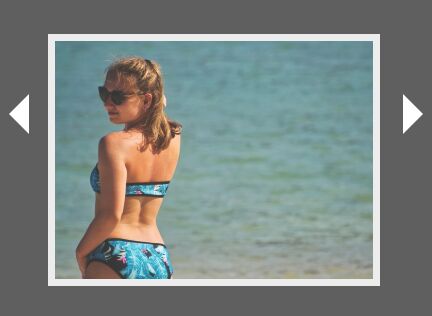
ie8Gallery is an ultra-small, fully responsive, and cross-browser jQuery gallery lightbox plugin created for users who are still using older browsers (IE 8/9/10/11...).
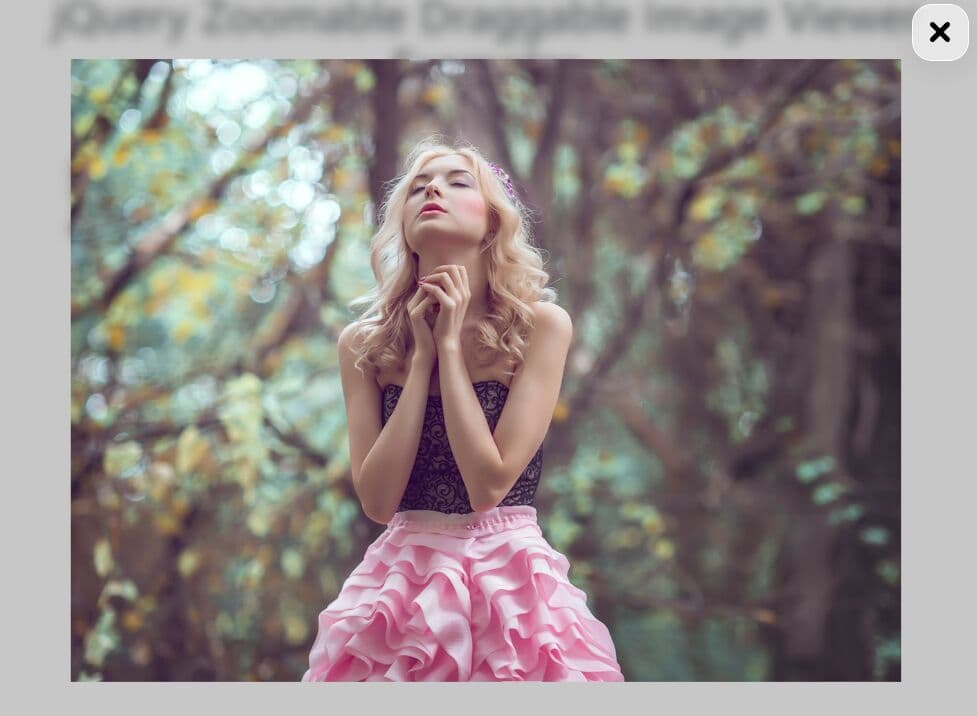
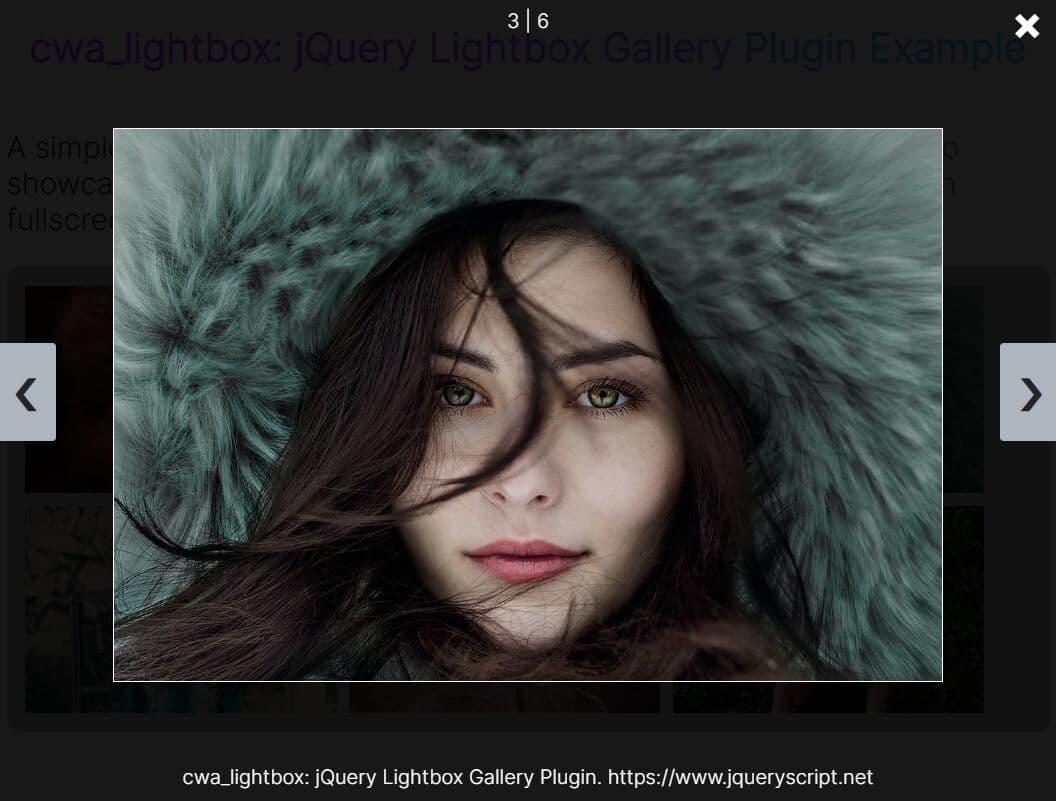
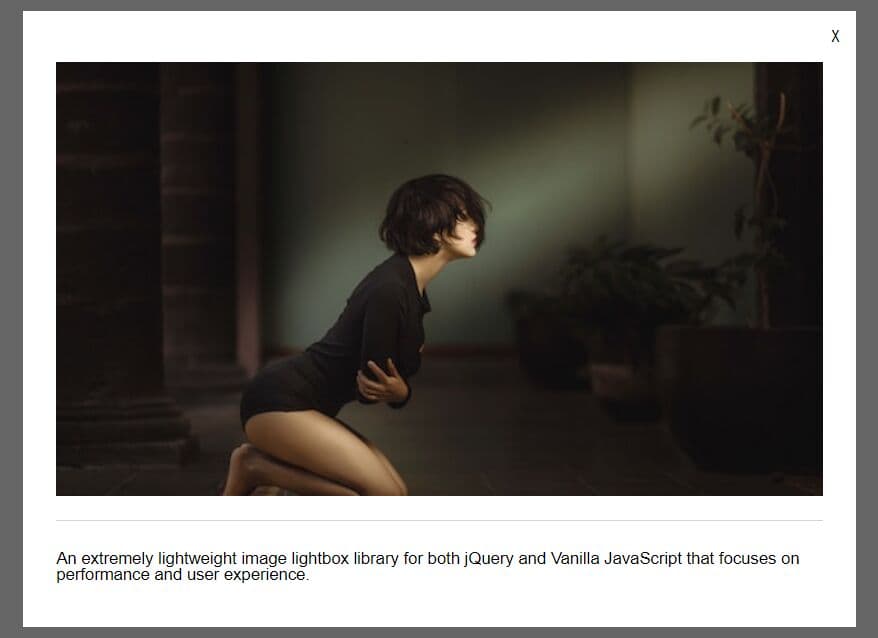
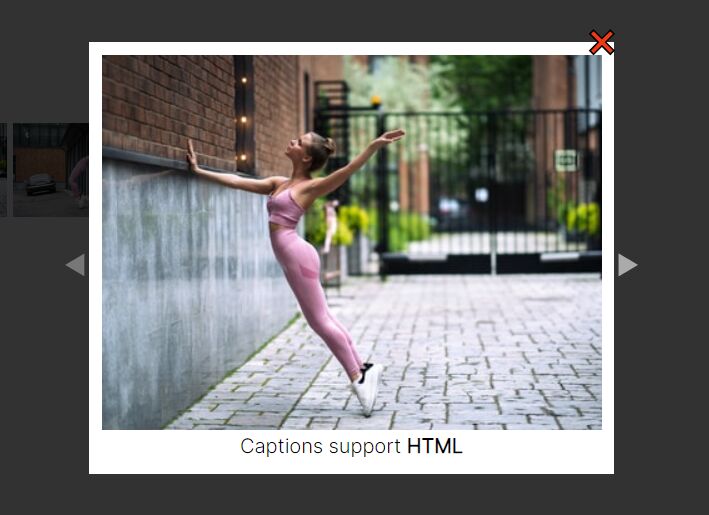
Click the thumbnail to open the popup. Click the large image to close the popup. Click the next/prev arrows to switch between images in the popup.
See also:
How to use it:
1. Include the stylesheet ie8gallery.css and JavaScript ie8gallery.js on the html page.
<link rel="stylesheet" href="dist/css/ie8gallery.css">
<script src="https://code.jquery.com/jquery-1.12.4.min.js"
        integrity="sha384-nvAa0+6Qg9clwYCGGPpDQLVpLNn0fRaROjHqs13t4Ggj3Ez50XnGQqc/r8MhnRDZ"
        crossorigin="anonymous">
</script>
<script src="dist/js/ie8gallery.js"></script>
2. Add the CSS class thumb to the gallery thumbnail and define the path to the full version of the image using the data-img-src attribute as fllows:
<div class="thumbs">
  <img class="thumb"
       src="thumb-1.jpg"
       data-img-src="1.jpg"
  >
  <img class="thumb"
       src="thumb-2.jpg"
       data-img-src="2.jpg"
  >
  <img class="thumb"
       src="thumb-3.jpg"
       data-img-src="3.jpg"
  >
  ...
</div>
3. Call the function ie8Gallery on the top container and done.
$('.thumbs').ie8Gallery();
4. Default plugin settings to customize the gallery popup.
$('.thumbs').ie8Gallery({

  // classname for thumbnail container
  thumbs:         '.thumbs',

  // classname for thumbnails
  thumb:          '.thumb',

  // classname for the gallery image
  galleryImage:   '.galleryimage',

  // classname for underlay
  underlay:       '.underlay',

  // classname for overlay
  overlay:        '.overlay',

  // classname for previous button
  btnPrev:        '.prev',

  // classname for next button
  btnNext:        '.next',

});
This awesome jQuery plugin is developed by xkmgt. For more Advanced Usages, please check the demo page or visit the official website.