Easy Infinite Scroll Plugin With jQuery - infinite_scroll.js
| File Size: | 8.1 KB |
|---|---|
| Views Total: | 2320 |
| Last Update: | |
| Publish Date: | |
| Official Website: | Go to website |
| License: | MIT |

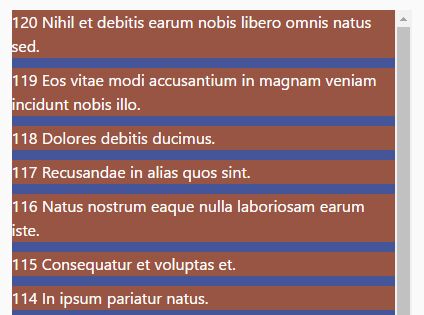
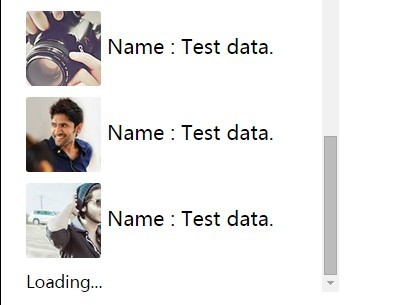
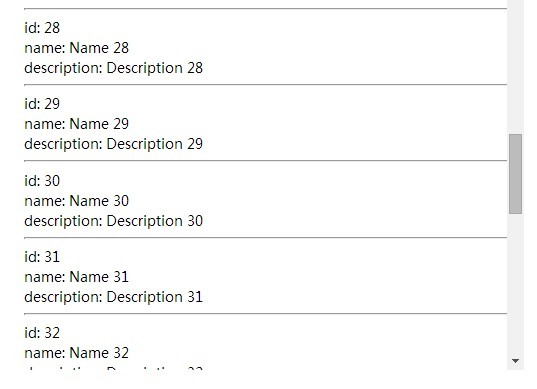
infinite_scroll.js is a really small jQuery plugin that helps handle the infinite scrolling in your web application. The plugin provides an useful callback that allows to append as many items as possible into a specific container when you scroll down and reach the bottom of the webpage.
How to use it:
1. Put jQuery library and the jQuery infinite_scroll.js script at the bottom of your webpage.
<script src="//code.jquery.com/jquery-3.1.0.slim.min.js"></script>
<script src="infinite_scroll.js"></script>
2. Create a container on which you want to implement the infinite scrolling.
<div id="post">

</div>
3. The example method as shown below is used to simulate loading data from server. You can replace it with AJAX loading method.
function addContent() {
  var c = '';
  for (var i = 0; i < 10; i++) {
      c += '<a class="box"></a>';
  }
  $("#post").append(c);
}
4. Active the plugin and then append your content to the container '#post' when you reach the bottom of the webpage.
$(document).infiniteJscroll({
  bottomOfPage:function(){
    addContent();
  }
});
5. More configuration options and callback functions.
$(document).infiniteJscroll({

  // the distance from the bottom to trigger the infinite scrolling
  offset: 100,

  // when you reach the top of the webpage
  topOfPage: function () {},

  // when you reach the bottom of the webpage
  bottomOfPage: function () {},

  // on page load
  pageInit: function () {}

});
This awesome jQuery plugin is developed by hamedtaheri32. For more Advanced Usages, please check the demo page or visit the official website.