Minimal jQuery Image Carousel/Slideshow Plugin - LightShow.js
| File Size: | 1.63 MB |
|---|---|
| Views Total: | 1226 |
| Last Update: | |
| Publish Date: | |
| Official Website: | Go to website |
| License: | MIT |

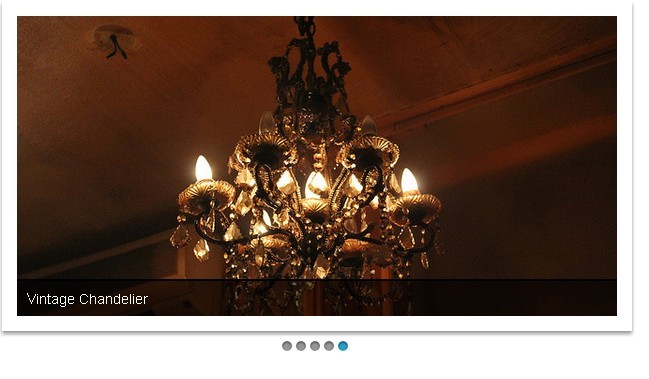
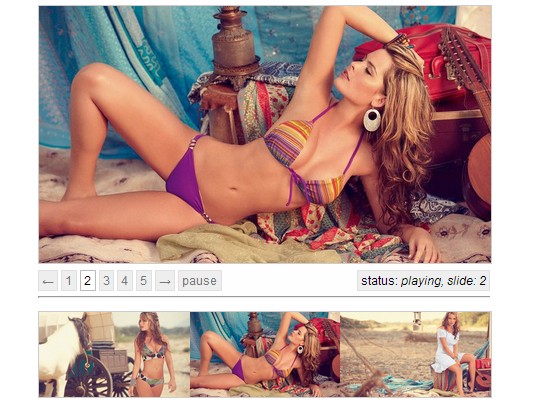
LightShow.js is a lightweight jQuery plugin which enables you to create a basic automatic carousel/slideshow form a list of images.
Features:
- Autoplay & pause on hover.
- fadeIn/fadeOut and slide transition effect.
- Keyboard/Arrows navigation.
- Responsive design.
How to use it:
1. Include jQuery library and the jQuery LightShow.js plugin's files in your document as usual.
<script src="//ajax.googleapis.com/ajax/libs/jquery/2.1.3/jquery.min.js"></script>

<script src="js/jquery.lightshow.js"></script>
<link href="css/jquery.lightshow.css" rel="stylesheet">
2. Create a list of images for the slideshow and use data-title attribute to define the image caption for each slide.
<div class="lightshow">
  <ul>
    <li data-title="Example title 1"> <img src="images/1.jpg" alt=""> </li>
    <li data-title="Example title 2"> <img src="images/2.jpg" alt=""> </li>
    <li data-title="Example title 3"> <img src="images/3.jpg" alt=""> </li>
    <li data-title="Example title 4"> <img src="images/4.jpg" alt=""> </li>
    <li data-title="Example title 5"> <img src="images/5.jpg" alt=""> </li>
    ...
  </ul>
</div>
3. Call the plugin to initialize the image carousel/slideshow.
$(document).ready(function() {

  $('.lightshow').lightshow({
   //OPTIONS HERE
  });

});
4. Options and defaults available.
$('.lightshow').lightshow({

// (boolean) animate automatically
autoplay: true,

// (boolean) pause on hover
pause: true,

// (integer) single slide duration, in milliseconds
duration: 3000,

// (integer) animation duration, in milliseconds
animation : 500,

// (string)  transition between slides (fade, slide)
transition: "fade",

// (boolean) show controls
controls: true,

// (boolean) big controls - half of an image
big_controls : false,

// (boolean) jumping between slides using little circles below LightShow
circles : true,

// (boolean) show title from 'data-title' attribute of <li>
title: false,

// (boolean) put current slide number into url
change_url: false,

// (boolean) enables keyboard navigation - left and right arrow
keyboard: false,

// (boolean) LightShow is responsive by default,
// but sometimes big controls aren't as big as they should be
// this corrects them
responsive: false,

// (boolean) set to true if your slides have different sizes
// (fixes transitions between them)
different_sizes : false,

// callback function after slide is changed by autoplay
after_autoplay  : function() {},

// callback function after next button is clicked
after_next: function() {},

// callback function after prev button is clicked
after_prev: function() {}

});
This awesome jQuery plugin is developed by kozakr. For more Advanced Usages, please check the demo page or visit the official website.