LOEditor: jQuery WYSIWYG Editor With Clean HTML Output
| File Size: | 51 KB |
|---|---|
| Views Total: | 96 |
| Last Update: | |
| Publish Date: | |
| Official Website: | Go to website |
| License: | MIT |
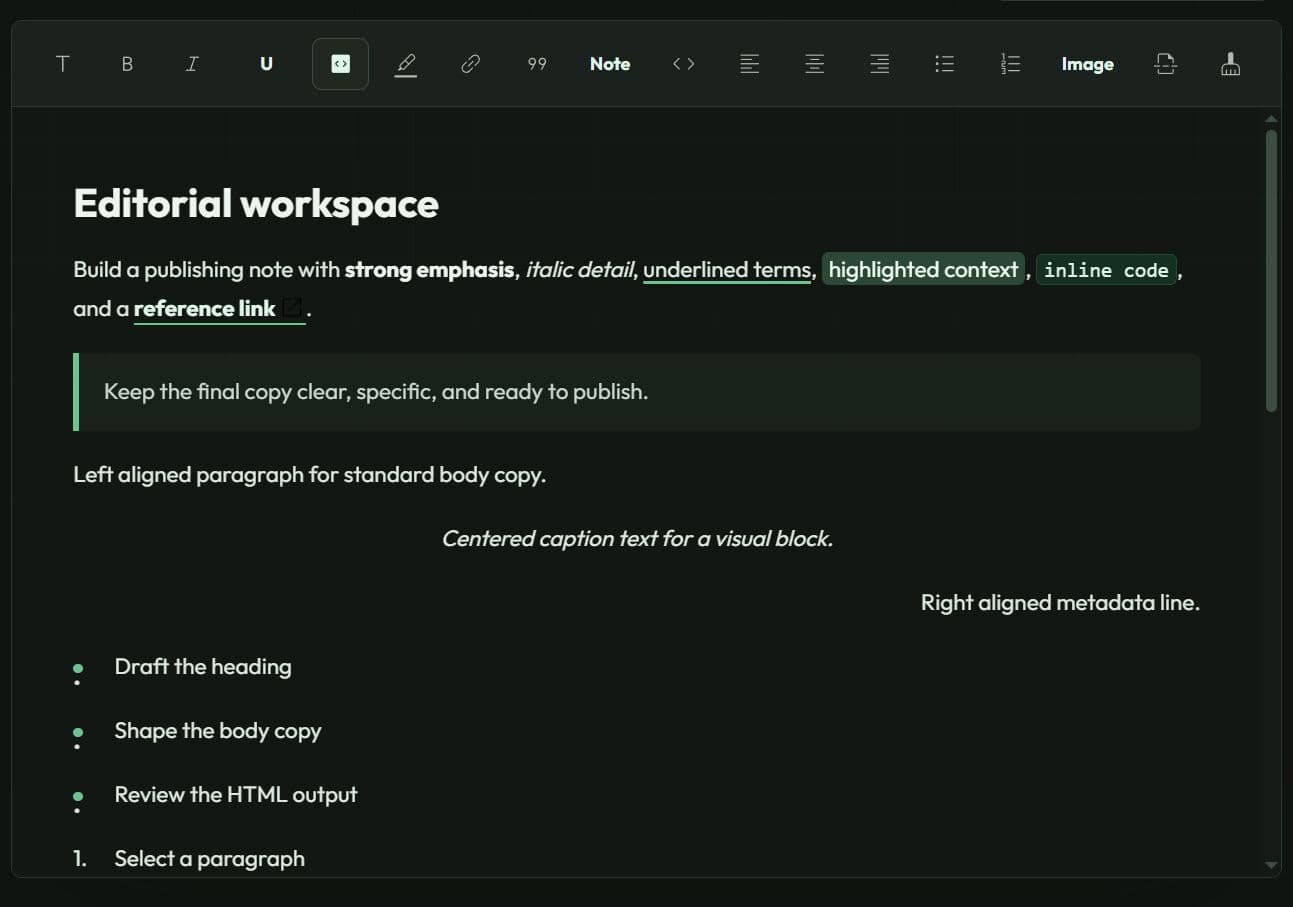
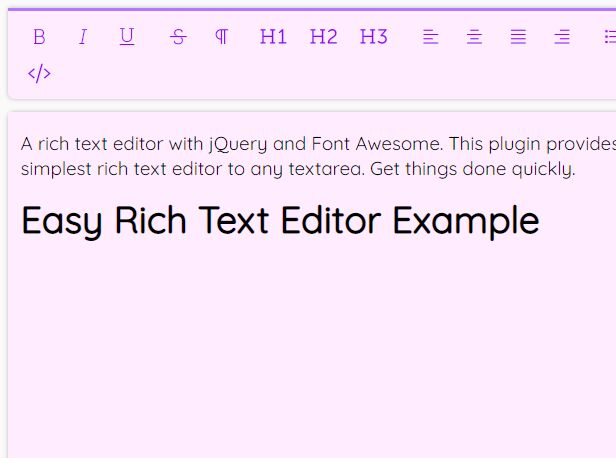
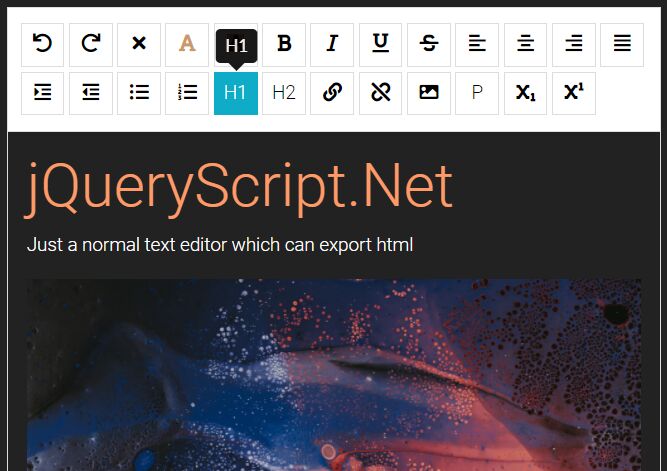
LOEditor is a jQuery WYSIWYG editor that turns a standard <textarea> into a rich-text editor with support for custom formatting options and image upload.
It stores formatting through custom tags like <lo-b> and <lo-i> during editing, then converts everything back to standard HTML tags such as <b> and <i> on save.
Features:
- Saves edited HTML back into the original textarea for normal form submissions.
- Uses
contenteditableinstead of the deprecateddocument.execCommand()API. - Includes heading, bold, italic, code, highlight, link, blockquote, preformatted text, alignment, list, image, and separator controls.
- Keeps custom plugin styles scoped to the current editor instance.
- Converts multi-line plain-text paste content into paragraph elements.
- Includes a custom plugin API for inline formatting, block styles, toolbar buttons, save/load transforms, and editor events.
- Uploads images in 1 MB chunks when an
uploadendpoint is configured.
How To Use LOEditor:
1. Load the latest jQuery library and the LOEditor's files in the document.
<link rel="stylesheet" href="/path/to/loeditor.min.css" />

<script src="/path/to/cdn/jquery.min.js"></script>
<script src="/path/to/loeditor.min.js"></script>
2. Add a textarea to your form, then initialize LOEditor after the required scripts load. The plugin hides the textarea, inserts its toolbar and editable area before it, then loads the textarea value into the editor. The editor periodically saves its output back into the original field.
<form id="article-form" action="/articles/save" method="post">
  <label for="article-body">Article body</label>

  <textarea id="article-body" name="body">
    <p>Write the opening paragraph here.</p>
  </textarea>

  <button type="submit">Save article</button>
</form>
$('#article-body').LOEditor({
  toolbar: 'heading bold italic code mark link blockquote pre left center right ulist olist separator'
});
3. Limit the toolbar to the actions that match the content model.
<form id="article-form" action="/articles/save" method="post">
  <label for="article-body">Article body</label>

  <textarea id="article-body" name="body">
    <p>Write the opening paragraph here.</p>
  </textarea>

  <button type="submit">Save article</button>
</form>
$('#article-body').LOEditor({
  toolbar: 'heading bold italic code mark link blockquote pre left center right ulist olist separator'
});
4. The img toolbar item opens an image file picker. Set the upload option before adding img to the toolbar. The editor inserts that response value into the generated <img> element. Validate file types, file sizes, authentication, and returned URLs on the server before you store or display uploaded content.
$('#article-body').LOEditor({
  toolbar: 'heading bold italic code mark link blockquote pre left center right ulist olist separator'
});
LOEditor sends each image in 1 MB chunks through POST requests. Each request includes file, fileName, chunkIndex, and totalChunks fields. The final successful response must contain the public image URL as plain text, such as:
/uploads/products/summer-jacket.jpg
5. The jQuery plugin initializer does not expose the created LOEditor instance. Create the instance directly when your web app needs access to methods such as save(), load(), or sanitizeEditor().
<form id="documentation-form" action="/docs/save" method="post">
  <textarea id="documentation-body" name="body">
    <p>Document the deployment process.</p>
  </textarea>

  <button type="submit">Save documentation</button>
</form>
var documentationEditor = new LOEditor(
  document.getElementById('documentation-body'),
  {
    toolbar: 'heading bold italic code link blockquote pre ulist olist'
  }
);

$('#documentation-form').on('submit', function () {
  documentationEditor.save();
});
6. Register a custom plugin to extend the editor.
var underlinePlugin = {
  name: 'underline',
  type: 'child',
  allow: ['lo-u'],

  style: [
    'lo-u {',
    '  text-decoration: underline;',
    '}'
  ].join('\n'),

  button: '<button type="button" title="Underline">U</button>',

  action: function (event, editor) {
    editor.toggleSelection('lo-u');
  },

  save: function (container) {
    $(container).find('lo-u').each(function () {
      $(this).replaceWith('<u>' + $(this).html() + '</u>');
    });
  },

  load: function (container) {
    $(container).find('u').each(function () {
      $(this).replaceWith('<lo-u>' + $(this).html() + '</lo-u>');
    });
  }
};

$('#article-body').LOEditor({
  plugins: [underlinePlugin],
  toolbar: 'bold italic underline link ulist olist'
});
Configuration Options
| Option | Description |
|---|---|
toolbar |
String. Controls visible toolbar items. Use plugin names separated by spaces. Default: heading bold italic code mark link blockquote pre left center right ulist olist img separator lo-up lo-down lo-del lo-clean. |
plugins |
Array. Registers custom plugin objects before LOEditor builds the toolbar. Default: []. |
upload |
String. Sets the image upload endpoint used by the img plugin. Leave it unset when the toolbar does not include img. |
The default toolbar includes these built-in plugin names:
heading,blockquote,pre,left,center, andrightcontrol paragraph-level formatting.bold,italic,code,mark, andlinkcontrol selected inline text.ulistandolistcreate unordered and ordered lists.imginserts uploaded images.separatorinserts an<hr>element.lo-up,lo-down, andlo-delcontrol the selected image or separator block.lo-cleanremoves empty paragraph elements.
Custom Plugin Object
A custom LOEditor plugin can include the following properties.
| Property | Description |
|---|---|
name |
Unique toolbar identifier. Add this value to the toolbar string. |
type |
Plugin category: child, textblock, or block. |
button |
HTML string for the toolbar button. |
style |
CSS rules added to the editor instance stylesheet. |
action |
Function that runs after the toolbar button receives a click. Receives (event, editor). |
save |
Function that converts editor-only markup into output HTML. Receives (container, editor). |
load |
Function that converts stored HTML into editor-only markup. Receives (container, editor). |
events |
Function that attaches editor event handlers. Receives the editor instance. |
allow |
Array of child tags that LOEditor should preserve during sanitization. |
Use a child plugin for selection-level markup such as underline, citation, keyboard input, or product-code formatting. Use a textblock plugin for paragraph classes such as alerts, tips, warnings, or pull quotes. Use a block plugin for non-text content that needs special movement or removal behavior.
LOEditor Methods
Editor Lifecycle Methods
| Method | Description |
|---|---|
new LOEditor(textarea, settings) |
Creates an editor instance for a textarea element. settings is optional. |
addPlugin(plugin) |
Registers a plugin object on the current editor instance. |
save() |
Converts editor markup into output HTML, updates the original textarea value, and triggers its jQuery change event. |
load() |
Loads the textarea value into the editable area after it converts supported HTML into LOEditor markup. |
Selection and Paragraph Methods
| Method | Description |
|---|---|
toggleSelection(type) |
Wraps the current text selection in the supplied tag, or removes that tag when the selection already uses it. Returns wrapped elements when applicable. |
toggleBlock(type) |
Adds or removes a paragraph-level class on the current paragraph or selected paragraphs. |
getSelection() |
Returns an array that describes the current text selection and its offsets. |
getCurrentParagraph() |
Returns the current <p> element that contains the selection or caret. |
Content Cleanup and Movable Block Methods
| Method | Description |
|---|---|
sanitizeEditor() |
Normalizes editor markup and removes unsupported root elements, paragraph classes, and inline tags. |
sanitizeText(text) |
Removes pasted HTML tags and converts multiline plain text into paragraph markup. |
makeMovable(el) |
Marks an element as the current movable block and shows the move and delete controls. |
moveUp() |
Moves the selected movable block before its previous sibling. |
moveDown() |
Moves the selected movable block after its next sibling. |
del() |
Removes the selected movable block. |
moveUp(), moveDown(), and del() target the block selected through makeMovable(). The built-in image and separator controls handle this selection through their click behavior.
Alternatives and Related Resources
- Trumbowyg.js: A compact jQuery editor with semantic HTML output, localization files, and a larger plugin ecosystem.
- RichText: A jQuery editor for forms that need media, tables, source editing, and a broader toolbar.
- summernote: A jQuery and Bootstrap editor for projects that need dialogs, code view, callbacks, and extensive toolbar controls.
- SunEditor: A vanilla JavaScript editor with a large plugin set and no jQuery dependency.
- Redactix: A dependency-free block editor for textarea fields that need slash commands, drag-and-drop blocks, and structured content workflows.
This awesome jQuery plugin is developed by LacasuriOrtodoxe. For more Advanced Usages, please check the demo page or visit the official website.
- Prev: Bootstrap 5 Markdown Editor with Preview - bs-markdown-editor
- Next: None