Simple Countdown / Periodic Timer Plugin With jQuery - SyoTimer
| File Size: | 114 KB |
|---|---|
| Views Total: | 17801 |
| Last Update: | |
| Publish Date: | |
| Official Website: | Go to website |
| License: | MIT |
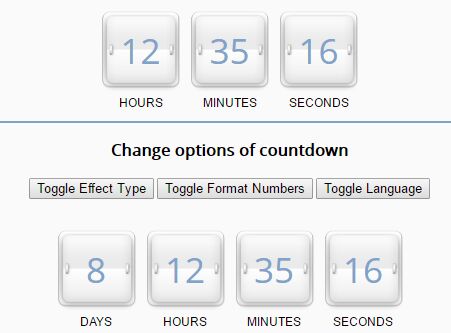
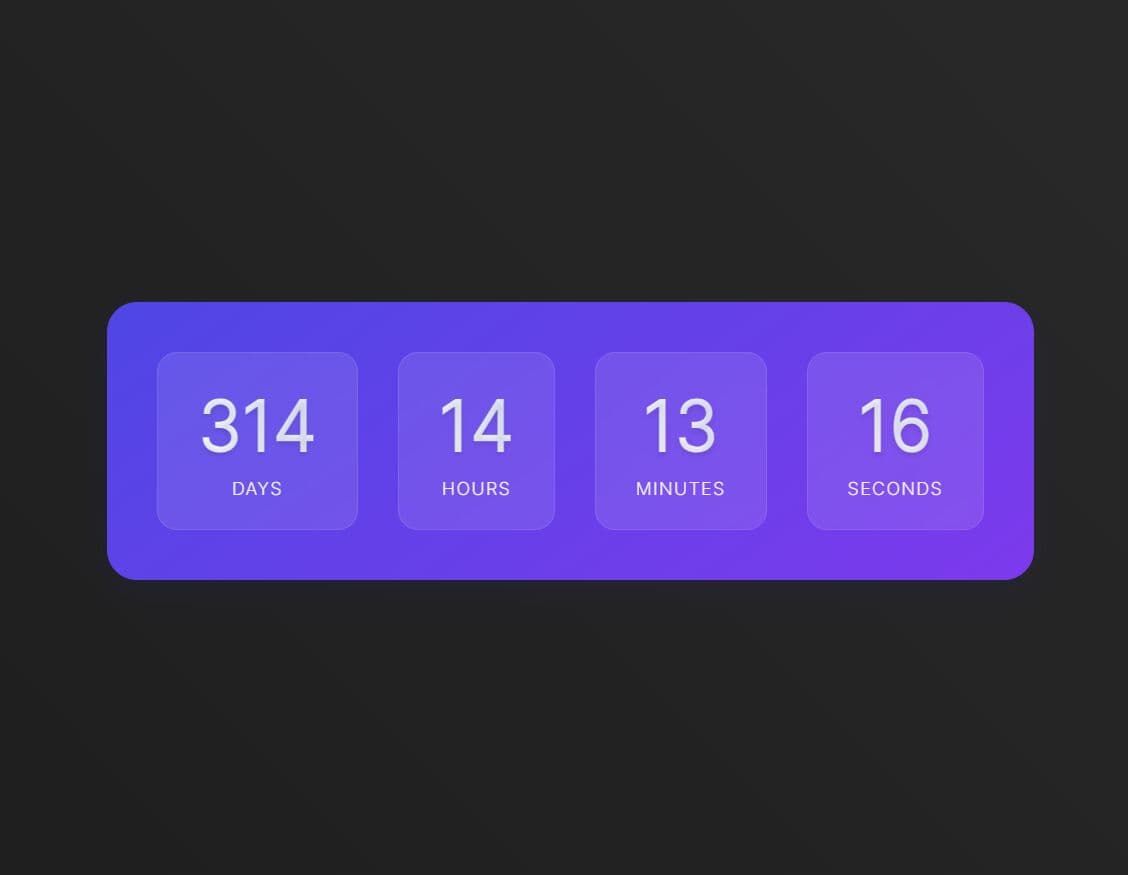
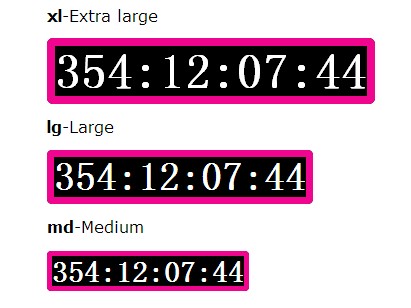
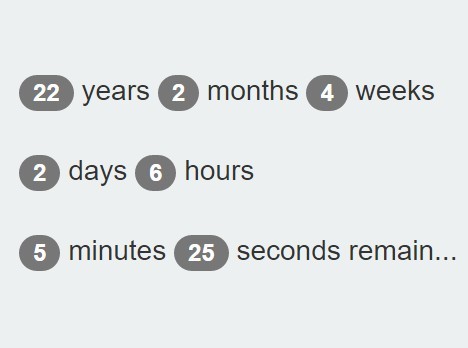
The SyoTimer jQuery plugin lets you create digital-style countdown / periodic timers on the webpage, with support for callbacks and custom timezone / localization.
See Also:
Install & Download:
# Yarn
$ yarn add jquery-syotimer

# NPM
$ npm install jquery-syotimer --save
How to use it:
1. Load the jQuery Syotimer plugin's script after jQuery library as follows:
<script src="//code.jquery.com/jquery.min.js"></script>
<script src="jquery.syotimer.min.js"></script>
2. Create a DIV element for the timer.
<div id="simple_timer"></div>
3. The JavaScript to generate a countdown timer inside the DIV element you just created.
$('#simple_timer').syotimer({
  date: new Date(2035, 4, 9, 20, 30),
});
3. Initialize the plugin as a periodic timer.
$('#simple_timer').syotimer({
  date: new Date(2035, 4, 9, 20, 30),
  periodic: true,
  periodInterval: 3,
  periodUnit: 'm'
});
4. Add custom header and footer to the timer.
$('#periodic_timer_days').syotimer({
  date: new Date(2035, 4, 9, 20, 30),
  headTitle: '<h3>Timer with header and footer. Countdown is over</h3>',
  footTitle: '<i style="color: brown;">Footer of timer.</i>',
});
5. Execute a callback after the timer is finished.
$('#simple_timer').syotimer({
  date: new Date(2035, 4, 9, 20, 30),

  afterDeadline: function(){
    // ...
  }
});
6. Set the timezone depending on your current location.
$('#simple_timer').syotimer({
  date: new Date("2035-07-01T18:00:00.000+02:00"),
});
7. i18n support.
var lang = {
    eng: {
        second: ['second', 'seconds'],
        minute: ['minute', 'minutes'],
        hour: ['hour', 'hours'],
        day: ['day', 'days']
    }
};
$('#simple_timer').syotimer({
  date: new Date(2035, 4, 9, 20, 30),
  lang: 'eng'
});
8. Full plugin options with default values.
// time to countdown from
date: 0,

// sets an order of layout of units of the timer: days (d) of hours ('h'), minute ('m'), second ('s').
layout: 'dhms',

// for periodic timer
periodic: false, /
periodInterval: 7,
periodUnit: 'd',

// show days
dayVisible: true,

// show hours, minutes and seconds with leading zeros
doubleNumbers: true, // показывать часы, минуты и секунды с ведущими нолями ( 2часа 5минут 4секунды = 02:05:04)

// none or opacity
effectType: 'none',

// language
lang: 'eng',

// header
headTitle: '',

// footer
footTitle: '',

// callback
afterDeadline: function(timerBlock){
    timerBlock.bodyBlock.html('<p style="font-size: 1.2em;">The countdown is finished!</p>');
}
Changelog:
v3.1.2 (2024-02-26)
- upgrade dependencies
v3.1.1 (2021-09-16)
- update
v3.0.1 (2021-09-10)
- add typescript and refactor source structure
- bugfix
v3.0.0 (2021-08-31)
- $.syotimerLang[lang].handler must be function with two arguments
- use date (number, Date) property instead year, month, day, hour, minute, second props
- remove properties timeZone and ignoreTransferTime
2021-08-16
- update build
2020-11-01
- v2.1.3: update dependencies
2020-05-07
- v2.1.2: update dependencies
2019-10-17
- v2.1.1: publish on npm; possibility import as module; default css styles;
2019-09-19
- v2.0.1
2017-06-24
- v2.0
This awesome jQuery plugin is developed by mrfratello. For more Advanced Usages, please check the demo page or visit the official website.