Smooth Touch-enabled Image Zoom Plugin - jQuery simple.zoomer.js
| File Size: | 2.22 MB |
|---|---|
| Views Total: | 3528 |
| Last Update: | |
| Publish Date: | |
| Official Website: | Go to website |
| License: | MIT |

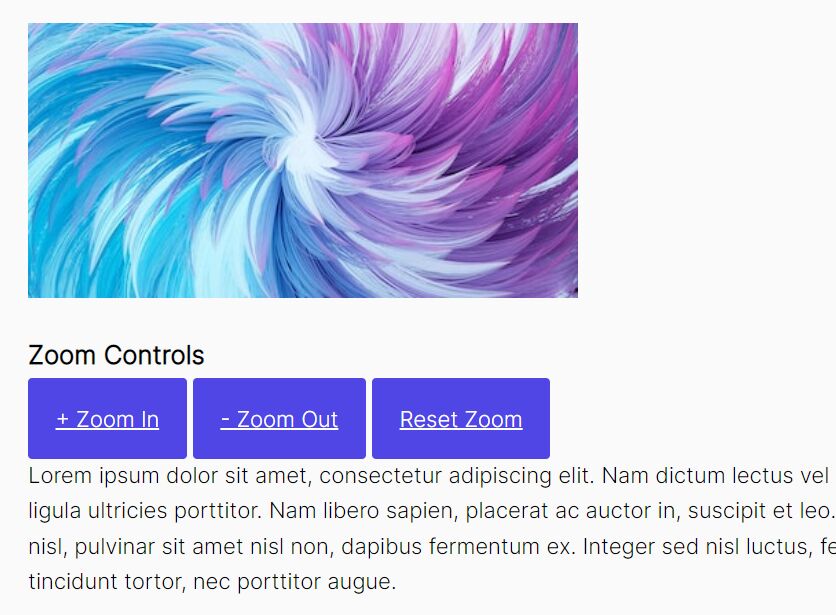
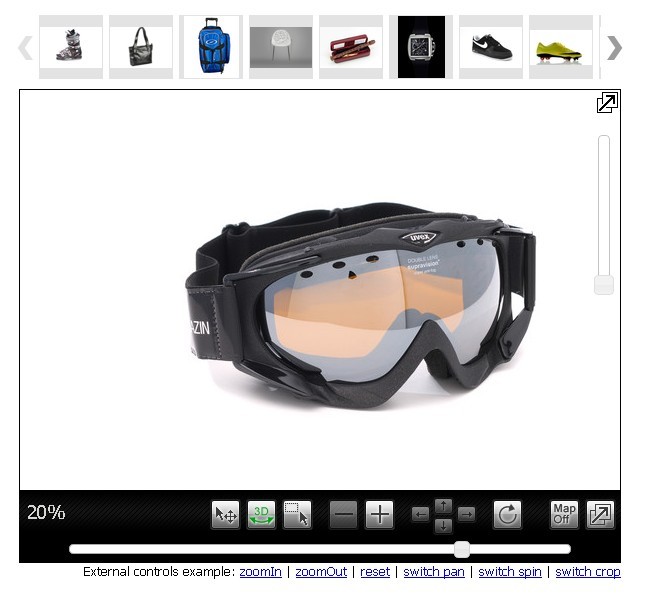
A simple, smooth, mobile-friendly image zoomer plugin with jQuery that enables users to zoom in/out your images with a well designed and highly customizable slider.
How to use it:
1. Import the latest version of jQuery library and the jQuery simple.zoomer.js plugin's files into the html file.
<script src="https://code.jquery.com/jquery-3.3.1.min.js"
        integrity="sha384-tsQFqpEReu7ZLhBV2VZlAu7zcOV+rXbYlF2cqB8txI/8aZajjp4Bqd+V6D5IgvKT"
        crossorigin="anonymous">
</script>
<script src="js/jquery.simple.zoomer.js"> </script>
<link rel="stylesheet" href="css/simple-zoomer.css">
2. Just call the function zoomer() on the target image and the plugin will take care of the rest.
<div class="imageContainer">

  <img class="myImage" src="1.jpg">

</div>
$(document).ready(function(){
  $("#myImage").zoomer();
});
3. Set the max zoom level. Default: 100.
$(document).ready(function(){
  $("#myImage").zoomer({
    maxLimit: 10
  });
});
4. Set the zoom origin.
$(document).ready(function(){
  $("#myImage").zoomer({
    zoomingOrigin: (0, 0)
  });
});
5. Customize the styles of the image zoom slider.
.zoom-slider {
  -webkit-appearance: none;
  width: 220px;
  height: 6px;
  background: #ccc;
  outline: 0;
  border: 0;
  -webkit-transition: .2s;
  transition: opacity .2s;
  z-index: 100;
  position: relative;
  border-radius: 5px;
}

.zoom-slider::-webkit-slider-thumb {

  -webkit-appearance: none;
  appearance: none;
  width: 20px;
  height: 20px;
  border-radius: 50%;
  background: #16a085;
  background: linear-gradient(to bottom right, #16a085,  #16a060 );
  cursor: pointer;
  outline: 0;
  border: 0;
}

.zoom-slider::-moz-range-thumb {
  width: 20px;
  height: 20px;
  border-radius: 50%;
  background: #16a085;
  background: linear-gradient(to bottom right, #16a085,  #16a060 );
  cursor: default;
  outline: 0;
  border: 0;
}
About Author:
Author: Asif Mughal
Website: https://www.codehim.com/
This awesome jQuery plugin is developed by CodeHimBlog. For more Advanced Usages, please check the demo page or visit the official website.