Win 8 Style Image Hover To Slide Effect using jQuery - Slider Content
| File Size: | 3.1 KB |
|---|---|
| Views Total: | 2177 |
| Last Update: | |
| Publish Date: | |
| Official Website: | Go to website |
| License: | MIT |
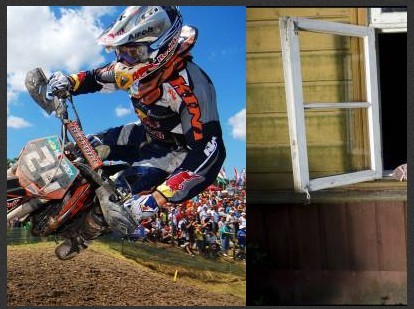
Slider Content is a lightweight jQuery plugin which allows you to slide between two different images on mouse hover, as you seen on Windows 8 desktop.
How to use it:
1. Import jQuery library and the jQuery slider content plugin.
<script src="//code.jquery.com/jquery-1.11.1.min.js"></script>
<script src="js/SlideRightContainer.js"></script>
2. Insert two images into your document following the markup structure like this.
<div class="box-1">
  <div class="insider_box">
    <ul class="box-2" id="slideTough">
      <li><img src="images/1.png" height="300" width="400"></li>
      <li><img src="images/2.png" height="300" width="400"></li>
    </ul>
    <div class="clear"></div>
  </div>
</div>
3. The required CSS styles.
.box-1 {
  width: 400px;
  height: 300px;
  overflow: hidden;
}

.insider_box { width: 1000px; }

ul.box-2 {
  padding: 0;
  margin: 0;
  list-style: none;
}

ul.box-2 li { float: left; }

.clear { clear: both; }
4. Initialize the plugin with options.
$("#slideTough").ShowLeftContent({

// slide from left to right
datawidth : 400,

// slide from top to bottom
datawidth : 300,

});
This awesome jQuery plugin is developed by joseninogarcia. For more Advanced Usages, please check the demo page or visit the official website.