jQuery Plugin To Scroll To Specific Elements with Easing Support - fragmentScroll
| File Size: | 314 KB |
|---|---|
| Views Total: | 2393 |
| Last Update: | |
| Publish Date: | |
| Official Website: | Go to website |
| License: | MIT |
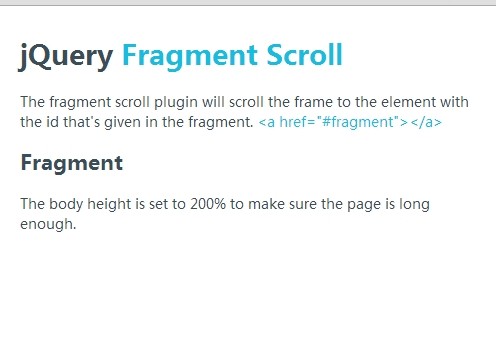
Fragment Scroll is a jQuery plugin that scrolls the frame at a certain speed to a specific element with a unique id that's given in the fragment.
How to use it:
1. Include jQuery javascript library and the jQuery fragmentScroll plugin in the page.
<script src="http://ajax.googleapis.com/ajax/libs/jquery/1.11.1/jquery.min.js"></script>
<script type="text/javascript" src="assets/js/jquery.fragmentScroll.js"></script>
2. Include the jQuery easing plugin for easing options.
<script src="http://cdnjs.cloudflare.com/ajax/libs/jquery-easing/1.3/jquery.easing.min.js"></script>
3. Create a link with an anchor link pointing to the element you want to scroll to.
<a href="#fragment">Scroll to</a>

<div id="fragment">
...
</div>
4. Setup the plugin.
<script type="text/javascript">
$(window).load(function() {
$("html, body").fragmentScroll({
frame: 'html, body',
offset: 0,
speed: 1000,
easing: 'swing',
showFragment: false
});
});
</script>
Changelog:
2014-06-12
- v1.2.0
This awesome jQuery plugin is developed by miWebb. For more Advanced Usages, please check the demo page or visit the official website.