Auto Smooth Marquee Scroller Plugin for jQuery - easyScroll
| File Size: | 33.9 KB |
|---|---|
| Views Total: | 210 |
| Last Update: | |
| Publish Date: | |
| Official Website: | Go to website |
| License: | MIT |
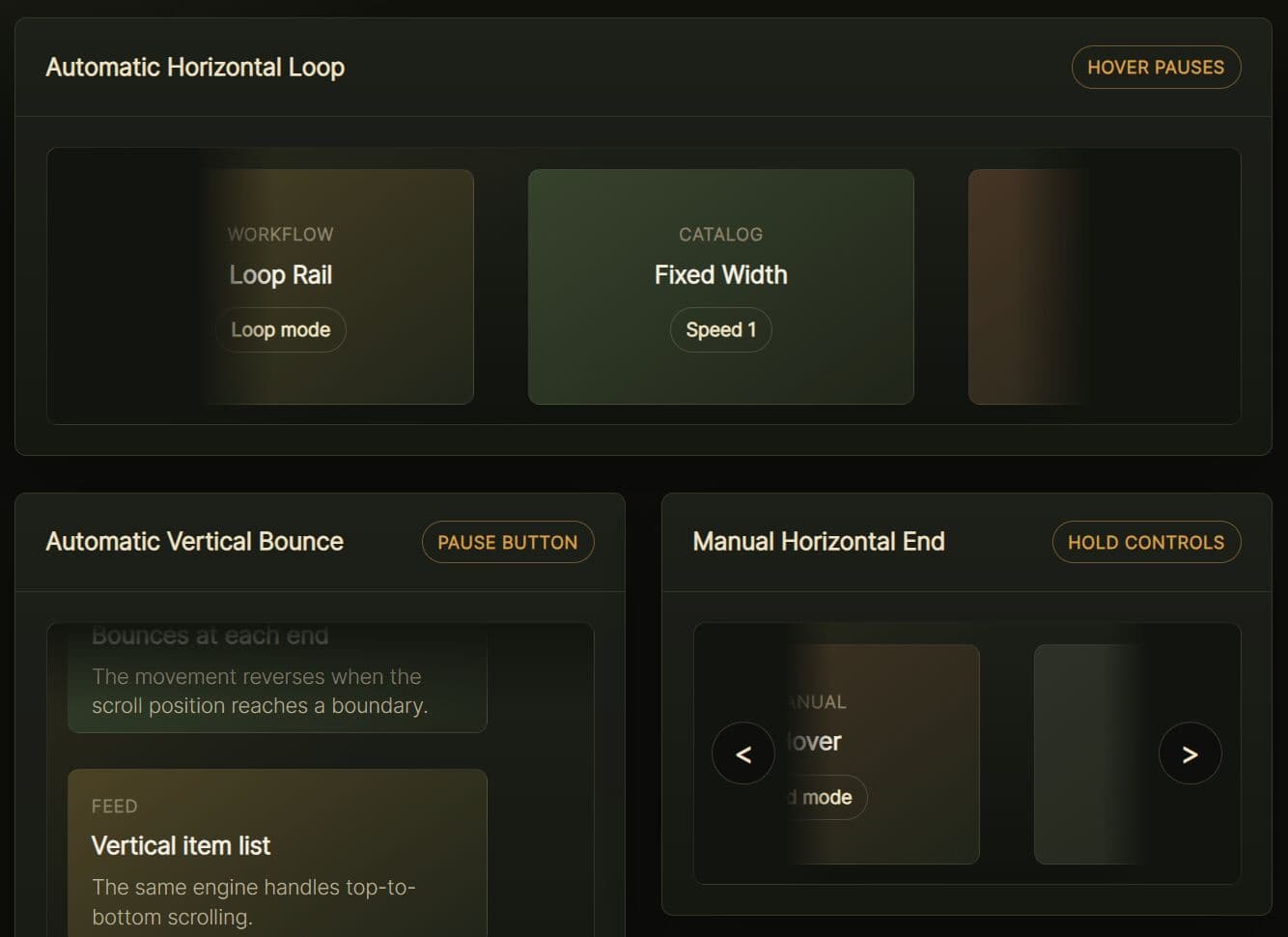
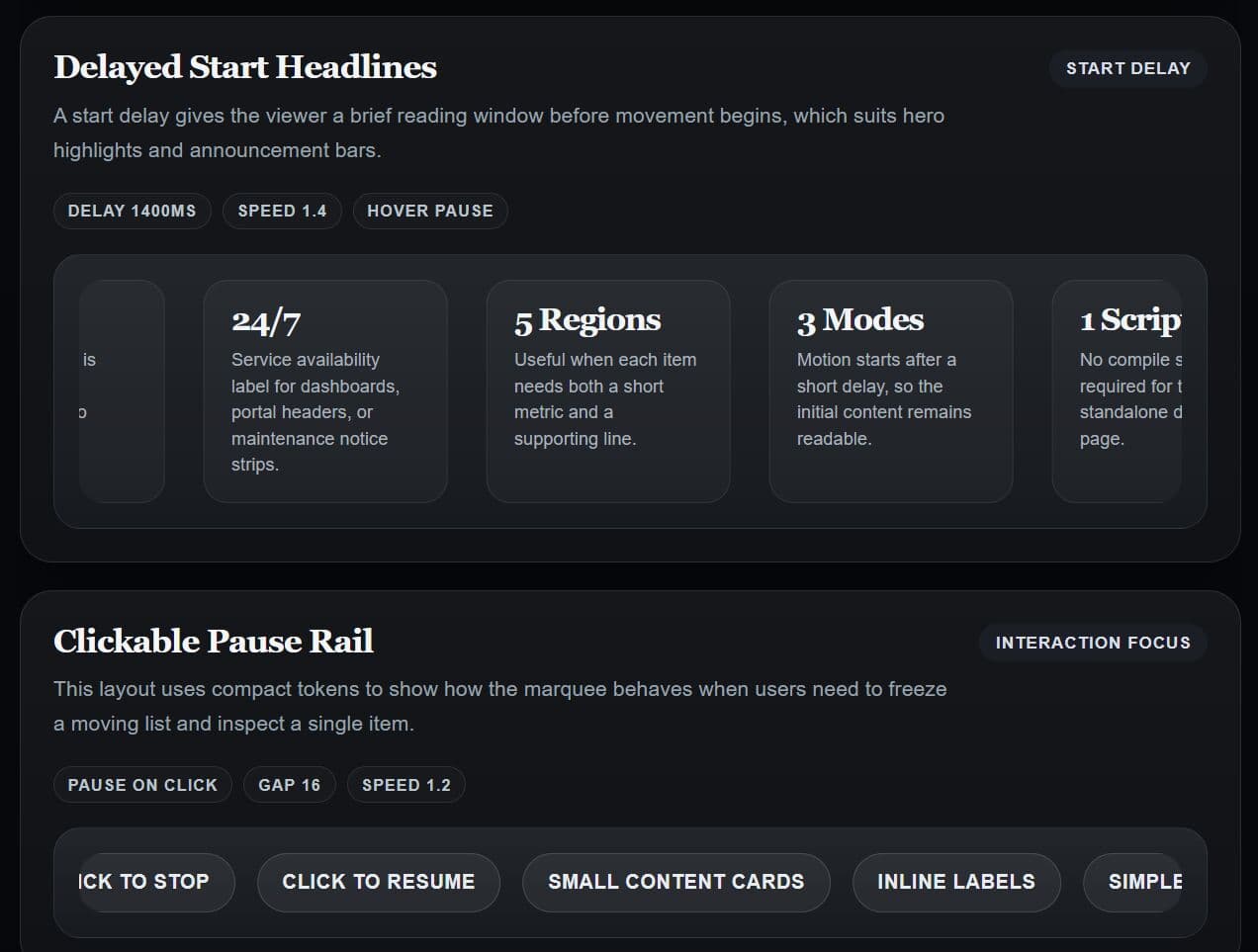
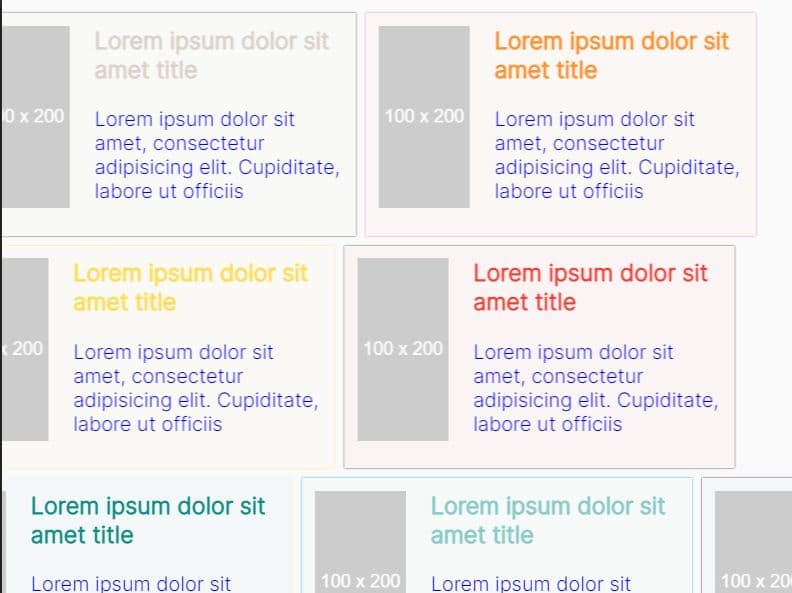
jQuery EasyScroll is a jQuery plugin that creates responsive, touch-enabled, smooth scrolling marquees and carousels from any set of HTML elements.
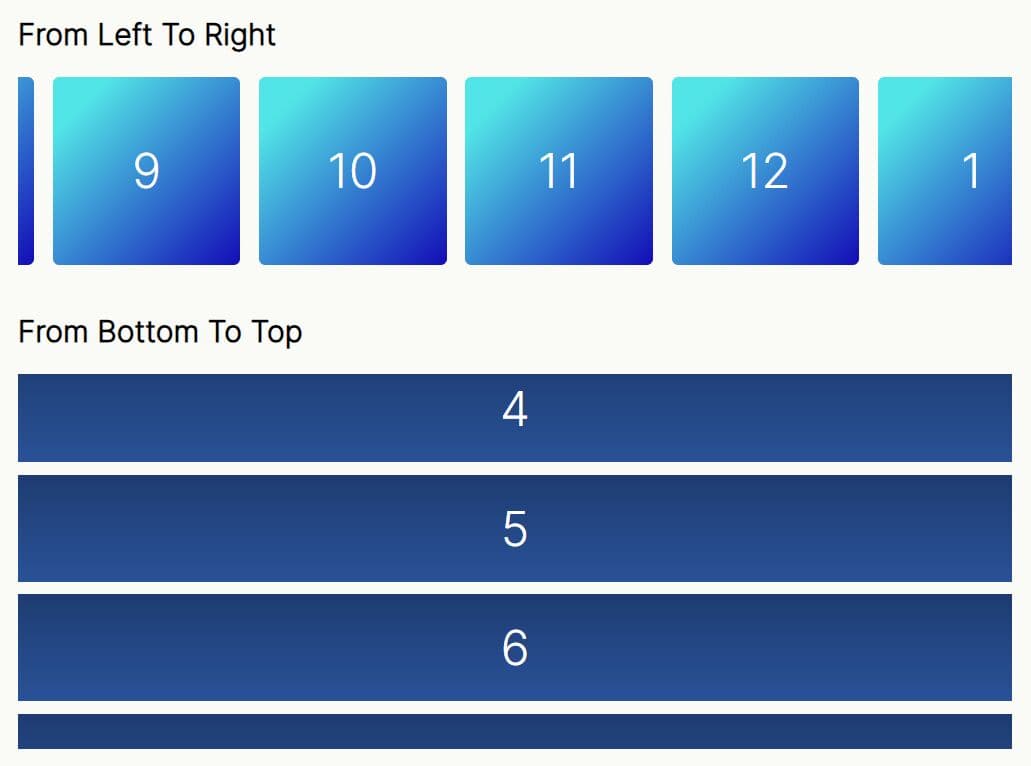
It supports horizontal and vertical orientations with automatic looping, bounce back behavior, and manual button controls.
Features:
- Horizontal and vertical scroll axes.
- Auto-scroll with continuous loop or end-to-end bounce behavior.
- Pause on hover for desktop and pause on touch for mobile devices.
- Manual back and forward navigation buttons with loop and stop-at-end modes.
- RTL language support for horizontal scroller layouts.
- Frame-rate-consistent animation through
requestAnimationFrame. - Optional dedicated pause/resume toggle button.
- Delayed initialization mode that waits for all assets to finish loading.
- Configurable initial offset for non-zero starting scroll positions.
- ESM, CommonJS, and UMD build.
Use Cases:
- Scrolling sponsor logos or partner badges continuously across a site header.
- Running a horizontal news ticker with auto-looping headlines.
- Cycling a vertical feed of testimonials or customer quotes on a landing page.
- Displaying a marquee of product images or promotional banners in an e-commerce layout.
How to Use It:
1. Install & download the package with NPM.
# NPM
$ npm install jquery-easyscroll
2. Import the jQuery EasyScroll plugin into your project.
// ES Module
import EasyScroll from 'jquery-easyscroll';

// CommonJS
const EasyScroll = require('jquery-easyscroll');
<!-- Browser -->

<!-- Plugin default styles -->
<link rel="stylesheet" href="/path/to/jquery.easyscroll.css">

<!-- jQuery dependency -->
<script src="/path/to/cdn/jquery.min.js"></script>

<!-- EasyScroll UMD build -->
<script src="/path/to/jquery.easyscroll.umd.js"></script>
3. Wrap your list of items in a container and call the plugin on that container.
<ul class="headline-ticker">
  <li>Upcoming webinar: Modern CSS layout techniques</li>
  <li>Release: Node.js 22 now in LTS</li>
  <li>Event: JSConf registration opens April 30</li>
  <li>Post: Benchmarking fetch vs. axios in 2024</li>
</ul>
$(document).ready(function () {
  // Attach EasyScroll to the target list using default settings
  $('.headline-ticker').easyScroll();
});

// Or
$(document).ready(function () {
  // Initialize with custom options using the class constructor
  new EasyScroll('.headline-ticker', {
    // options here
  });
});
4. All configuration options:
customClass(string): CSS class applied to the generated container element. Default:'easy-scroll'.frameRate(number): Target animation frame rate in frames per second. Default:24.speed(number): Scroll distance per frame in pixels. Default:1.orientation(string): Scroll axis. Accepts'horizontal'or'vertical'. Default:'horizontal'.auto(boolean): Starts auto-scrolling on initialization. Default:true.autoMode(string): Auto-scroll behavior. Accepts'loop'(snap back) or'bounce'(reverse direction). Default:'loop'.manualMode(string): Navigation button behavior. Accepts'loop'or'end'(stop at boundary). Default:'end'.direction(string): Initial scroll direction. Accepts'forwards'or'backwards'. Default:'forwards'.pauseOnHover(boolean): Pauses scrolling when the cursor enters the clip area. Default:true.pauseOnTouch(boolean): Pauses and enables swipe-to-scroll on touch devices. Default:true.pauseButton(boolean): Adds a dedicated pause/resume toggle button inside the container. DisablespauseOnHoverwhen active. Default:false.startOnLoad(boolean): Defers initialization until thewindow.loadevent fires. Use this when images need to finish loading before dimensions can be measured. Default:false.initialOffset(number): Starting scroll position in pixels from the beginning of the list. Default:0.
new EasyScroll('.headline-ticker', {
  customClass: 'easy-scroll',
  frameRate: 24,
  speed: 1,
  orientation: 'horizontal',
  auto: true,
  autoMode: 'loop',
  manualMode: 'end',
  direction: 'forwards',
  pauseOnHover: true,
  pauseOnTouch: true,
  pauseButton: false,
  startOnLoad: false,
  initialOffset: 0,
});
5. The plugin generates this DOM structure around your original element.
<div class="your-custom-class easy-scroll-container">

  <!-- Left/up navigation button (manual mode only) -->
  <div class="easy-scroll-btn easy-scroll-btn-left"></div>

  <!-- Right/down navigation button (manual mode only) -->
  <div class="easy-scroll-btn easy-scroll-btn-right"></div>

  <!-- Clip area: clips overflow and acts as the scroll viewport -->
  <div class="easy-scroll-clip">

    <!-- Your original list, now the scrolling element -->
    <ul class="easy-scroll-list">
      <li>Item 1</li>
      <li>Item 2</li>
    </ul>

  </div>

</div>
6. You can override default styles with these CSS classes:
.easy-scroll-container: Outer wrapper for the full component..easy-scroll-clip: Controls visible area and overflow..easy-scroll-list: The scrolling list itself..easy-scroll-btn: Base class for all navigation buttons..easy-scroll-btn-left,.easy-scroll-btn-right: Horizontal directional buttons..easy-scroll-btn-up,.easy-scroll-btn-down: Vertical directional buttons..easy-scroll-btn-pause: The optional pause toggle button.
7. Override the default button sprite with a custom image:
.sponsor-scroll .easy-scroll-btn-left {
  background-image: url('path/to/custom-arrows.png');
  background-position: 0 0;
}

.sponsor-scroll .easy-scroll-btn-right {
  background-image: url('path/to/custom-arrows.png');
  background-position: -24px 0;
}
Alternatives:
This awesome jQuery plugin is developed by nishadil. For more Advanced Usages, please check the demo page or visit the official website.