jQuery Smooth Scroll Plugin with Offset & Callback - ScrollEasy
| File Size: | 19.9 KB |
|---|---|
| Views Total: | 170 |
| Last Update: | |
| Publish Date: | |
| Official Website: | Go to website |
| License: | MIT |
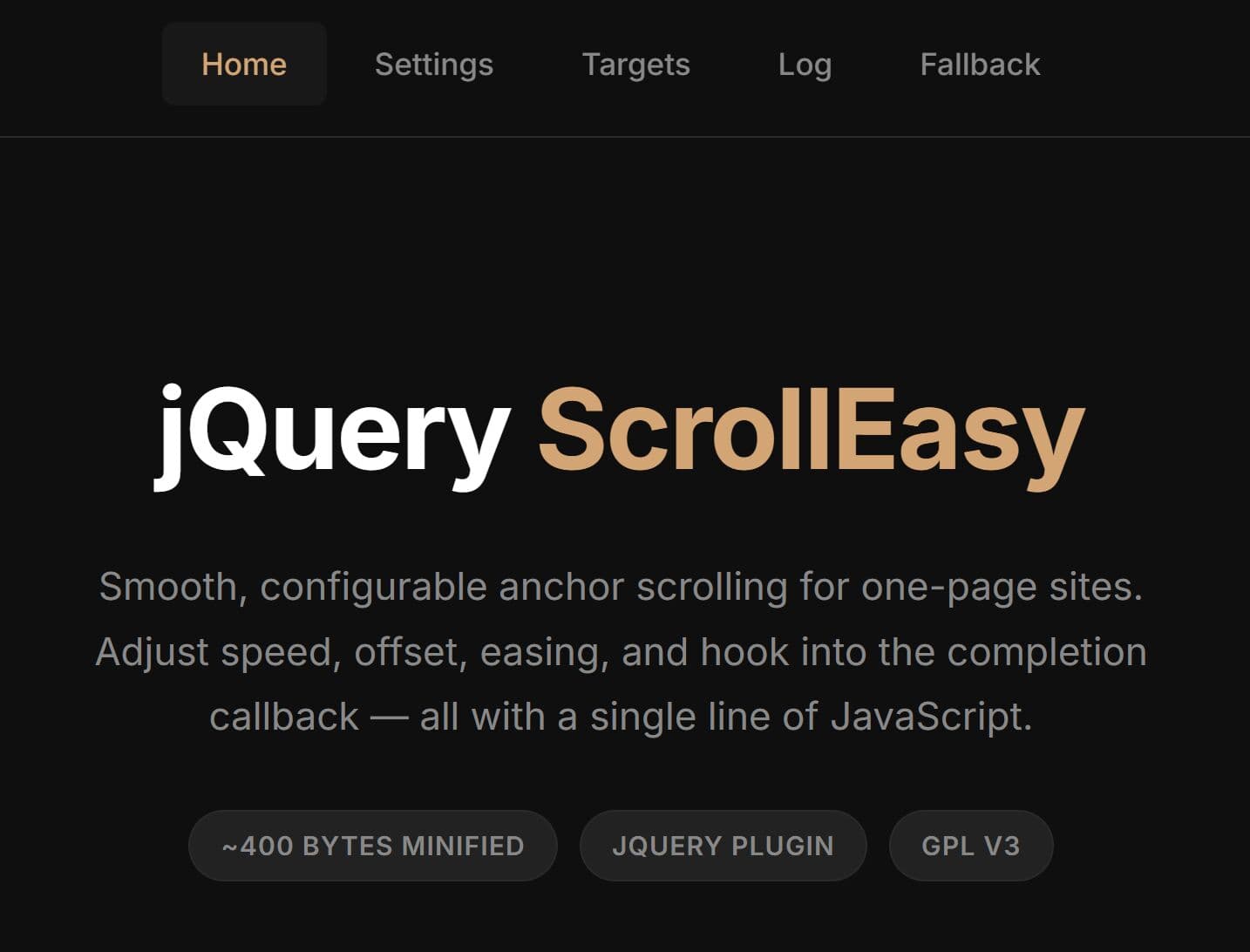
ScrollEasy is a tiny (~300 bytes) jQuery smooth scroll plugin that animates internal anchor links to matching page sections.
You can use it to create smooth scroll navigation, scroll to section buttons, fixed header anchor links, and one page layout menus with adjustable speed, offset spacing, easing, and completion callbacks.
The plugin uses standard anchor links, jQuery click handling, and $('html, body').animate() to move the document to the target element. It works well for existing jQuery websites where CSS scroll-behavior: smooth does not provide enough control over animation duration, offset distance, or post-scroll behavior.
Features:
- Animates the viewport to any on-page ID-based anchor target on click.
- Adjustable scroll duration in milliseconds for precise timing control.
- Built-in top offset compensates for fixed or sticky header heights.
- Fires a completion callback once the animation finishes.
- Supports
swingandlineareasing patterns via jQuery's built-in animation engine.
Use Cases:
- One-page marketing sites where navigation links jump between full-height sections.
- Documentation pages with a fixed top navbar and a sticky sidebar table of contents.
- Long-form landing pages where a call-to-action button scrolls to a pricing or features section.
- Admin dashboards with anchored content panels that need to account for a persistent top bar.
How to use it:
1. Download the plugin and place the main script jquery.scollEasy.min.js in your HTML page.
<!-- jQuery must come first -->
<script src="/path/to/cdn/jquery.min.js"></script>

<!-- ScrollEasy plugin -->
<script src="/path/to/js/jquery.scrollEasy.js"></script>
2. Create a basic smooth scroll to an internal section. The plugin attaches a click handler to every matched element. When a user clicks a .nav-link, it reads the href attribute, finds the corresponding ID in the DOM, and animates scrollTop to that element's position.
<!-- Navigation links targeting section IDs -->
<nav>
  <a href="#services" class="nav-link">Services</a>
  <a href="#portfolio" class="nav-link">Portfolio</a>
  <a href="#contact" class="nav-link">Contact</a>
</nav>

<!-- Target sections -->
<section id="services">
  <h2>Our Services</h2>
</section>

<section id="portfolio">
  <h2>Portfolio</h2>
</section>

<section id="contact">
  <h2>Contact Us</h2>
</section>
$(document).ready(function () {
  // Apply ScrollEasy to all nav links using default settings:
  // speed: 800ms, offset: 0px, easing: 'swing'
  $('.nav-link').scrollEasy();
});
3. Use a Fixed Header Offset when a sticky header overlaps section headings after the page scrolls.
<!-- Fixed header, 64px tall -->
<header class="site-header" style="position: fixed; top: 0; height: 64px;">
  <a href="#features" class="scroll-anchor">Features</a>
  <a href="#pricing" class="scroll-anchor">Pricing</a>
  <a href="#team" class="scroll-anchor">Team</a>
</header>

<!-- Page content with top padding to clear the fixed header -->
<main style="padding-top: 64px;">
  <section id="features"><h2>Features</h2></section>
  <section id="pricing"><h2>Pricing</h2></section>
  <section id="team"><h2>Our Team</h2></section>
</main>
$(document).ready(function () {
  $('.scroll-anchor').scrollEasy({
    speed: 900,    // slightly slower for a more polished feel
    offset: 70,    // 64px header + 6px breathing room
    easing: 'swing'
  });
});
4. Use the complete callback when you need to fire analytics events, toggle a CSS active state, or update the URL hash after scrolling. This example also calculates the offset dynamically from the header's current height, which helps on responsive layouts where the header collapses.
<nav id="main-nav">
  <a href="#overview" class="doc-link">Overview</a>
  <a href="#installation" class="doc-link">Installation</a>
  <a href="#configuration" class="doc-link">Configuration</a>
  <a href="#api-reference" class="doc-link">API Reference</a>
</nav>

<article>
  <section id="overview"><h2>Overview</h2></section>
  <section id="installation"><h2>Installation</h2></section>
  <section id="configuration"><h2>Configuration</h2></section>
  <section id="api-reference"><h2>API Reference</h2></section>
</article>
$(document).ready(function () {
  // Read the nav height at initialization time
  var navHeight = $('#main-nav').outerHeight();

  $('.doc-link').scrollEasy({
    speed: 750,
    offset: navHeight + 12,  // dynamic offset plus extra padding
    easing: 'linear',        // linear feels cleaner for documentation layouts

    // Fires after the scroll animation ends
    complete: function () {
      // Update the browser URL to reflect the current section
      var targetHash = $(this).find('[data-active]').length
        ? $(this).find('[data-active]').attr('href')
        : window.location.hash;

      // Log the scroll completion for analytics
      console.log('Scrolled to:', window.location.hash);

      // Mark the active nav link
      $('.doc-link').removeClass('is-active');
      $('a[href="' + window.location.hash + '"]').addClass('is-active');
    }
  });
});
5. All configuration options.
speed(Integer): Duration of the scroll animation in milliseconds. Default is800.offset(Integer): Extra space in pixels above the target element. Default is0. Set this to your fixed header height.easing(String): Easing function for the animation. Accepts'swing'or'linear'. Default is'swing'.complete(Function): Callback function triggered after the scroll animation finishes. Default isnull.
ScrollEasy vs. CSS `scroll-behavior: smooth`
CSS offers a native smooth scrolling option that requires zero JavaScript:
html {
  scroll-behavior: smooth;
}
This one line animates all in-page anchor scrolling across browsers. It's the right choice for simple pages where you don't need to control speed, adjust for a fixed header, or run code after the scroll completes.
ScrollEasy becomes the better choice when you need any of these:
Fixed header offset. CSS scroll-behavior has no built-in offset option. The native workaround uses scroll-margin-top on each target element:
section {
  scroll-margin-top: 70px; /* compensates for a 70px fixed header */
}
This works and has solid browser support as of 2024. For many projects, scroll-behavior: smooth combined with scroll-margin-top is all you need, and it costs no JavaScript at all.
Callback after scroll. CSS provides no hook for knowing when the scroll animation ends. If you need to fire an analytics event, update a URL hash, or toggle an active nav class after scrolling, you need JavaScript. ScrollEasy's complete option is the straightforward path.
Speed control. CSS scroll-behavior: smooth does not expose a duration parameter. The browser controls the speed. ScrollEasy's speed option lets you tune timing to match your site's animation style.
Alternatives:
- 10 Best Smooth Scroll JavaScript/jQuery Plugins
- Add Smooth Scrolling to Any Element with the jQuery ScrollTo Plugin
- Anchor Scroll With Offset - jQuery ScrollOffset
- Smart Smooth Scroll For Fixed Header Using jQuery
See Also:
This awesome jQuery plugin is developed by pasqualeviglianesi. For more Advanced Usages, please check the demo page or visit the official website.
- Prev: Auto Smooth Marquee Scroller Plugin for jQuery - easyScroll
- Next: None