10 Best Countup Timer Plugins In JavaScript (2026 Update)
What Is Countup Timer?
Count up timer plugins animate numbers upward toward a target value. They work well for KPI cards, landing page stats, dashboard totals, fundraising counters, download counts, and numeric milestones.
A count up counter differs from a countdown timer. Countdown timers show the remaining time before an event. Count up counters show growth from a start number to an end number.
The Best Countup Plugin
In this list, you will find out the 10 best jQuery plugins & Vanilla JavaScript libraries to quickly create attractive countup timers to animate countups from zero to your desired number within a DOM element. Have fun.
Originally Published Oct 23 2019, updated May 13 2026
Table of contents:
Quick Picks
| Library | Best For | Live Demo |
|---|---|---|
| jQuery Countup.js | Scroll-triggered jQuery number counters. | Live Demo |
| jQuery counterup.js | Data-attribute counters that start in view. | Live Demo |
| Animated Number Counting Up In jQuery | Simple page-load counters with jQuery animate. | Live Demo |
| countMe.js | Tiny jQuery counters with delay and speed settings. | Live Demo |
| Counter-Up Plugin | Classic jQuery count up effects. | Live Demo |
| CountUp.js | Modern vanilla JS counters with formatting. | Live Demo |
| Number-CounteUp | Small custom counters based on data attributes. | Live Demo |
| CounterUp.js | Vanilla JS counters with IntersectionObserver. | Live Demo |
| Animated Counter | Basic vanilla JS count up snippets. | Live Demo |
| purecounterjs | NPM or browser counters with data attributes. | Live Demo |
jQuery Countup Plugins:
Counting Up To Numerical Values On Scroll - jQuery Countup.js
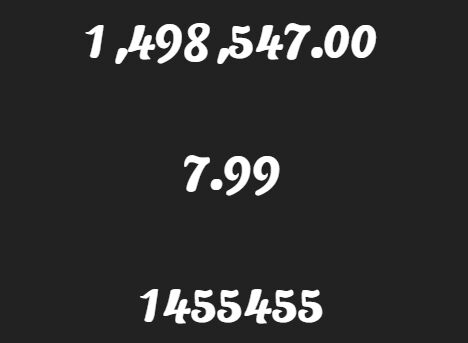
Best For: Use this plugin for jQuery count up on scroll sections.
Countup.js is a lightweight (~2kb) jQuery plugin that animates a numerical value by counting up from zero when you scroll to it.
Key Features:
- Starts the count up animation on scroll.
- Supports integers, floats, and formatted numbers.
- Sets animation time and delay through data attributes.
- Uses jQuery and Waypoints.
Recommended Use Case: Add animated metrics to a legacy jQuery landing page or admin dashboard.
Numbers That Count When Scrolled Into View - jQuery counterup.js
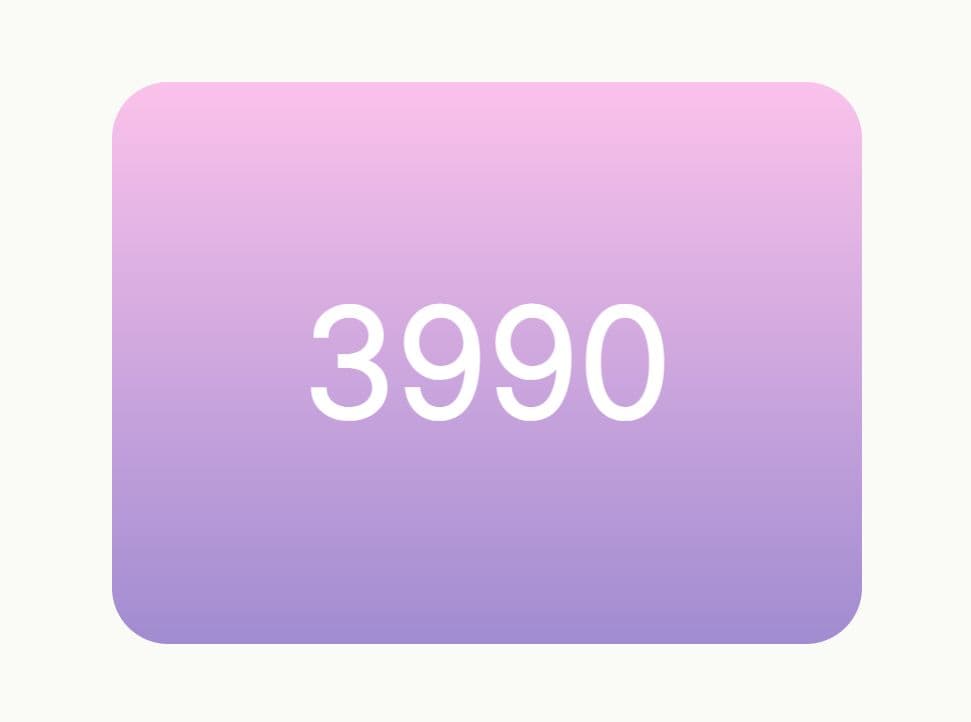
A lightweight jQuery plugin that allows you to quickly generate animated counters using HTML data attributes. It animates numbers from zero (or any numeric value) to a defined value when the element enters the viewport.
It suits marketing pages, portfolio stats, and dashboard cards where editors can set target values in markup. It is a cleaner choice than custom setInterval code when you need repeatable counters across a page.
Features:
- Scroll-triggered animations.
- Customizable target number.
- Adjustable animation duration.
- Prevents counter restart on scroll with intelligent viewport detection
Recommended Use Case: Build scroll-triggered KPI counters for business stats, user totals, or portfolio metrics.
Animated Number Counting Up In jQuery

Best For: Use this script for a simple jQuery count up effect on page load.
Animated Number Counting Up In jQuery is useful when you need a small snippet rather than a full plugin API. It uses jQuery's animate() method to update text values over a fixed duration. It fits simple content pages where the counters can start as soon as the page loads.
Key Features:
- Uses jQuery
animate(). - Counts each
.countelement to its text value. - Formats rounded values during each animation step.
- Requires only jQuery and a short script.
Recommended Use Case: Add a basic number animation to static site sections with minimal code.
Animated Count Up Plugin With jQuery - countMe.js
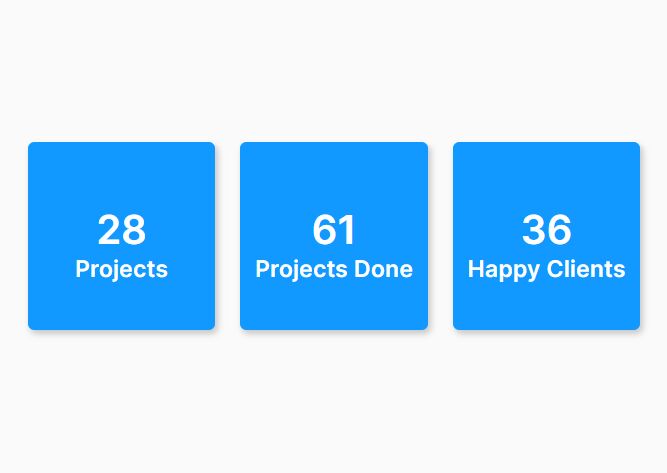
Best For: Use countMe.js when you need a tiny jQuery counter with delay and speed settings.
A lightweight and easy to use jQuery animated counter plugin that can be used to show social shares, how many views a page has received, or perhaps how many followers you have.
It works well for small stat blocks where extra formatting options would add needless code.
Key Features:
- Initializes with
$(selector).countMe(delay, speed). - Counts from zero to the number inside the element.
- Runs after the latest jQuery library loads.
- Keeps setup compact for simple counters.
Recommended Use Case: Animate social counts, page views, followers, or small dashboard totals.
Animating Numbers Counting Up with Counter-Up Plugin
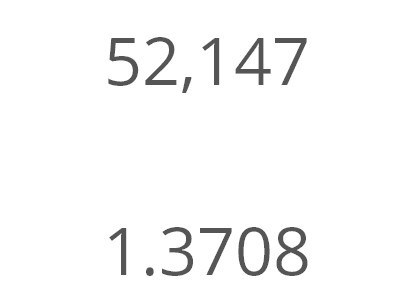
Best For: Use Counter-Up Plugin for classic jQuery number count up animations.
A lightweight and easy-to-use jQuery plugin that dynamically counts up to a targeted number (from 0) at a specified speed.
Key Features:
- Animates numbers from zero to a target value.
- Works with jQuery projects.
- Fits common stats, counters, and metric blocks.
- Supports straightforward setup for existing pages.
Recommended Use Case: Refresh an older jQuery stats section with a recognizable counter effect.
Vanilla JavaScript Countup Plugins:
CountUp.js: Customizable Count Up/Down Animations In Pure JavaScript

Best For: Use CountUp.js for modern JavaScript counters with formatting, modules, and TypeScript declarations.
It supports ESM imports, a UMD browser build, custom formatting, callbacks, scroll-triggered starts, and animation plugins. Ideal for both simple landing page stats and structured application code.
Key Features:
- Animates from one numeric value to another.
- Counts up or down based on the configured target.
- Formats decimals, separators, prefixes, and suffixes.
- Supports ESM, UMD, TypeScript declarations, callbacks, and scroll spy.
Recommended Use Case: Build production counters for dashboards, pricing cards, financial metrics, and scroll-triggered KPI sections.
Count Up To Any Number With Smooth Animation In JavaScript – Number-CounteUp

Best For: Use Number-CounteUp for a small vanilla JavaScript count up function.
Number-CounteUp is a good choose when you want to understand and control the whole counter script. The implementation reads a data-target value and increments the visible number until it reaches that value.
Key Features:
- Uses
data-targetto store the end value. - Counts from zero or another start value.
- Updates the number with a compact JavaScript function.
- Requires no external library.
Recommended Use Case: Add a small custom counter to a static page or lightweight landing page.
Animate Numbers On Scroll with the CounterUp.js Library

Best For: Use CounterUp.js for dependency-free viewport counters with modern browser APIs.
A lightweight JavaScript library that creates animated counting effects when numbers appear in the viewport.
It uses the IntersectionObserver API to monitor your counter’s visibility. When a counter appears on the screen, the library starts an animation that updates the number display using requestAnimationFrame.
Key Features:
- Uses IntersectionObserver to trigger counters in view.
- Uses requestAnimationFrame for updates.
- Supports duration, easing, offset, once mode, decimals, separators, prefixes, and suffixes.
- Provides
updateOptions(),restart(),replay(), anddestroy()methods.
Recommended Use Case: Create modern scroll counters for metric sections that need formatting and lifecycle control.
Number Countup Animation With Vanilla JavaScript – Animated Counter

Best For: Use Animated Counter for a basic vanilla JavaScript counter snippet.
Just another animated counter JavaScript library for animating counting up to a given number.
Key Features:
- Uses
.counterelements withdata-target. - Animates from the current text value to the target value.
- Uses a plain JavaScript loop and timer.
- Requires no dependency or build step.
Recommended Use Case: Add simple animated counters to small static pages, demos, or prototypes.
Scroll-triggered Counter Plugin – purecounterjs

Best For: Use purecounterjs for data-attribute counters with npm and browser setup options.
A pure JavaScript counter plugin which counts down or counts up towards to a specific point when the counter is scrolled into view.
Key Features:
- Uses the
purecounterclass anddata-purecounter-*attributes. - Supports npm and browser script usage.
- Handles start, end, duration, delay, decimals, repeat, and once settings.
- Includes legacy mode for older browser support.
Recommended Use Case: Build reusable counter blocks for content-heavy pages, marketing sites, and CMS-managed sections.
How to Choose
Choose CountUp.js for most new JavaScript projects. It has the best mix of formatting, module support, browser script support, callbacks, and scroll-triggered starts.
Choose jQuery Countup.js or jQuery counterup.js for legacy jQuery pages. jQuery Countup.js works well when your page already uses Waypoints. jQuery counterup.js works well when you prefer data attributes and viewport starts.
Choose purecounterjs when a CMS editor needs to control counters in markup. Its data-purecounter-* attributes make content updates easier than editing JavaScript.
Choose CounterUp.js when you want a modern vanilla JS scroll counter with IntersectionObserver, requestAnimationFrame, formatting, and cleanup methods.
Choose Number-CounteUp or Animated Counter for simple static pages. These options suit basic counters, but they do not offer the deeper formatting and lifecycle controls found in CountUp.js or CounterUp.js.
Choose countMe.js for the smallest jQuery setup. Choose Animated Number Counting Up In jQuery when you only need a short jQuery animate() pattern.
Use an odometer-style library only when the rolling digit effect matters more than setup simplicity.
FAQs
Q: What is the best JavaScript count up library for new projects?
A: CountUp.js is the best default choice for new projects. It supports formatting, ESM imports, UMD browser usage, TypeScript declarations, callbacks, and scroll-triggered starts.
Q: What is the best jQuery count up plugin for scroll animations?
A: jQuery Countup.js is a good choice for jQuery count up on scroll pages. jQuery counterup.js is better when you want target values and durations in HTML data attributes.
Q: How do I install a count up timer plugin with npm?
A: Use CountUp.js with npm install countup.js for a modern package setup. Use purecounterjs with npm install @srexi/purecounterjs --save when you prefer data-attribute configuration.
Q: Why does my count up animation start before the user sees it?
A: The script probably starts on page load instead of viewport entry. Use CountUp.js, CounterUp.js, purecounterjs, or a jQuery scroll-triggered plugin when the counter should begin in view.
Q: Can these plugins count down too?
A: CountUp.js can count up or down based on the configured values. Some jQuery counters support decrementing, but many entries in this list focus on upward numeric animation rather than event countdown timers.
Q: Which plugin should I use for dashboard KPI cards?
A: Use CountUp.js for modern dashboards that need formatting and module support. Use purecounterjs when KPI values should stay editable in HTML.
Q: Which option works best for a no-build static page?
A: Use purecounterjs for reusable no-build counters. Use Number-CounteUp or Animated Counter for a small custom snippet.
More Resources:
Want more jQuery plugins or JavaScript libraries to create awesome Countup Timers on the web & mobile? Check out the jQuery Countup and JavaScript Countup sections.
See also:
- Best Countdown Timers In JavaScript
- Best Flip Clock Style Countdown Plugins In JavaScript
- Best Countdown Timer JavaScript Libraries
- Animated Countup Component For React
- Scroll-Driven Animation Library for React and Next.js - Kino





