10 Best JavaScript Date & Time Picker Libraries (2026)
JavaScript date and time pickers range from simple calendar inputs to full scheduling controls with time selection, date ranges, multiple dates, and localized calendars.
This list compares 10 options for vanilla JavaScript, jQuery, and Bootstrap projects, with live demos and clear differences between each picker.
Originally Published Dec 04 2017, updated Sep 11 2026
Table of Contents
- Quick Picks
- General-Purpose JavaScript Date & Time Pickers
- jQuery & Bootstrap Date/Time Pickers
- How to Choose
- Related Date & Time Picker Resources
Quick Picks
| Picker | Best For | Main Modes |
|---|---|---|
| Air Datepicker | General-purpose forms | Date, time, range, multiple |
| flatpickr | Dependency-free apps | Date, time, range, multiple |
| Cally | Web component calendars | Date, range |
| Tempus Dominus | Existing Tempus Dominus projects | Date, time, datetime |
| jQuery DateTimePicker | Existing jQuery forms | Date, time, datetime |
| Simplicite Bootstrap DateTimePicker | Bootstrap 3, 4, and 5 | Date, time, datetime |
| datepair | Start/end scheduling fields | Date and time ranges |
| MultiDatesPicker | jQuery UI calendars | Multiple dates, ranges |
| MD.BootstrapPersianDateTimePicker | Persian/Jalali calendars | Date, time, range |
| bsTimepicker | Bootstrap time-only fields | 12-hour, 24-hour time |
General-Purpose JavaScript Date & Time Pickers
Air Datepicker
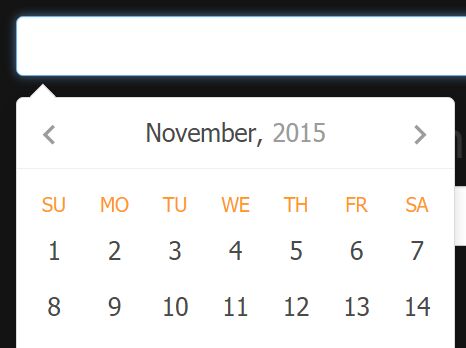
Air Datepicker handles single dates, date ranges, multiple dates, and time input in one library. Version 3 uses pure JavaScript and ES6, while the v2 branch is available for older jQuery codebases.
- Single-date, multi-date, and range selection.
- Built-in time picker with 12-hour and 24-hour display.
- Inline and popup calendar modes.
- Keyboard navigation, localization, min/max dates, and custom cell rendering.
- TypeScript definitions and CSS-variable theming.
flatpickr

flatpickr is a dependency-free JavaScript datetime picker with single-date, multiple-date, range, and time-only modes. It supports disabled dates, min/max limits, localization, week numbers, inline calendars, and plugin extensions.
- Date and time input in one picker.
- Single, multiple, range, and time-only modes.
- Human-readable alternate input formatting.
- Date disabling rules and min/max constraints.
- Locale packs, themes, and plugin extensions.
Feature-rich Calendar & Date Picker Components - Cally

Cally provides framework-agnostic calendar web components for single-date and date-range input. Its custom elements work in plain HTML and framework projects, with keyboard operation, screen reader support, localization, RTL text direction, and CSS parts for theming.
- Single-date and date-range selection.
- Multiple-month calendar displays.
- Keyboard and screen reader accessibility.
- Localization through
Intl.DateTimeFormat. - RTL layouts and CSS-part theming.
Powerful Multilingual Date/Time Picker - Tempus Dominus
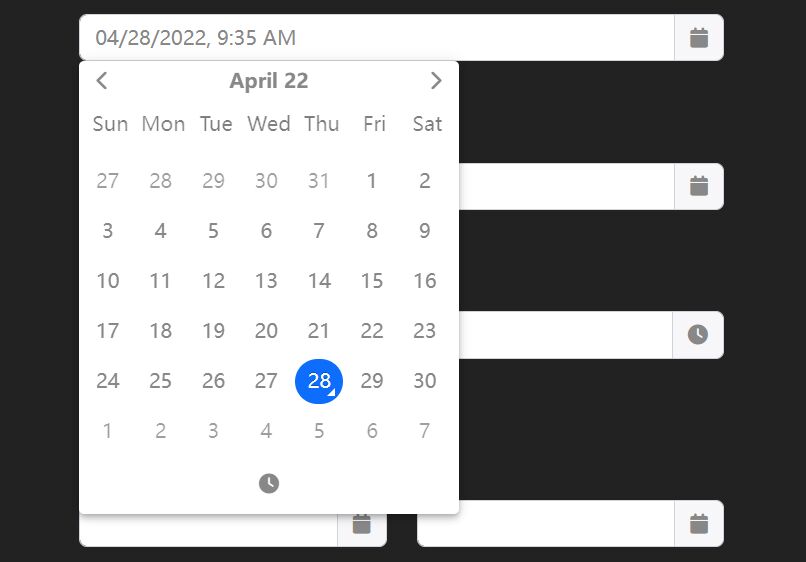
Tempus Dominus v6 is written in TypeScript and no longer requires jQuery, Moment.js, or Bootstrap. Popper handles positioning.
- Date and time selection.
- TypeScript codebase and npm package.
- No required jQuery, Moment.js, or Bootstrap dependency in v6.
- Optional jQuery provider.
- Locale and restriction options.
jQuery & Bootstrap Date/Time Pickers
Clean jQuery Date and Time Picker Plugin - datetimepicker
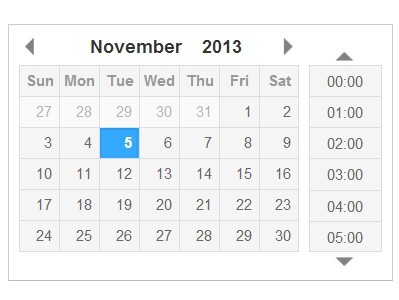
jQuery DateTimePicker serves established jQuery forms that require a date picker, time picker, or combined datetime field. The plugin includes input masking, inline display, callback hooks, package-manager installation, and date/time constraints.
- Date picker, time picker, and combined datetime modes.
- Date input masking.
- Inline display mode.
- Callbacks for selection, opening, closing, and value changes.
- Minimum and maximum date/time restrictions.
Bootstrap 5/4/3 Date Time Picker With jQuery
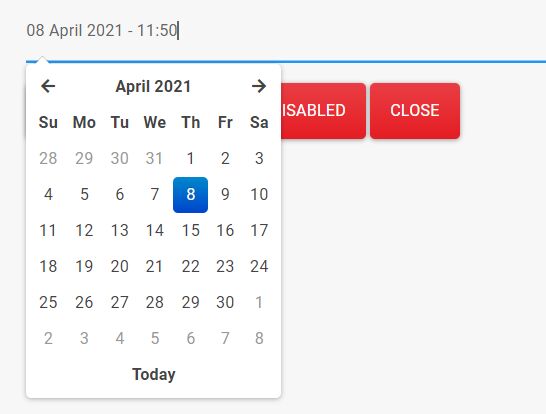
Simplicite Bootstrap DateTimePicker keeps one jQuery-based picker across Bootstrap 3, 4, and 5 projects. It includes locale files, configurable formats, start/end limits, multiple calendar views, and keyboard navigation.
- Bootstrap 3, Bootstrap 4, and Bootstrap 5 integration.
- Custom date and datetime formats.
- Start and end date restrictions.
- Hour, day, month, year, and decade views.
- Locale files and keyboard navigation.
Google Calendar-Like jQuery Date & Time Range Picker - datepair
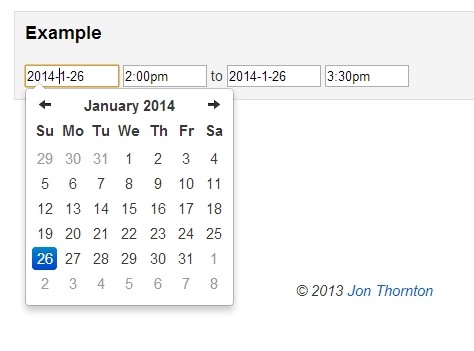
datepair links separate start and end date/time inputs and keeps the pair in a valid chronological order. The jQuery integration works with Bootstrap Datepicker and jQuery Timepicker by default, with adapters for other picker libraries.
- Paired start and end date/time fields.
- Automatic date and time delta handling.
- Bootstrap Datepicker and jQuery Timepicker integration.
getTimeDiff,refresh, andremovemethods.- Range-selected, incomplete-range, and range-error events.
Select Multiple Dates & Date Ranges in jQuery - MultiDatesPicker
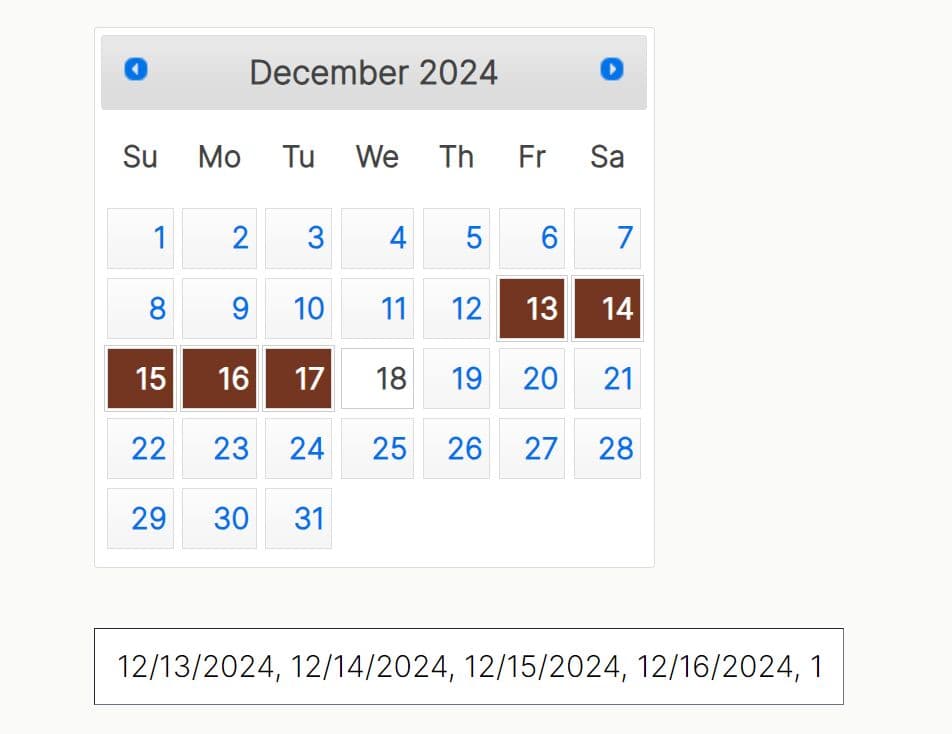
MultiDatesPicker extends jQuery UI Datepicker with non-sequential date selection and range selection. It works well for availability dates, exceptions, event days, and several selected dates inside an existing jQuery UI calendar.
- Multiple non-sequential date selection.
- Date range mode.
- Disabled-date lists.
- Maximum selection limits.
- Methods for reading, setting, removing, and resetting dates.
Pretty Persian Date Time Picker with Bootstrap 5/4/3
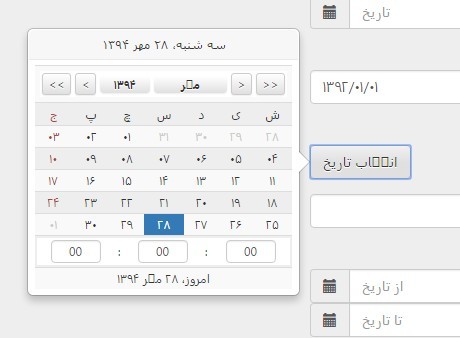
MD.BootstrapPersianDateTimePicker handles Persian (Jalali) and Gregorian calendar input with date range and time selection. The Bootstrap 5 branch does not require jQuery, while the Bootstrap 3 and 4 branches use jQuery.
- Persian/Jalali and Gregorian calendar modes.
- Date range and time picker options.
- Bootstrap 5, Bootstrap 4, and Bootstrap 3 branches.
- Inline and modal display modes.
- Persian-number output and date conversion helpers.
Clock Dial Time Picker for Bootstrap - jQuery bsTimepicker
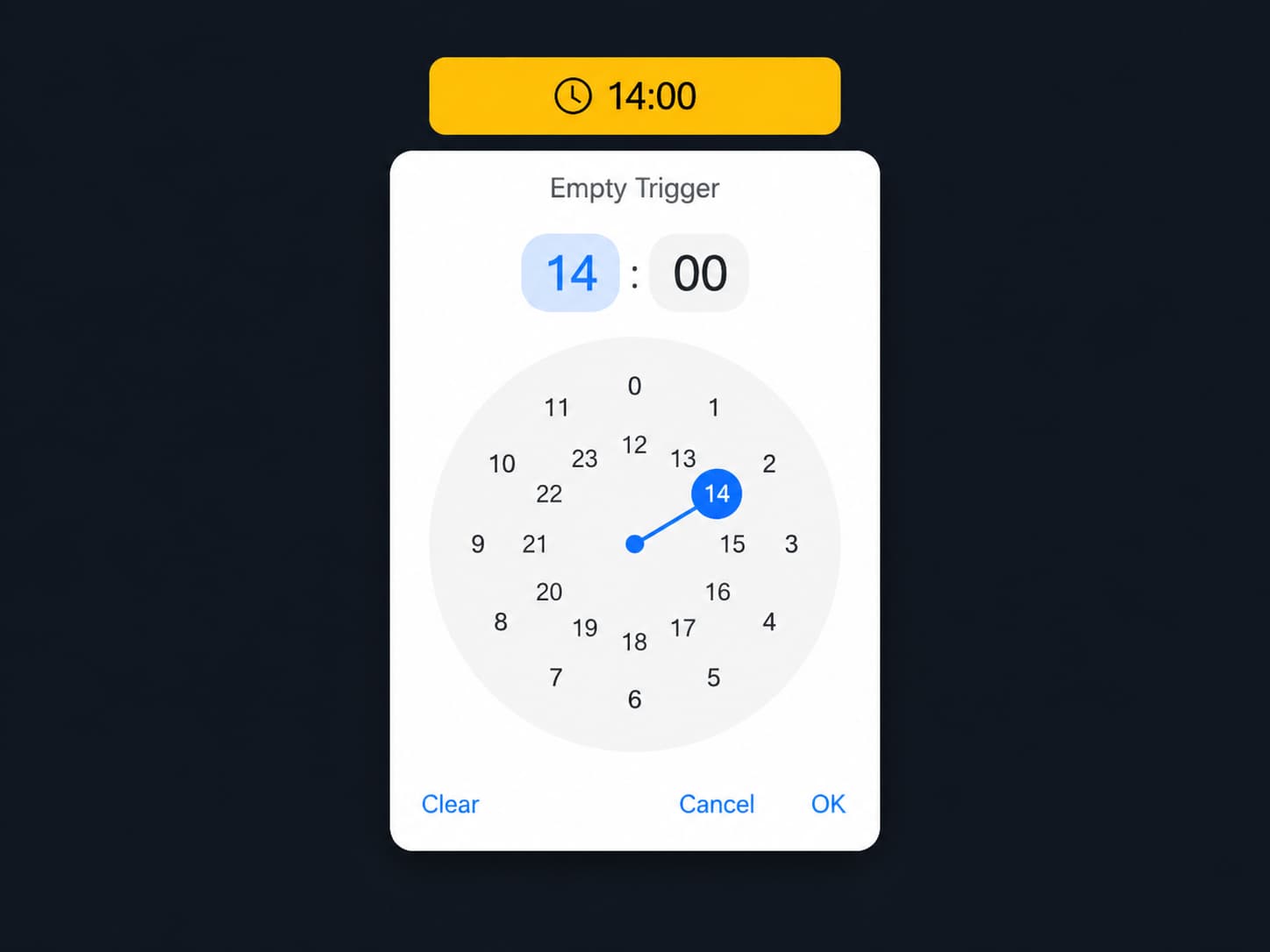
bsTimepicker focuses on time input for Bootstrap 4 and 5 forms. Its dropdown contains a circular clock dial, supports 12-hour and 24-hour input, and writes a 24-hour HH:mm value for form submission.
- Bootstrap 4 and Bootstrap 5 dropdown UI.
- 12-hour and 24-hour clock modes.
- Mouse and touch interaction.
- Optional hidden input output.
- Programmatic show, hide, toggle, set, get, and clear methods.
How to Choose a JavaScript Date or Time Picker
- Air Datepicker handles date, time, range, and multi-date selection in a single package, while flatpickr is another dependency-free option with a large plugin and locale ecosystem.
- Cally is the web component choice for single-date and date-range fields.
- jQuery DateTimePicker keeps setup familiar in older jQuery forms that require date and time input.
- Simplicite Bootstrap DateTimePicker works across Bootstrap 3, 4, and 5 codebases.
- datepair is built around paired start/end fields, while MultiDatesPicker focuses on several selected dates inside jQuery UI Datepicker.
- MD.BootstrapPersianDateTimePicker handles Persian/Jalali dates, and bsTimepicker handles time-only Bootstrap fields.
Related Date & Time Picker Resources
- 10 Best Date & Time Pickers in Pure JavaScript
- Extended Date and Time Picker jQuery Plugin for Bootstrap 5
- 6 Best shadcn/ui Date Picker Components for React + TailwindCSS
- 10 Best Date Picker Components For Vue.js
- Best Date & Timer Picker Components For React & React Native
- Discover More jQuery Date Picker Plugins





