10 Best JavaScript Calendar Plugins For Scheduled Events (2026 Update)
An event calendar allows you to easily manage and share single/recurring events on a weekly, monthly, or yearly calendar interface.
Calendar plugins are really helpful in organizing events when you have a lot of them. While it may be tempting to select the first calendar plugin you find and play with, this should not be the case. The reason is that each plugin has different capabilities, as well as some limitations.
This is a list of the 10 best, carefully selected jQuery and PURE JavaScript calendar plugins for organizing and showing events.
These 10 calendar plugins run the gamut from simple to complex, but they are all capable of creating a great calendar widget. I chose them because they were easy to use, looked good and were highly configurable.
Originally Published May 14 2019, updated Dec 23 2025
Table of contents:
jQuery Calendar Plugins:
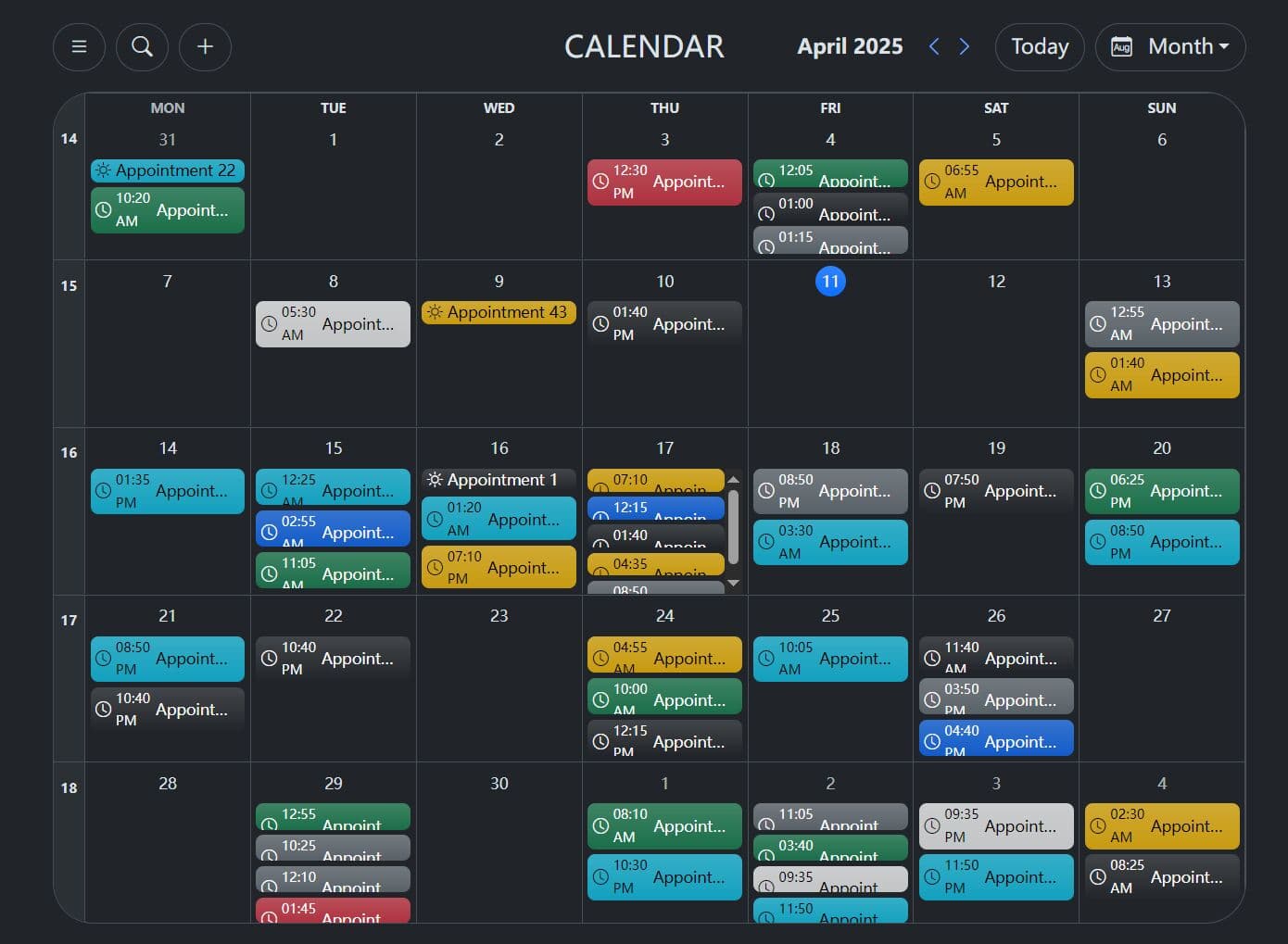
Interactive Bootstrap 5 Event Calendar Plugin - jQuery bs-calendar
A simple yet robust jQuery plugin for creating responsive, customizable, full-featured event calendars styled with the latest Bootstrap 5 framework.
Key Features:
- Bootstrap 5 based: Uses Bootstrap's grid, components, and styling for a consistent look.
- Multiple Views: Switch between day, week, month, and year displays.
- Dynamic Data Loading: Fetch appointments/events from a backend API using the url option.
- Interactive Events: Click empty cells to add events, click existing events for potential updates/removals (requires custom handling).
- Customizable Options: Configure locale, start day of the week, colors, icons, available views, and more.
- Light/Dark Mode: Adapts to Bootstrap's color modes.
- Localization: Translate labels like 'Day', 'Week', 'Today', etc., via the translations option.
- Search Functionality: Basic appointment search capability (if enabled).
- API Methods: Programmatically refresh, clear, update options, or destroy the calendar instance.
Flexible Event Calendar In jQuery - evo-calendar
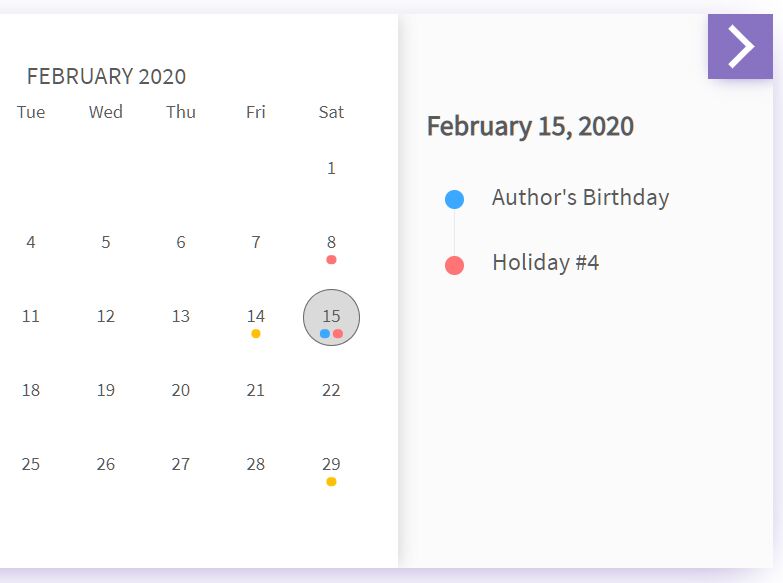
evo-calendar is a flexible event calendar plugin to display events in a responsive, modern-looking calendar interface.
Key Features:
- Allows you to switch between months from the collapsible sidebar.
- Shows events on the right panel.
- Adds new events.
- Multiple languages.
- Custom date format.
- Highlights today's date in the calendar.
- Allows to display multiple events on the same day.
- 4 addtional themes.
Easy Event Calendar Plugin For Bootstrap 5 - jQuery bsCalendar
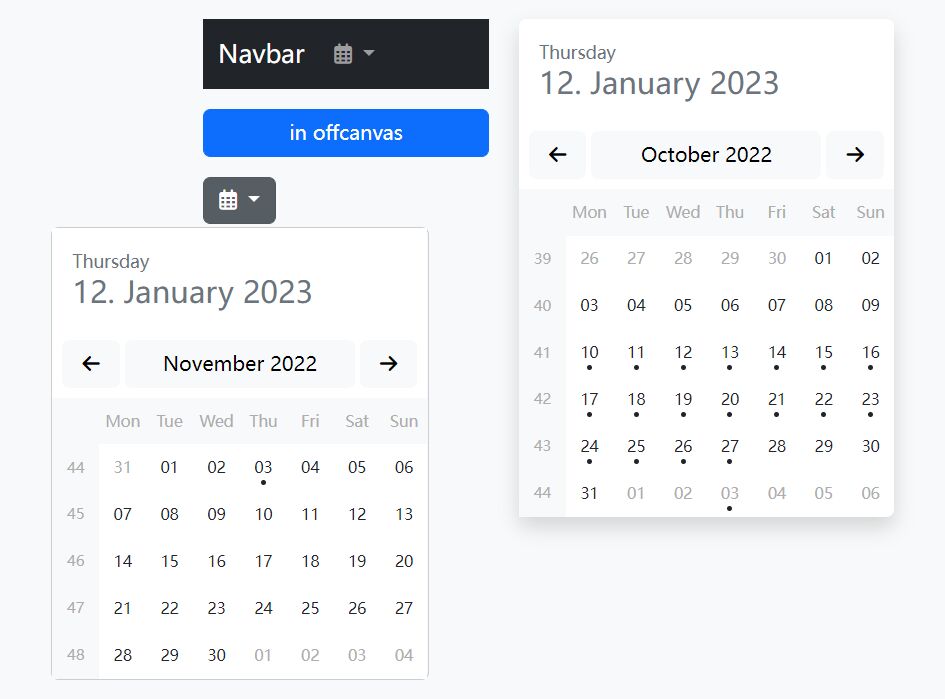
bsCalendar is a jQuery plugin to create flexible, customizable, multilingual, and fully-featured event calendars using Bootstrap 5 framework and Font Awesome 6 iconic font.
Animated Calendar Plugin With Event Management - GC-Calendar
A lightweight jQuery plugin that will easily help you in creating an animated and attractive calendar of your events by month.
It is fully responsive and uses CSS3 animations to provide a smooth slide transition when switching between months.
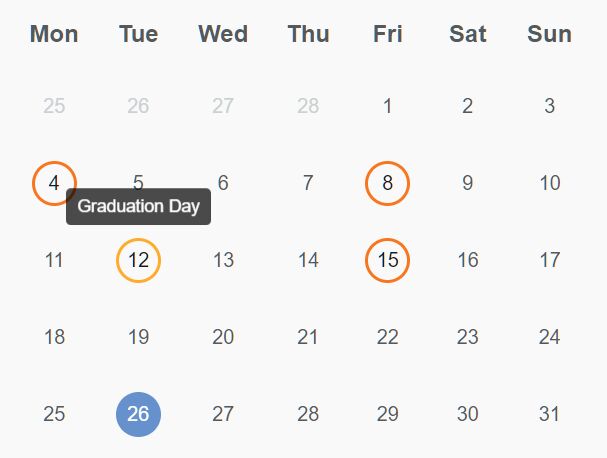
Animated Event Calendar In jQuery - Simple Calendar
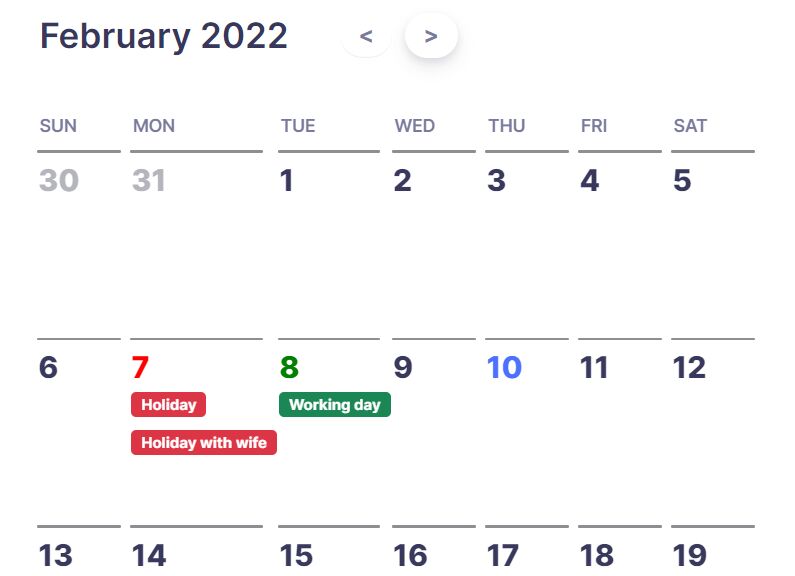
A simple, lightweight, dynamic, animated event calendar plugin where you can view the details of the event in a popup by clicking a date slot.
Vanilla JS Calendar Libraries:
Feature-rich And Draggable Event Calendar Plugin - FullCalendar
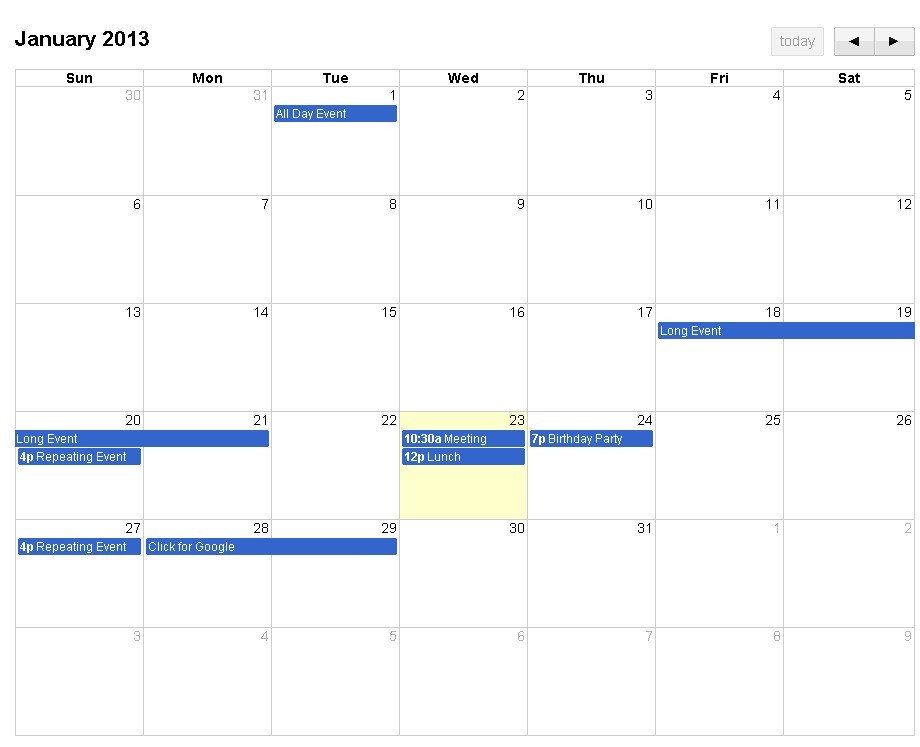
FullCalendar is a lightweight yet powerful and developer-friendly JavaScript library to create flexible, draggable event calendars on the modern web app.
Features:
- Multiple languages.
- Lots of themes to fit your needs.
- Supports custom timezone.
- Custom toolbar.
- Supports Month, TimeGri, List, DayGrid, Timeline, and Custom Views.
- Custom header & footer controls.
- Uses virtual DOM for faster rendering (V5).
- Compatible with Bootstrap 5
Simple Multilingual Calendar Component With Vanilla JavaScript
A tiny clean calendar in Vanilla JavaScript. Create a beautiful customizable calendar for your website, using the ISO 8601 standard. No dependencies, no jQuery, and no frameworks.
Key features include simple localization, CSS/HTML customization, multiple calendar instances on a single page, automatic theme switching (light and dark), customizable week starts and weekends, week number display, accessibility features (ARIA labels, tabindex, keyboard navigation), and date/time range selection with limits and custom popups.

Full-featured Calendar JavaScript Library – tui.calendar
tui.calendar is a powerful, full-featured calendar library used to showcase custom events, schedules, tasks in daily, weekly, and monthly views.

Bootstrap 5 Calendar Component With Dark Mode
An easy and animated calendar UI component with dark mode. Built with the Bootstrap 5 framework.

Customizable And Extensible Calendar Heatmap Library – cal-heatmap
A versatile JavaScript charting library that allows you to create customizable, extensible, and interactive time-series calendar heatmaps similar to Github’s contribution graph.
Features:
- Supports various data types such as JSON, CSV, TSV, and plain text (TXT).
- Dark Mode and Light Mode.
- Allows to customize the calendar language, timezone, and locale-specific settings.
- Allows to set min/max/start dates.
- Useful legend and tooltip plugins.
- Lots of API methods and events.
- Written in Typescript and ES6, and fully tested on real browsers
- And much more.

Conclusion:
In this post you've learned about 10 handpicked plugins for building modern and clean event calendars. These plugins are more than enough to start using in any web project, from a digital portfolio website to a corporate event booking system.
Of course, the best calendar plugin will also depend on your individual needs. If you're looking for a simple, responsive calendar to embed in your website, then Simple Calendar is an excellent choice. If you're looking for flexibility and advanced functionality, however, then FullCalendar might be better for you. Ultimately, it all depends on how much time and effort you want to invest in your calendar plugin—and the end result you desire.
Want more jQuery plugins or JavaScript libraries to create awesome event calendars on the web & mobile? Check out the jQuery Calendar and JavaScript Calendar sections.
More Resources:
- 6 Best JavaScript Calendar Component To Manage/View Events
- 5 Best Vue.js Calendar Components To Render Event Calendars
- 10 Best Calendar Components For React & React Native Apps
- 10 Best Date And Time Picker JavaScript Plugins
- 10 Best Date And Timer Pickers In Vanilla JavaScript
- 10 Best Free WordPress Calendar Plugins To Manage Events And Schedules





