10 Best Timeline Components In jQuery And Pure JS/CSS (2026 Update)
A timeline displays events in chronological order along a horizontal or vertical axis. You can use a timeline library to show project milestones, company history, product roadmaps, and event sequences on web pages. This article ranks the ten best timeline libraries based on three factors: GitHub stars, active maintenance status, and page views on jQueryScript/CSSScript.com over the past year.
The list includes jQuery plugins, vanilla JavaScript libraries, and pure CSS timelines. Each includes key features, use cases, and technical details. We evaluated each library for responsiveness, data format support, customization options, and browser compatibility.
Browse the rankings below to find the best timeline solution that fits your project requirements.
Originally Published May 13 2019, updated Dec 15 2025
Table of contents:
jQuery Timeline Plugins:
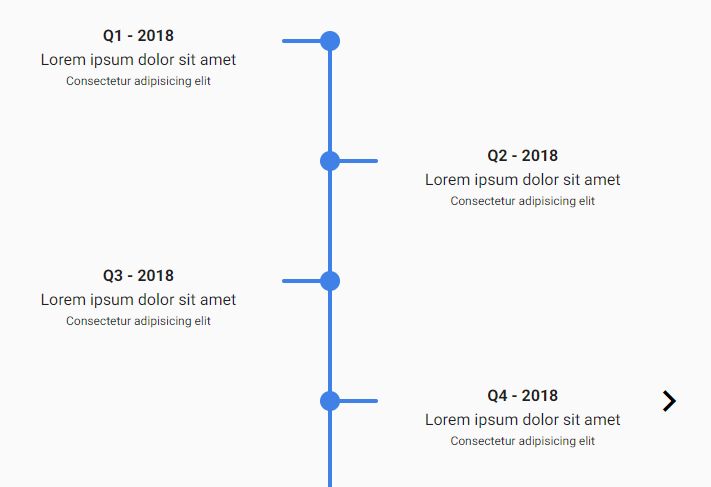
Dynamic Animated Timeline Slider With jQuery - Roadmap
A timeline slider plugin with jQuery that dynamically displays events in a responsive, scrollable, horizontal/vertical slider with a subtle fadeIn animation.
The timeline slider will automatically change the direction based on the current screen size. Compatible with Desktop and mobile.
Key Features:
- Responsive design adapts orientation to screen size
- Supports horizontal and vertical timeline layouts
- Includes subtle fadeIn animation effects
- Works on desktop and mobile browsers
- Scrollable interface for long timelines
Best For:
- Projects requiring automatic responsive behavior
- Roadmap presentations with multiple events
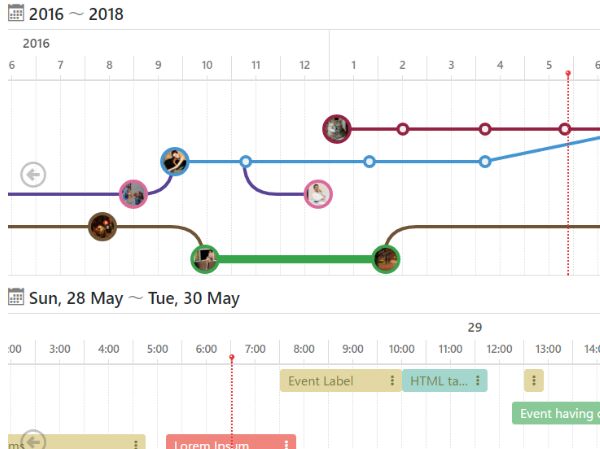
Easy Horizontal Timeline Generator With jQuery - Timeline.js
Timeline.js creates horizontal, scrolling timelines from data arrays or objects. The library supports both bar-style and point/line-style timeline visualizations with event details.
Key Features:
- Renders timelines from dynamic data arrays and objects
- Supports bar-style and point/line timeline modes
- Horizontal scrolling layout
- Responsive design
- Displays event details within timeline nodes
Best For:
- Data-driven timeline applications
- Projects requiring multiple timeline style options
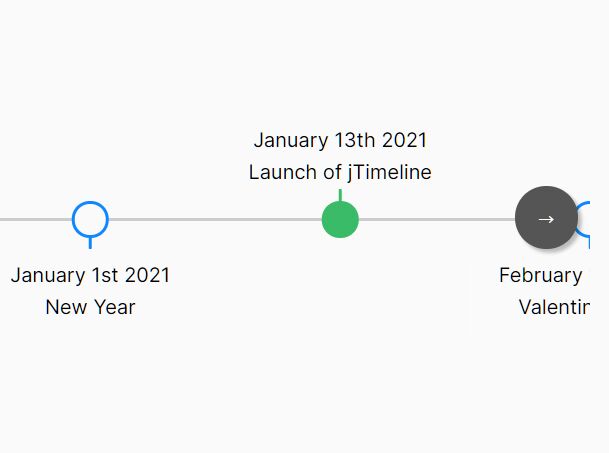
Horizontal Scrollable Timeline Plugin - jTimeline
jTimeline converts HTML unordered lists into horizontal scrollable timelines. The plugin maintains SEO-friendly markup and responds to different screen sizes.
Key Features:
- Generates timelines from HTML unordered lists
- SEO-friendly semantic HTML structure
- Horizontal scrollable layout
- Responsive behavior
- Lightweight file size
Best For:
- Projects prioritizing SEO and semantic HTML
- Simple timeline implementations with minimal dependencies
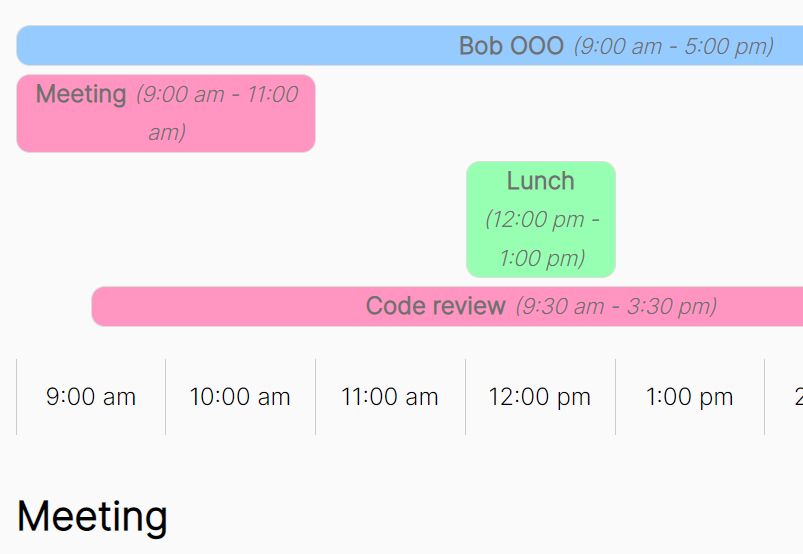
Progressive Enhancement Timeline Plugin - jQuery Timestack
jQuery Timestack displays project events in chronological order with progressive enhancement. The plugin adapts to different screen sizes and works with basic HTML markup.
Key Features:
- Progressive enhancement approach
- Responsive and flexible layout
- Chronological event display
- Works with simple HTML structure
- Browser fallback support
Best For:
- Projects requiring progressive enhancement
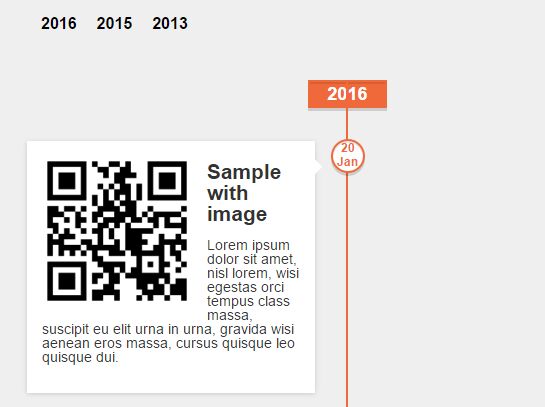
Customizable JSON Based jQuery Timeline Plugin - Albe Timeline
Albe Timeline generates horizontal or vertical timelines from JSON data. The plugin automatically groups events by year and sorts them by date.
Key Features:
- JSON-based data input
- Automatic grouping by year
- Automatic date sorting
- Supports images, videos, and audio content
- Horizontal and vertical orientation options
- Highly customizable appearance
Best For:
- Media-rich timeline applications
- Projects with complex event data requiring automatic organization
Vanilla JS Timeline Libraries:
Responsive Horizontal/Vertical Timeline In Vanilla JavaScript – timeline.js
A vanilla JavaScript plugin to render a responsive, horizontal/vertical timeline component from plain HTML.
Features:
- Responsive
- Configure settings using the API or through data attributes
- Built with performance in mind
- Small file size
- Library agnostic. If jQuery is present it will register itself as a plugin
- Written in ES6 and transpiled into ES5 via Babel
Best For:
- Framework-agnostic projects
- Applications avoiding jQuery dependencies
- Performance-sensitive implementations

Generate An Interactive Timeline From JSON Using D3.js
Interactive Timeline generates horizontal timelines from JSON data using D3.js for graphics and CSS3 transitions for animations. The library visualizes data points across time periods.
Key Features:
- D3.js-powered visualization
- JSON data input
- CSS3 animated transitions
- Interactive timeline elements
- Horizontal layout
Best For:
- Data visualization projects
- Applications already using D3.js
- Interactive data presentations

Dynamic Vertical Timelines Made Easy With VerticalTimeline.js
VerticalTimeline.js creates dynamic vertical timelines for historical events, product releases, and project milestones.
Key Features:
- Vertical timeline layout
- Lightweight implementation
- Dynamic content support
- Responsive design
- Linear event display
Best For:
- Historical event presentations
- Product release timelines
- Project milestone tracking

Timesheet Style Timeline JavaScript Library – Timesheet.js
Timesheet.js visualizes data and events in a timesheet-style timeline chart. The library displays time-based data in a structured format.
Key Features:
- Timesheet-style chart layout
- Event visualization
- Time-based data display
- JavaScript implementation
Best For:
- Project scheduling displays
- Time-tracking visualizations
- Resource allocation timelines

Mobile First Vertical Timeline In JavaScript
This library creates a mobile-first vertical timeline with Material Design styling. It maintains SEO-friendly markup and responds across all device sizes.
Key Features:
- Mobile-first design approach
- Material Design styling
- SEO-friendly structure
- Responsive layout
- Vertical orientation
Best For:
- Mobile-focused web applications
- Material Design projects
- SEO-priority implementations

Bonus: Pure CSS Timeline Components:
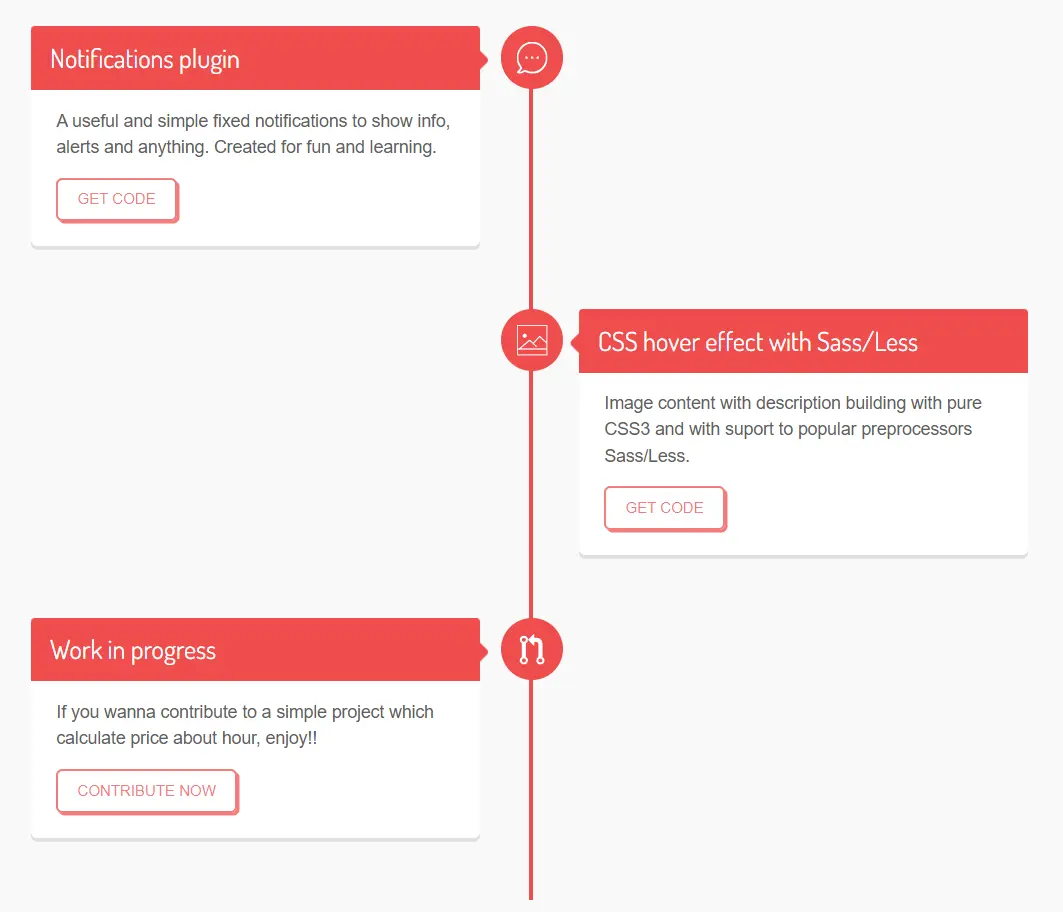
Responsive Vertical Timeline In CSS/SASS
Yet another responsive, nice-looking, and vertical timeline UI built on top of pure CSS/SASS.
Responsive Vertical Timeline In Pure CSS
A simple, plain, responsive, vertical timeline built with CSS and HTML unordered list.

Which Timeline Library Should You Use?
For jQuery projects: Choose Dynamic Animated Timeline Slider (Roadmap) for automatic responsive behavior, or select Timeline.js for data-driven applications with multiple style options.
For vanilla JavaScript projects: Use timeline.js for framework-agnostic implementations, or pick Interactive Timeline for data visualization with D3.js.
For JSON data sources: Select Albe Timeline for rich media support, or use Interactive Timeline for D3.js-powered visualizations.
For SEO-priority projects: Choose jTimeline or Mobile First Vertical Timeline for semantic HTML structure.
For minimal dependencies: Use pure CSS timeline components when you need zero JavaScript overhead.
For vertical layouts: Select VerticalTimeline.js or Mobile First Vertical Timeline for linear event displays.
Can't find the perfect plugin?
Instead of settling for legacy code, build exactly what your project needs in seconds. Discover the 10 Best Free AI Tools for Frontend Developers and let AI write the boilerplate for you.
More Timeline Resources:
Looking for more jQuery plugins or JavaScript libraries to create awesome timelines on the web & mobile? Check out the jQuery Timeline and JS/CSS Timeline sections.





