10 Best Toast Notification jQuery/JavaScript Plugins (2026 Update)
Toast notifications let you confirm saves, report errors, and show other short status messages without interrupting the page with a modal. Libraries differ in their dependencies, stacking and positioning controls, dismissal behavior, progress indicators, and touch support.
This post compares 10 jQuery and JavaScript toast notification plugins, including Toastr, jQuery Toast Plugin, Bootstrap 5 options, and dependency-free alternatives. Continue below to compare the libraries and try each demo.
Table of Contents
- Quick Comparison
- What Is a Toast Notification?
- jQuery Toast Notification Plugins
- Bootstrap-Based jQuery Toast Plugins
- Vanilla JavaScript Alternatives
- FAQs
- Related Toast Notification Resources
Quick Comparison
| Plugin | Dependency | Standout Features |
|---|---|---|
| Toastr | jQuery | Four message types, multiple positions, progress bar, duplicate control |
| jQuery Toast Plugin | jQuery | Stack limits, sticky toasts, loader, HTML content, lifecycle callbacks |
| Responsive Toast | jQuery | Responsive layout, four message types, configurable auto-dismiss |
| myOwnUIToaster | jQuery | Progress bar, timer controls, hover pause, eight positions |
| swipetoast | jQuery | Swipe dismissal, nine positions, RTL, progress bar |
| simple-notif.js | jQuery + Bootstrap 5 | Bootstrap toast styling, Font Awesome icons, lightweight setup |
| bs-toast.js | jQuery + Bootstrap 5 | Nine placements, Bootstrap color types, callbacks, instance methods |
| Toastify | Vanilla JavaScript | Stacking, offsets, npm/CDN use, custom nodes, callbacks |
| Simple Notify | Vanilla JavaScript | HTML content, four statuses, custom icons, flexible positions |
| Notyf | Vanilla JavaScript | Accessible notifications, custom types, module builds, framework recipes |
What Is a Toast Notification?
A toast notification is a small, non-blocking message used for temporary feedback such as a saved state, validation result, warning, error, or completed action. It usually appears near the edge of the viewport and disappears after a short delay, although many libraries also provide persistent messages and manual dismissal controls.
The Best jQuery Toast Notification Plugins
Highly Customizable jQuery Toast Message Plugin - Toastr
Toastr is a mature jQuery notification library for success, info, warning, and error messages. Its configuration includes placement, timeouts, close controls, animation behavior, duplicate prevention, and progress indicators.
- Success, info, warning, and error message types.
- Multiple viewport positions.
- Configurable timeout and extended timeout values.
- Optional close button and progress bar.
- Duplicate prevention.
- Custom show and hide animations.
jQuery Toast Plugin
jQuery Toast Plugin provides a configurable $.toast() API for text, HTML, and list-based messages. It is a useful option when a project needs stacking limits, sticky notifications, custom placement, loaders, or callbacks tied to toast visibility.
- Info, warning, error, and success message types.
- Text, HTML, and array-based message content.
- Top, bottom, center, and custom coordinates.
- Sticky notifications and configurable stack length.
- Optional toast loader.
beforeHide,afterHidden,beforeShow, andafterShowncallbacks.- Fade and slide transitions.
Responsive Non-intrusive Toast Notification jQuery Plugin
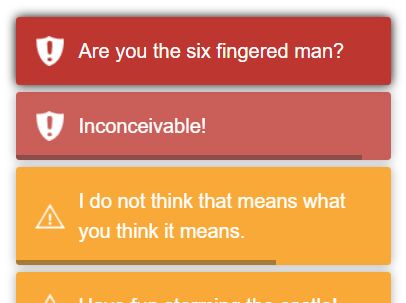
This compact jQuery plugin displays responsive toast messages with success, error, info, and warning states. It keeps the feature set focused on timed dismissal, distinct message styling, and simple entrance and exit transitions.
- Responsive toast layout.
- Success, error, info, and warning states.
- Configurable auto-dismiss timeout.
- Smooth entrance and exit transitions.
- Simple setup for existing jQuery pages.
Toast Notifications with Progress Bars and Animations - jQuery myOwnUIToaster
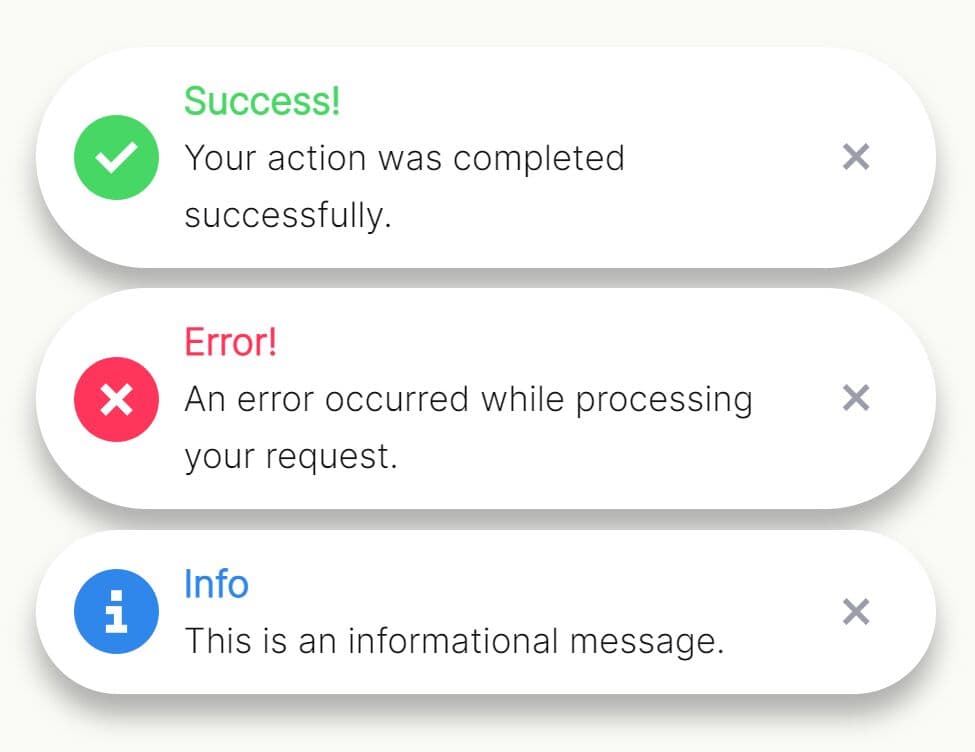
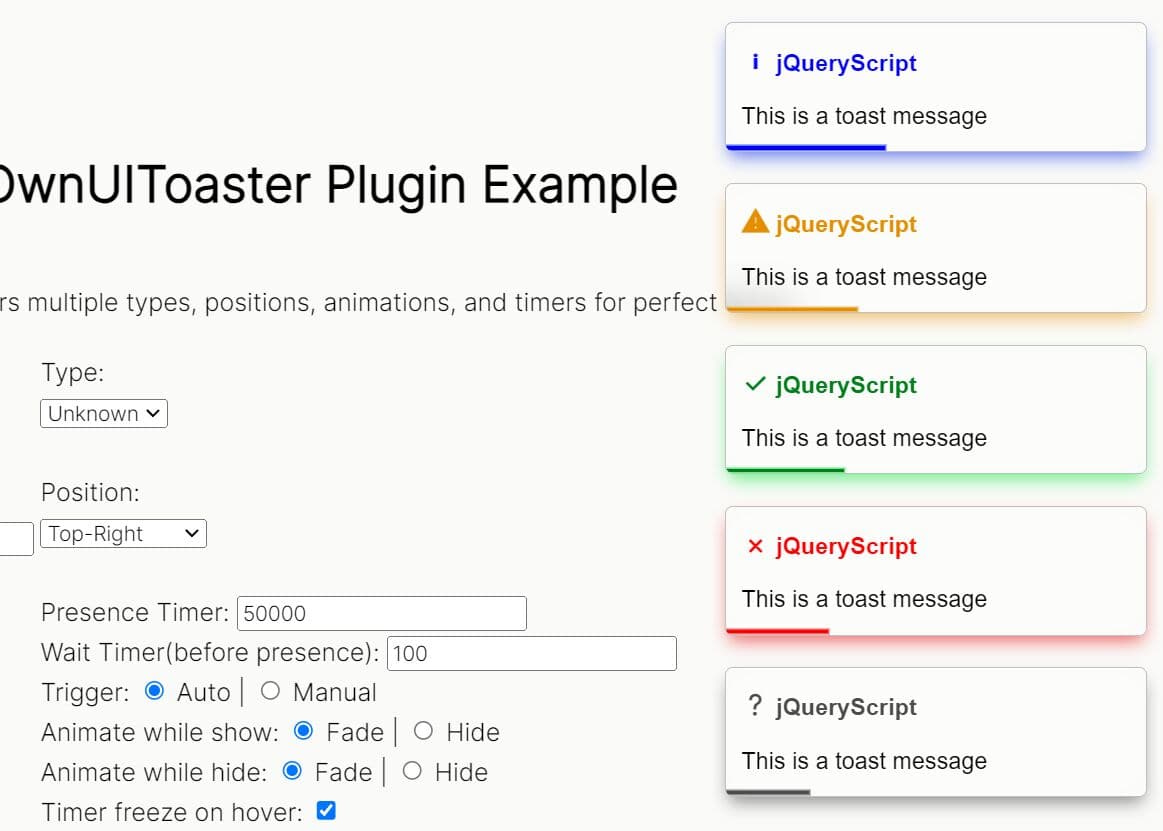
myOwnUIToaster focuses on notification timing and progress feedback. Toasts can appear in several viewport positions, pause their dismissal timer on hover, and display a progress bar that shows the time left before dismissal.
- Info, warning, success, failure, and unknown message types.
- Eight viewport positions.
- Auto-dismiss progress bar.
- Configurable display duration and delayed display.
- Optional hover pause.
- Fade or hide animations.
- Optional click-to-close behavior.
Swipe-to-Dismiss Toast Notification Plugin - jQuery swipetoast
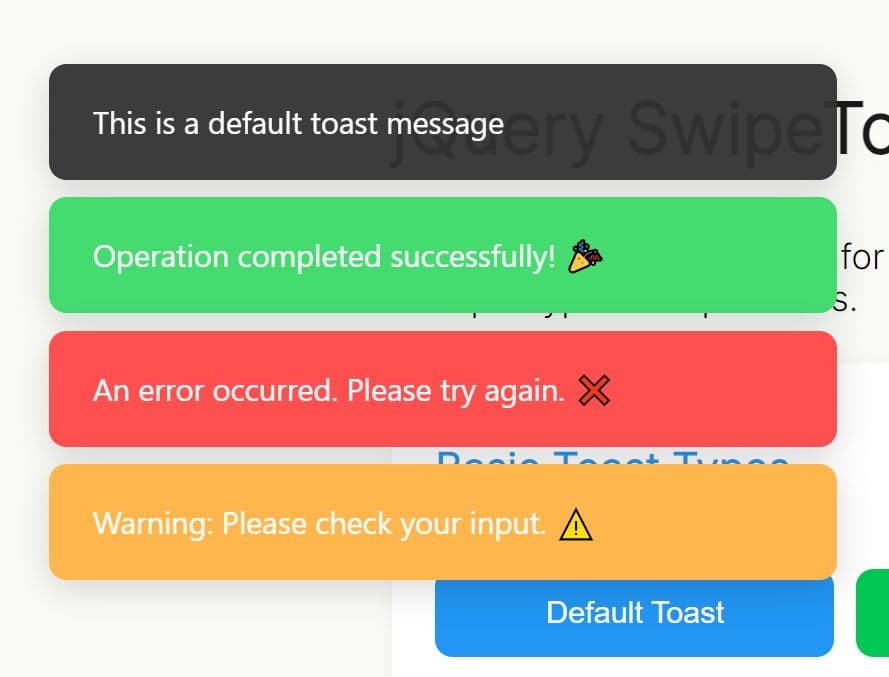
swipetoast adds touch and mouse swipe dismissal to a jQuery toast system. It also includes nine positions, persistent notifications, RTL mode, a progress bar, close controls, and open and close callbacks.
- Touch and mouse swipe dismissal.
- Nine viewport positions.
- Default, success, error, warning, and info types.
- Timed or persistent notifications.
- Optional close button and progress bar.
- RTL layout.
onOpenandonClosecallbacks.- Custom CSS classes and swipe threshold.
The Best Bootstrap-Based Toast Plugins
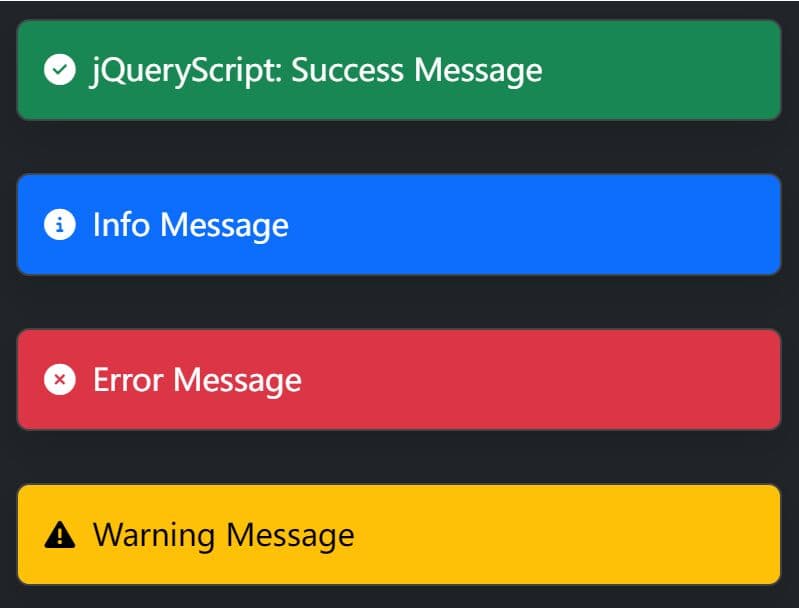
Easy Toast Notifications In Bootstrap 5 - jQuery simple-notif.js
simple-notif.js uses Bootstrap 5 toast components and Font Awesome 6 icons for short status messages. It works best in projects that already load both dependencies and want notification styling that follows the Bootstrap UI.
- Bootstrap 5 toast component.
- jQuery initialization.
- Font Awesome 6 icons.
- Bootstrap utility and component classes.
- Compact setup for Bootstrap-based applications.
Dynamic Bootstrap 5 Toasts Creation With jQuery bs-toast.js
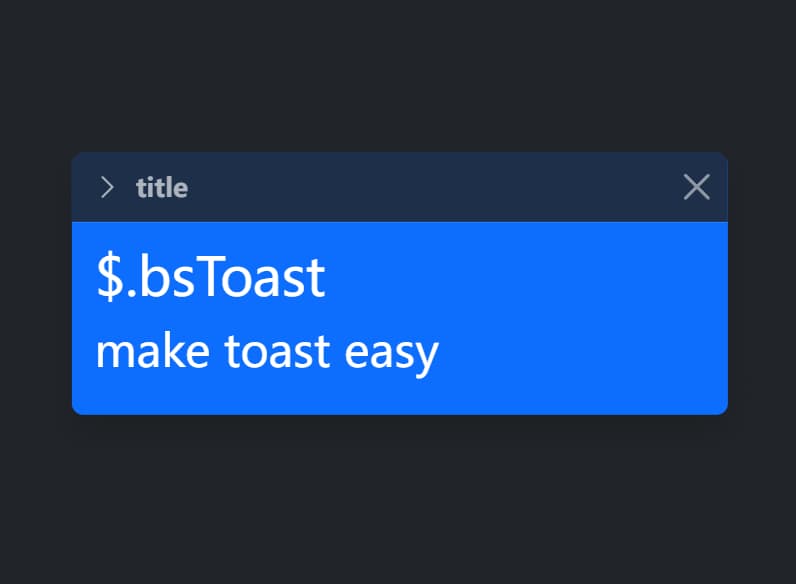
bs-toast.js creates and manages Bootstrap 5 toast components through a jQuery API. It exposes message types, nine placement codes, auto-hide behavior, lifecycle callbacks, and methods for checking or hiding generated toast instances.
- Bootstrap 5 toast rendering.
- Info, warning, success, danger, light, dark, primary, and secondary types.
- Nine placement options.
- Configurable delay, auto-hide, animation, and backdrop behavior.
onShow,onShown,onHide, andonHiddencallbacks.- Instance methods for existence, visibility, and manual hiding.
The Best Vanilla JavaScript Alternatives
Simple Vanilla JavaScript Toast Notification Library - Toastify
Toastify is a lightweight JavaScript toast library with npm, module, CDN, and traditional script-tag installation options. Its API handles stacked notifications, custom nodes, offsets, click actions, close controls, and callback behavior.
- Dependency-free JavaScript.
- Stacked notifications.
- Top or bottom gravity with left, center, or right positioning.
- Custom offsets and inline styles.
- Optional close control and hover pause.
- DOM node content and click destinations.
- Dismiss and click callbacks.
- npm and CDN installation.

JavaScript Plugin For Custom Toast Notifications - Simple Notify
Simple Notify provides configurable toast alerts with status types, HTML content, icons, positioning, themes, and manual closing. It is a better choice than a minimal one-line toaster when the message body needs richer content or more presentation controls.
- Error, warning, success, and info states.
- Fade and slide effects.
- Automatic or persistent notifications.
- HTML message content.
- Custom icons and CSS classes.
- Multiple positions and spacing controls.
- Outline and filled themes.
- Programmatic
close()method.

Growl And Toast Style Alert Notification Library - Notyf
Notyf is a dependency-free toast library with an accessibility announcer, custom notification types, configurable positions, dismissible messages, and several module formats. Its documentation also includes integration recipes for React, Angular, Aurelia, Vue, and Svelte.
- Dependency-free JavaScript.
- Accessible announcement container.
- Success and error defaults plus custom notification types.
- Configurable duration, position, icons, background, and dismiss button.
- Custom HTML content.
dismiss()anddismissAll()methods.- Click and dismiss events.
- ES6, CommonJS, UMD, and IIFE builds.

FAQs
Which option handles swipe dismissal and RTL layouts?
swipetoast includes touch and mouse swipe dismissal, nine positions, RTL layout, a progress bar, and open and close callbacks.
Which toast libraries accept HTML content?
jQuery Toast Plugin accepts HTML in its message text. Simple Notify also accepts HTML content. Toastify can render content from a DOM node when a text-only message is not enough.
What is the difference between a toast and a snackbar?
Both patterns show temporary feedback. Snackbars are closely associated with Material Design and often include an action. See 10 Best Snackbar Plugins In jQuery And Pure JavaScript for action-oriented snackbar libraries.
Related Toast Notification Resources
- Find More jQuery Toast Message Plugins
- 10 Best Toast Notification JavaScript Libraries (2026 Update)
- 10 Best Snackbar Plugins In jQuery And Pure JavaScript (2026 Update)
- Find More Vanilla JavaScript Toast Notification Libraries





