10 Best Form Validation JavaScript Plugins (2026 Update)
In web applications, forms are used to gather user input and pass it over to the server for further processing. During the process of user input, you need to validate form fields for the user's convenience.
Validating an HTML form is NOT a simple task as you develop a modern web app.
In general, most develops are using the Native HTML5 Form Validation to validate the HTML form with native browser experience.
But it is NOT enough.
For better user experience, custom styles, error messages and validation rules must be taken into account.
Thanks to JavaScript. There're tons of professional, highly customizable form validation plugins developed with JavaScript out there. This is why I wrote the article and listed here the 10 Best JavaScript and jQuery plugins to simply the form validation task. Enjoy it.
Not a jQuery user? Check out our 10 Best Pure JavaScript Form Validation Libraries.
Originally Published Jan 27 2018, updated Jan 28 2026
Table of contents:
Best jQuery Form Validation Plugins:
HTML5 Form Validator For Bootstrap 5 - jbvalidator
A fresh new jQuery based form validation plugin that is created for the latest Bootstrap 5 framework and supports both client side and server-side validation.
Features:
- Multiple languages.
- Custom error messages.
- Custom validation rules.
- Easy to use via HTML data attribute.
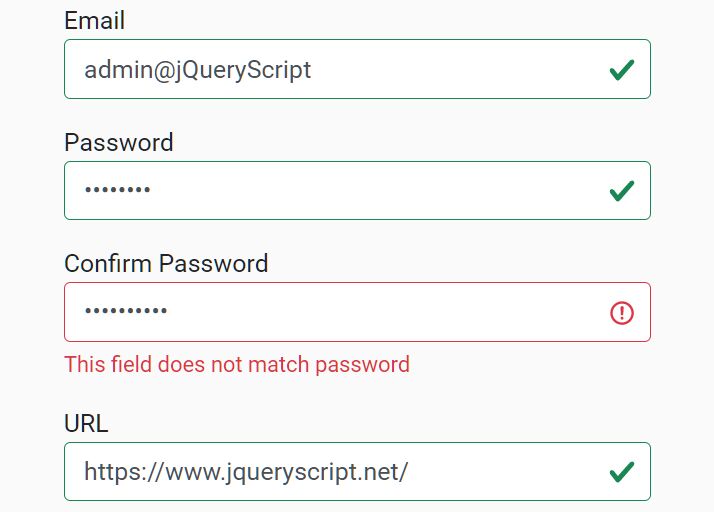
Powerful Multi-Functional Form Validation Plugin - jQuery Validation
A javascript based plugin that helps you implement a powerful client side validator to your form elements that validate the value (like name, email, address, etc..) your user input when submitting.
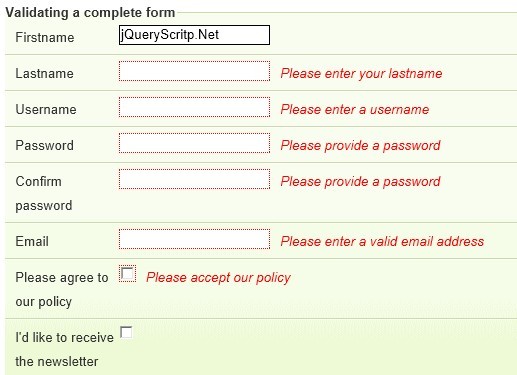
Powerful jQuery Form Validation Plugin - Validation Engine
A jQuery plugin aimed at the validation of form fields in the browser. The plugin provides visually appealing prompts that grab user attention on the subject matter.
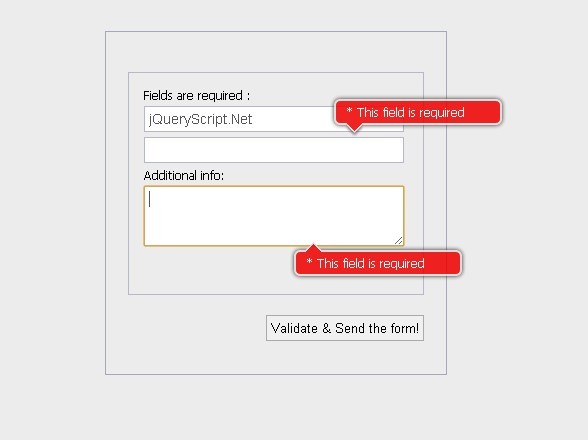
Feature-rich Input Validation & Mask Plugin - InnerFormValidation
A simple yet powerful jQuery form enhancement plugin that enables the user to create masked input fields with real-time value validation using only CSS classes and HTML data attributes.
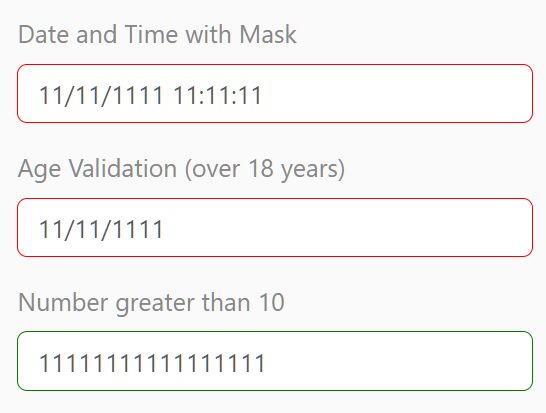
Validate Bootstrap Forms In A Snap With jQuery
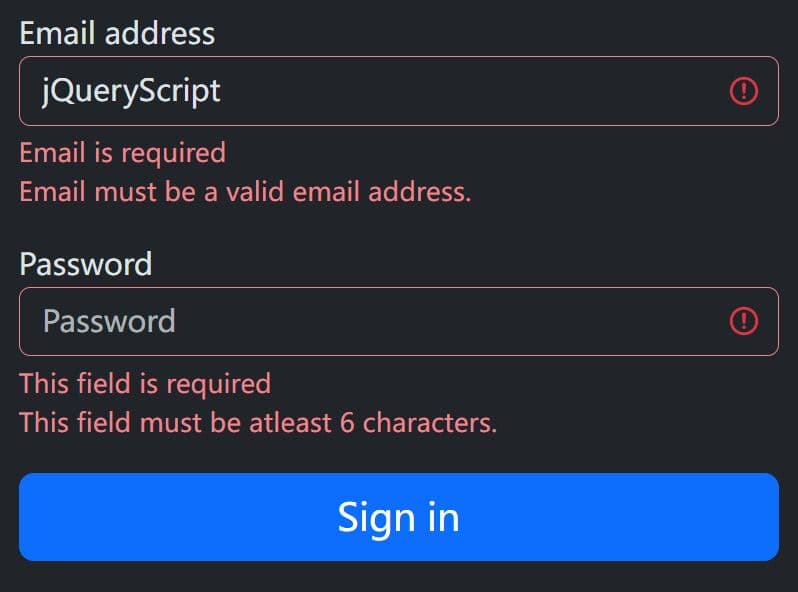
A lightweight jQuery plugin provides an easy way to implement client-side form validation in your latest Bootstrap projects.
The plugin allows setting validation rules like required, email, min/max length directly on form fields by leveraging HTML5 data attributes. When a field doesn't meet the validation criteria, it's immediately highlighted, and a helpful error message appears, guiding users to provide the correct information.
Vanilla JS Form Validation Plugins:
Just-validate
Just-validate is a dependency-free, HTML5 data attribute based form validation that supports both client side and server side form validation. Validation rules are fully customizable via JavaScript. Compatible with Bootstrap framework.

Native Validator
A vanilla JavaScript-powered form validation library for the latest bootstrap framework, without jQuery dependency.

Dynamic Bootstrap 5 Form Builder With Vanilla JavaScript
The Bootstrap Form Builder library makes it easy to generate full-featured forms styled using the Bootstrap 5 framework.
Features:
- Dynamically build forms from JSON/JavaScript data definitions
- Support for all common form elements like text inputs, selects, radios, checkboxes, etc.
- Bootstrap 5 styling and layout out of the box
- No jQuery required, vanilla JS only

Validator.js
A fast, cross-browser, user-friendly, highly customizable form validator that works with the native HTML5 input types: text, email, url, date, etc.
Features:
- Custom trigger event: blur, click, change, etc.
- Allows you to validate form fields using custom regex.
- Pretty and interactive feedbacks for invalid form fields.
- Supports multi fields. Suitable for credit card form validation.
- With no dependencies.

Pristine
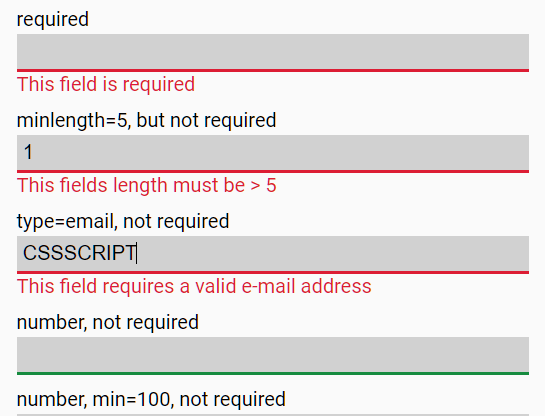
Pristine is a lightweight vanilla JavaScript form validation library which works with the native HTML5 attributes and allows you to create your own validators of course.
Conclusion:
Before you start implementing these JavaScript plugins, there are some factors you should consider first. First, understand that JavaScript validation is not an effective solution for validating forms unless the user’s internet connection is stable. In order to ensure this, you must create a fallback mechanism that will operate without JavaScript. It is also important to note that many modern browsers already have built-in form validation. If a browser supports native validation tools, they will be used by default over any third party plugins.
More Resources:
Looking for more jQuery plugins or JavaScript libraries to create awesome Form Validators on the web & mobile? See jQuery Form Validation and JavaScript Form Validation sections for more details.





