jQuery 4 vs. jQuery 3: A Technical Comparison
The release of jQuery 4 marks a significant shift in the library's philosophy. While version 3.x focused on maintaining broad compatibility across a fragmented browser ecosystem, version 4 focuses on cleanup and modernization.
This update introduces breaking changes that go beyond simple deprecations. The following sections detail the technical differences between the two versions.
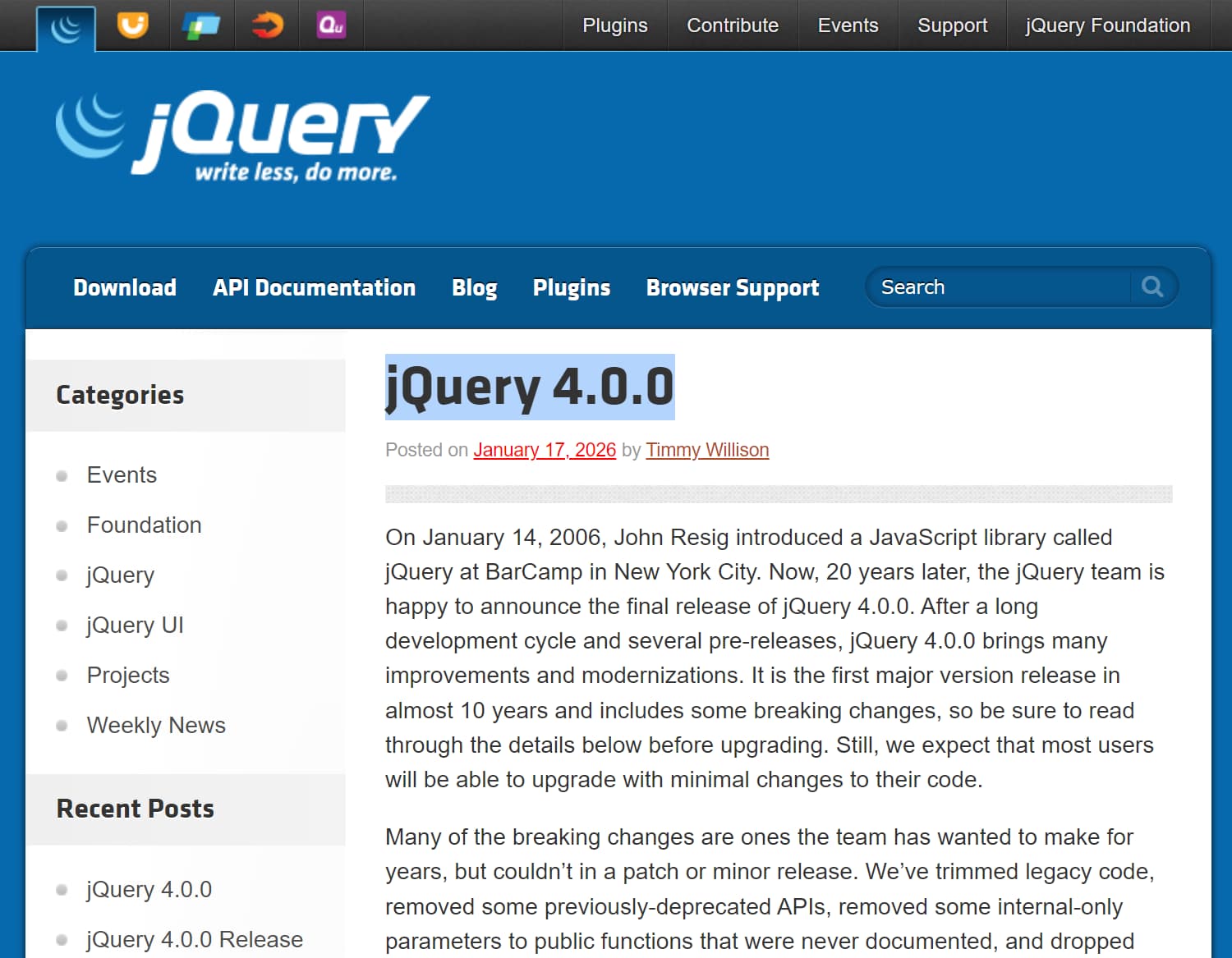
This comparison uses jQuery 3.7.1 as the 3.x baseline and jQuery 4.0.0 as the 4.x baseline.
jQuery 4 vs. jQuery 3.7.1 at a Glance
| jQuery 3.7.1 vs. jQuery 4.0.0 | |
|---|---|
| Browser support | jQuery 3.7.1 keeps IE 9-10, Edge Legacy, iOS 7+, and Android 4.0+. jQuery 4.0.0 drops those legacy targets and keeps IE 11 plus current browser generations. |
| Source modules | AMD source modules in 3.x move to ES Modules in 4.0.0. The main browser build remains UMD. |
| Package exports | jQuery 4.0.0 exports UMD, ESM, Slim, and factory entry points through package.json. |
| Deprecated APIs | APIs deprecated across jQuery 3.x are removed in 4.0.0, including jQuery.trim, jQuery.isArray, jQuery.type, and jQuery.now. |
| AJAX and JSONP | JSON requests no longer auto-promote to JSONP, script execution must be explicit, and FormData receives native binary-data handling. |
| Focus events | jQuery 4.0.0 stops overriding the browser focus-event order and removes the old focusin/focusout shims. |
| CSS units | jQuery 3.x adds px to most numeric CSS values. jQuery 4.0.0 limits automatic px insertion to a smaller set of properties. |
| Trusted Types | jQuery 4.0.0 adds Trusted Types support to HTML manipulation methods. |
| Slim build | The 3.7.1 Slim build excludes Ajax and Effects. The 4.0.0 Slim build also excludes Deferred, Callbacks, and Queue modules. |
| File size | The full jQuery 4 build is more than 3KB smaller gzipped after deprecated APIs and older-browser compatibility code are removed. |
1. Browser Support and File Size
The most structural change in jQuery 4 is the removal of legacy browser support. This cleanup allows for the removal of internal polyfills and workarounds. The full jQuery 4 build is more than 3KB smaller gzipped than 3.7.1 after removing deprecated APIs and compatibility code for older browsers. Sizzle should not be counted as a jQuery 4-only removal because jQuery 3.7.0 had already stopped depending on it as a separate project.
| Browser | Support Difference |
|---|---|
| Internet Explorer | 3.7.1: IE 9+. 4.0.0: IE 11 only. |
| Edge | 3.7.1: Includes Edge Legacy. 4.0.0: Chromium Edge Current and Current - 1; Edge Legacy is removed. |
| Chrome, Firefox, Safari | 3.7.1: Current and Current - 1. 4.0.0: Current and Current - 1. |
| Opera | 3.7.1: Current. 4.0.0: Current. |
| Mobile Safari | 3.7.1: iOS 7+. 4.0.0: Current, Current - 1, and Current - 2. |
| Android | 3.7.1: Android 4.0+. 4.0.0: Current and Current - 1. |
2. Core Architecture: ESM vs. AMD
- jQuery 3.x: The source code uses AMD modules.
- jQuery 4: The source code uses ES Modules (ESM). The main browser file remains a UMD build, while the npm package exposes UMD, ESM, Slim, and factory builds.
Package Exports and Node.js Factory
jQuery 4 adds an exports map to package.json. Browser projects that load the normal distribution file do not need a new initialization pattern, but Node.js code that creates a DOM with JSDOM has a different factory entry point.
// jQuery 3.x in Node.js without a global window
var $ = require("jquery")(window);

// jQuery 4.0.0
var $ = require("jquery/factory")(window);
3. AJAX: Security and Binary Data
The AJAX module changes several request behaviors that can affect existing integrations.
JSONP Auto-Promotion
- jQuery 3.x: A
dataType: "json"request with a JSONP callback placeholder can be promoted to JSONP automatically. - jQuery 4: JSONP requires an explicit
dataType: "jsonp".
// jQuery 3.x could auto-promote this request to JSONP
$.ajax({
    url: "https://example.com/data?callback=?",
    dataType: "json"
});

// jQuery 4.0.0 requires an explicit JSONP request
$.ajax({
    url: "https://example.com/data?callback=?",
    dataType: "jsonp"
});
Binary Data Support
- jQuery 3.x: Non-serializable Ajax data could be converted before Ajax prefilters ran, which required extra handling for values such as
FormData. - jQuery 4:
jQuery.ajaxsupports binary data such asFormDatapassed through thedataoption.
Script Requests
- jQuery 3.x: Same-origin Ajax responses could execute as scripts even when
dataType: "script"was not explicit. - jQuery 4: Script execution requires
dataType: "script"orjQuery.getScript(). Async script requests use a<script>transport by default, with limited exceptions such as requests that set custom headers.
4. Event System: Focus Order and Shims
jQuery 4 stops normalizing several focus-event behaviors that current browsers now handle consistently.
Focus Event Order
- jQuery 3.x: Uses the order
focusout->blur->focusin->focus. - jQuery 4: Stops overriding native focus behavior. Modern browsers follow
blur->focusout->focus->focusin; IE 11 keeps its native ordering.
Removal of Shims
- jQuery 3.x: Includes compatibility shims for
focusinandfocusout. - jQuery 4: Removes those shims. Code that depends on the relative order of
focus,blur,focusin, andfocusoutneeds regression testing.
5. API Removals and Replacements
jQuery 4 removes deprecated utilities that had native JavaScript replacements or no longer serve the current browser matrix.
| Removed API | Replacement or Migration Note |
|---|---|
jQuery.trim() |
String.prototype.trim() |
jQuery.isArray() |
Array.isArray() |
jQuery.parseJSON() |
JSON.parse() |
jQuery.isFunction() |
typeof value === "function" |
jQuery.isNumeric() |
Number.isFinite() or an application-specific numeric check. |
jQuery.isWindow() |
Window detection is discouraged. When required, use an explicit application check. |
jQuery.now() |
Date.now() |
jQuery.nodeName() |
element.nodeName.toLowerCase() |
jQuery.type() |
Use typeof, Array.isArray(), instanceof, or Object.prototype.toString.call() as appropriate. |
jQuery.unique() |
jQuery.uniqueSort() |
jQuery.camelCase() |
Internal utility removed. Use application-specific string handling when needed. |
jQuery.cssNumber |
Specify CSS units explicitly for properties that require them. |
jQuery.cssProps |
Vendor-prefix mapping is no longer required for the jQuery 4 browser matrix. |
jQuery.fx.interval |
No direct replacement is required for normal effects code. |
Example: Replace a Deprecated Utility
var input = "  value  ";

// jQuery 3.7.1
var value = jQuery.trim(input);

// jQuery 4.0.0
var value = input.trim();
Prototype Array Methods
- jQuery 3.x: The jQuery prototype includes
push,sort, andspliceas internal references to native Array methods. - jQuery 4: These methods are removed from the jQuery prototype. Code such as
$elem.push(value)must use an Array method explicitly, for example[].push.call($elem, value).
6. CSS and Attributes
Automatic px Addition
- jQuery 3.x: Adds
pxto most unitless numeric values passed to.css(), except properties listed injQuery.cssNumber. - jQuery 4: Adds
pxonly to a limited set of properties known to require it. Existing code should pass explicit units for CSS properties that require them.
toggleClass Signature
- jQuery 3.x: Supports the deprecated single-argument
toggleClass(boolean)and undocumentedtoggleClass(undefined)signatures. - jQuery 4: Removes those signatures. Pass the class name explicitly when changing class state.
Opacity Hook
- jQuery 3.x: Includes an
opacityCSS hook. - jQuery 4: Removes the hook.
.css("opacity")on a detached element can now return an empty string in standards-compliant browsers.
7. Security: Trusted Types
- jQuery 3.x: Does not natively accept Trusted Types across HTML manipulation methods.
- jQuery 4: Adds Trusted Types support to manipulation methods such as
.html()and.append(), which improves compatibility with sites that enforcerequire-trusted-types-forthrough Content Security Policy.
8. The Slim Build
The Slim build removes modules that a project does not need.
- jQuery 3.7.1 Slim: Excludes Ajax and Effects.
- jQuery 4.0.0 Slim: Excludes Ajax, Effects, Deferred, Callbacks, and Queue. Use the full build when existing code depends on
jQuery.Deferred,jQuery.Callbacks, jQuery queues, Ajax, or Effects.
Selector Changes
jQuery 4 updates the native selector path to use the selection-context logic that previously existed in Sizzle. Context-sensitive queries can therefore return different results in edge cases, and relative selectors such as $container.find("> *") work through the native selector engine.
- Selection context: A selector is evaluated against the starting context more strictly. Code that depended on descendants outside that context needs review.
- Legacy custom pseudos: Old Sizzle-style custom pseudo extensions are removed. Plugins that register legacy pseudo selectors need compatibility testing with jQuery 4.
Advanced Compatibility Changes
- Data keys: Data keys that match
Object.prototypeproperties no longer override native prototype properties. Code that callshasOwnPropertydirectly on a jQuery data object should useObject.hasOwn()or theinoperator. jQuery.event.special: This object no longer inherits fromObject.prototype. DirecthasOwnPropertycalls on it need the same adjustment.jQuery.fn.init(): The undocumented thirdrootparameter is removed. This mainly affects old plugins that called jQuery internals directly.- DOM manipulation: Internal fragment construction no longer depends on the previous string-concatenation behavior, and script comments or CDATA sections are no longer stripped by jQuery.
- Deferred debugging:
jQuery.Deferred.getStackHookwas already renamed tojQuery.Deferred.getErrorHookin jQuery 3.7.0, so this is not a jQuery 3.7.1-to-4.0.0 difference.
jQuery 4 or jQuery 3.7.1?
jQuery 4.x is the current release branch. jQuery 3.x is limited to critical security patches and bug fixes, but it remains the compatibility choice for projects that cannot drop older browsers or older plugins.
Choose jQuery 4.0.0 When
- The project runs on IE 11 or the current browser generations in the jQuery 4 support matrix.
- Required plugins have been checked against jQuery 4.
- The codebase does not depend on removed utilities, undocumented prototype methods, or legacy selector extensions.
- A new jQuery-based project has no requirement for IE 9-10, Edge Legacy, older iOS releases, or Android Browser.
Keep jQuery 3.7.1 When
- IE 9-10, Edge Legacy, iOS 7+, or Android 4.0+ remains part of the browser requirement.
- A required third-party plugin has not been verified with jQuery 4.
- The application depends on jQuery 3 behavior that has not yet passed regression testing under jQuery 4.
Migration Impact: jQuery 3.7.1 to 4.0.0
- Audit removed APIs, implicit JSONP requests, script loading, focus-event order, CSS unit assumptions, custom pseudos, and use of
push,sort, orspliceon jQuery objects. - Use the full jQuery 4 build when Deferred, Callbacks, Queue, Ajax, or Effects modules are required.
- Test third-party plugins that access jQuery internals, register custom selectors, or depend on browser compatibility outside the jQuery 4 matrix.
- Use jQuery Migrate 4.x during development to find compatibility warnings in jQuery 3.x code and plugins, then retest after the migration layer is removed.
Related Resources
- jQuery And jQuery Related Resources For Web Developers
- jQuery 4.0.0 Release Date, Changes & Upgrade Guide
- jQuery Timeline: Release History, Major Features, and Upgrade Notes
- Browse jQuery Plugins That Officially Support jQuery 4
- jQuery 4 Cheat Sheet
- Official jQuery Core 4.0 Upgrade Guide
- Official jQuery 4.x GitHub Repo
- Official jQuery 4 Migrate Plugin





