10 Best Data Table/Grid Systems In JavaScript (2026 Update)
What Is Data Table?
Data tables are used to organize data in a tabular format. They are often used in conjunction with JavaScript libraries to enhance the table features, making it more interactive and responsive.
In short, a Data table (data grid) is an advanced form of an HTML table.
It provides a convenient way to represent and manipulate tabular data in an enhanced table-like interface with advanced features such as pagination, filtering, AJAX loading, cell editing, row sorting, data ordering, etc.
The Best Data Table
Data tables are commonly used UI components in many platforms including web applications, mobile apps as well as in desktop applications. Given their popularity and wide range of applications, there is a multitude of JavaScript libraries that have been created specifically for data tables.
In this list you' find the 10 best jQuery & Vanilla JavaScript libraries to generate flexible, dynamic data tables (data grids) on the web applications. I hope you like it.
Originally Published Nov 14 2019, updated Feb 10 2025
Table of contents:
jQuery Data Table Plugins:
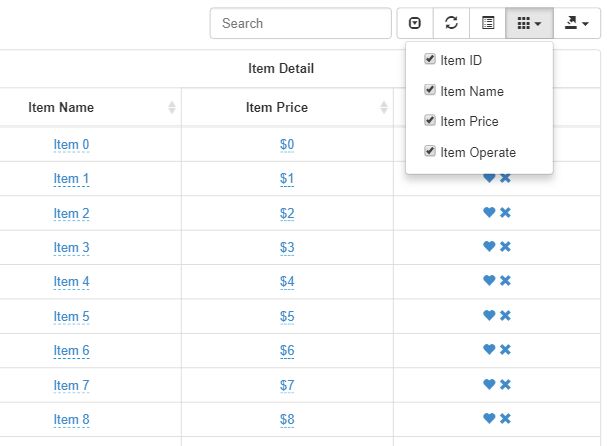
Feature-rich Data Table Plugin For Bootstrap 5/4/3/2
A responsive, dynamic, extendable, multifunctional, and highly-customizable jQuery data table plugin for Bootstrap (5/4/3/2), Bulma, Foundation, Materialize, and Semantic frameworks.
Features:
- Dynamic data rendering via AJAX.
- Data filtering.
- Data sorting.
- Data editing.
- Table pagination.
- Show/hide specific columns.
- Fixed table header.
- Checkable table rows.
- Expandable and collapsible table rows.
- Allows to toggle between card view and detail view.
- Exports data to JSON, XML, CSV, TXT, SQL, and Excel.
- Useful extensions.
- Tons of useful options, methods and events.
- Supports 45+ languages.
- 5 built-in themes: Bootstrap, Bulma, Foundation, Materialize, and Semantic.
Lightweight jQuery Data Tables with Sorting, Paging, and Filters
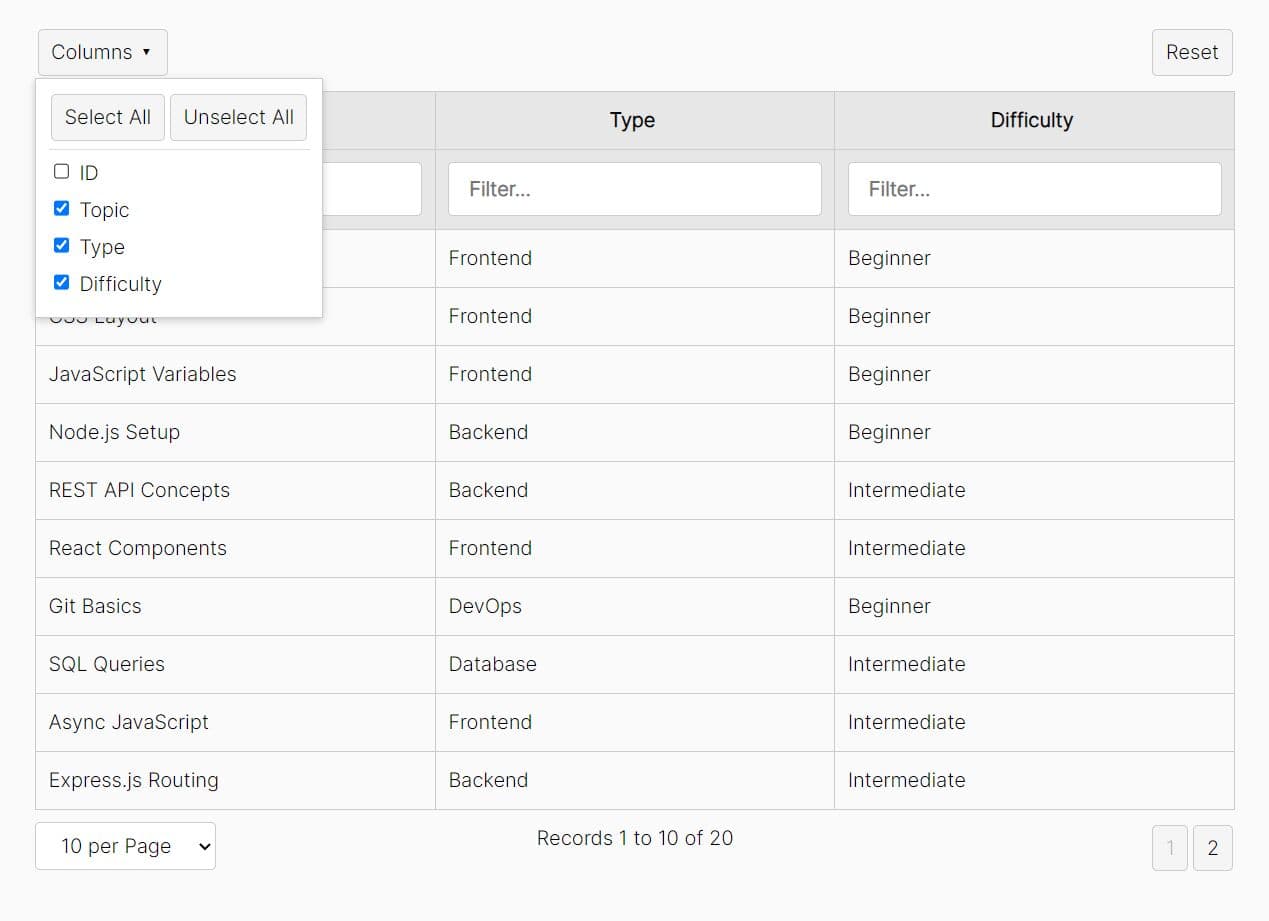
A simple yet powerful jQuery data table plugin that renders data arrays or remote JSON data (via Ajax) into interactive data tables with support for filtering, paging, and sorting.
Features:
- Modular renderer functions for custom cell and row styling
- Customizable layout regions (header/footer slots for controls)
- Column visibility toggling and page size selection
- Clean default styling with theming support
Sortable/Filterable/Resizable/Customizable Data Table Plugin - jQuery Herotable
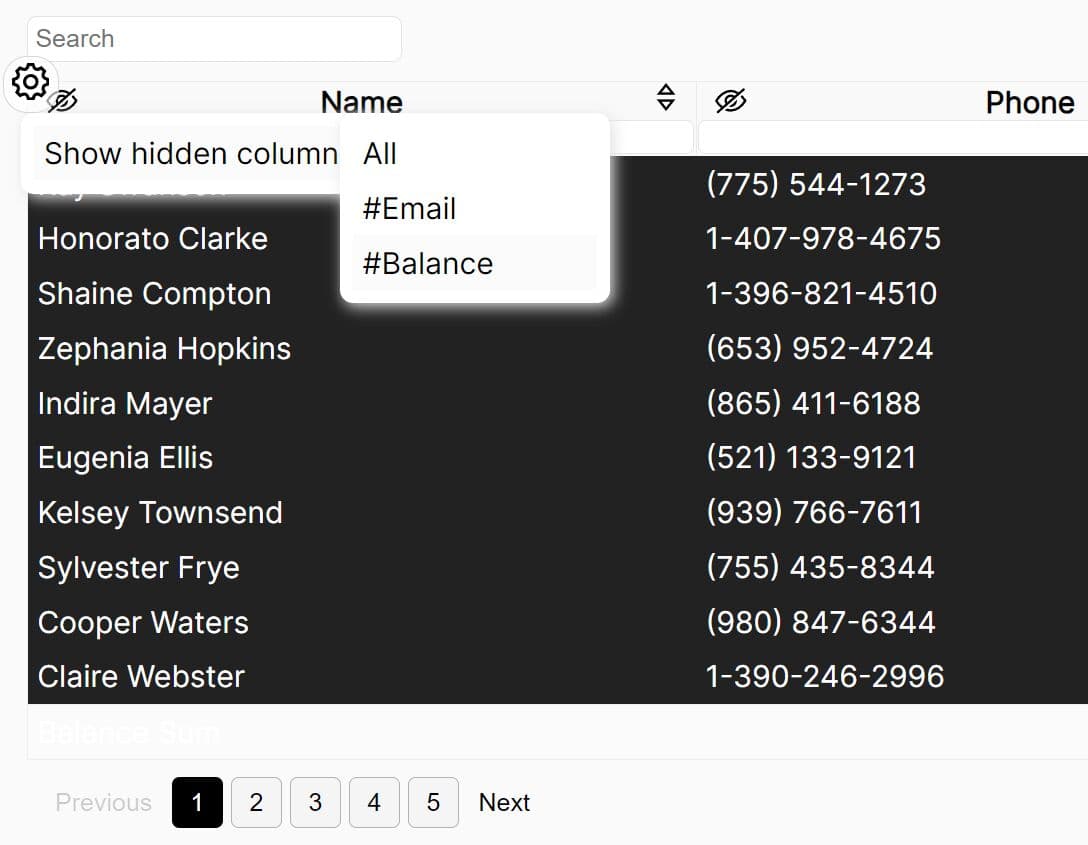
An easy-to-use jQuery plugin that transforms any basic HTML table into an interactive data table featuring sorting, searching, scrolling, resizing, show/hide columns, footer summation, pagination, and more.
Features:
- Sortable - Let users instantly sort table data by column with a click. This makes it easy to organize and scan information.
- Searchable - Global and column-specific search allows users to quickly filter table entries to find what they need.
- Scrollable - For large tables, scrolling enables easy navigation without taking up excessive page space.
- Resizable - Users can resize columns by dragging to view critical data. Adapts tables for different displays.
- Customizable - Adjust column widths, visibility, and more via settings.
- Show/Hide Columns - Choose which columns to display to reduce clutter and focus on relevant data.
- Footer Summation - Automatically total numerical columns for quick reference.
- Pagination - Break up long tables into pages to improve page performance.
- Callbacks - Utilize callbacks to trigger custom JavaScript.
Convert HTML Tables Into Interactive Data Tables - jQuery ztables
A lightweight & feature-rich jQuery plugin that turns your HTML tables (or JSON data) into interactive data tables with advanced features.
Features:
- Show/hide columns.
- Table filtering.
- Table sorting.
- Pagination.
- Select page size.
- Swap columns via drag and drop.
- Export to CSV string.

Powerful and Customizable jQuery Data Table/Grid Plugin - supergrid.js
A powerful, flexible, and customizable data table/grid jQuery plugin for manipulating and displaying tabular data on your webpage.
Features:
- Supports both Bootstrap 5 and >jQuery UI themes.
- Loads tabular data from an array of objects.
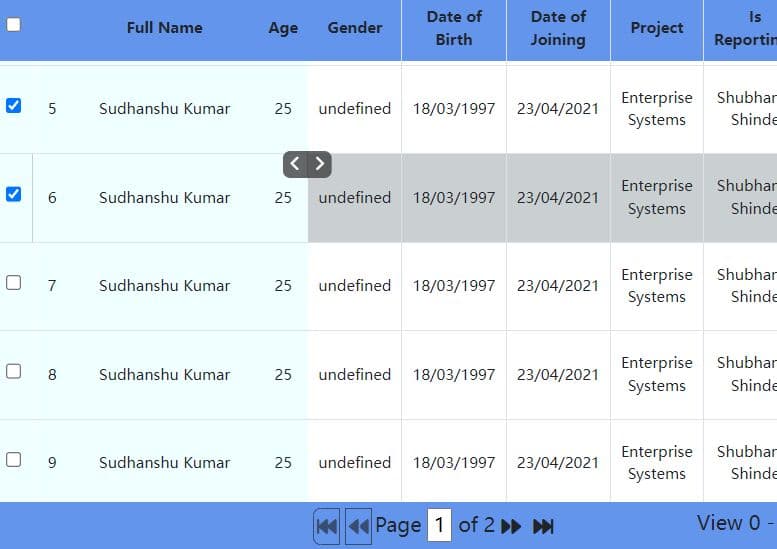
- Fix the table header to the top.
- Fix a specific number of table columns to the left.
- Fully customizable pagination controls.
- A convenient checkbox-based system for selecting multiple rows.
- Resizable table columns.
- And Much more.
Vanilla JavaScript Data Table Plugins:
Easy Data Table Generator with jQuery and JSON - Tabulator
Tabulator is a feature-rich jQuery plugin used for generating simple or complex data tables from any JSON data.
Features:
- JSON, array or AJAX data loading
- High performant large table based on virtual DOM
- Column sorting
- Custom data formatting
- Resizable columns
- Auto scaling to fit data/element
- Many theming options
- Custom click and context Events
- Callbacks at every stage of data processing and rendering
- Data filtering.
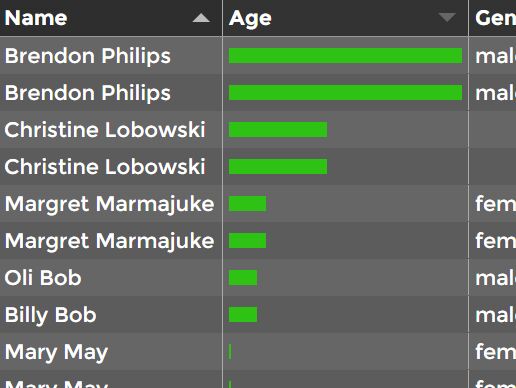
Flexible Interactive Data Table In Pure JavaScript – JSTable
A tiny, flexible, powerful data table library to make your HTML table interactive with sorting, filtering, and pagination functionalities. Works both with static HTML table and dynamic tabular data stored on the server-side (JSON, PHP, etc).

Interactive And Customizable Data Table/Grid Web Component – Active Table
The Active Table web component delivers a customizable, interactive, dynamic table experience in your browser.
It allows users to add, remove, move, or edit rows and columns seamlessly. With built-in text validation, sorting, pagination, and filtering, managing vast amounts of data has never been easier.
Plus, the unique column types like Currency, Select, Date, Checkbox, and more ensure that every data type is catered to.
Features:
- Drag-and-drop rows and columns
- Sort, filter, paginate data
- Editable cells just like spreadsheet
- Text validation and input formatting
- Customizable columns like Select, Date, Checkbox
- Reactive resizing and overflow handling
- Import/export data from Excel, CSV, etc.
- Framework agnostic and customizable
- Feature rich API for advanced use cases
- Better performance than HTML tables
- No need for bloated data grid libraries

Convert Regular HTML Tables Into Datatables – js-datatable
A simple-to-use JavaScript library that converts a normal static HTML table into a user-friendly table view with sorting, searching, and pagination features.

Full-featured Data Table JavaScript Library – Grid.js
A tiny yet advanced, feature-rich, developer-friendly data table/grid library for representing tabular data on the web.
Key Features:
- Works as a standalone JS library.
- Loads tabular data from any JS data.
- Async data import.
- Also works with the existing HTML table.
- Server & client Side rendering.
- Server or Client Side search.
- Server or Client Side pagination.
- Server or Client Side sorting.
- Cell formatting.
- Free for both personal and commercial use.
- And much more.

Conclusion:
We hope the list above will be useful to those seeking a JavaScript library to work on data table. Don't forget to check out each library's demo pages, which can often give you a good idea as to what they have to offer and whether they are in line with your needs.
Seeking more jQuery plugins or JavaScript libraries to create awesome Data Tables on the web & mobile? See jQuery Data Table and JavaScript Data Table sections for more details.
See Also:
- Best Table Pagination Plugins
- Best Spreadsheet-like Data Grid Libraries In JavaScript
- Best Responsive Table Plugins In JavaScript And CSS
- Best JavaScript Plugins To Sort Table By Columns
- Best Table Filtering Plugin In JavaScript
- Best Table Export Plugins In JavaScript
- Best JavaScript Plugins For Sticky Table Header
- Best Tree Table Plugins In JavaScript
- Best Data Table/Grid Components For Vue.js
- Best Data Table/Grid Libraries To Manipulate Tabular Data In Angular App
- Best And Free Data Table Libraries For React Applications





