Handsontable: Spreadsheet-like JavaScript Data Grid Library
| File Size: | 19.5 MB |
|---|---|
| Views Total: | 84037 |
| Last Update: | |
| Publish Date: | |
| Official Website: | Go to website |
| License: | MIT |
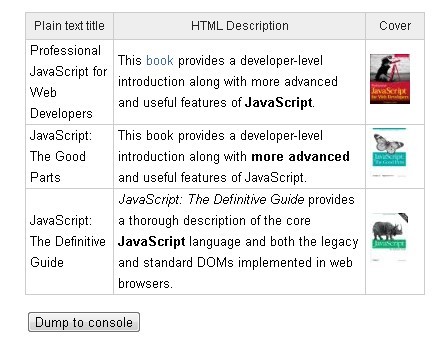
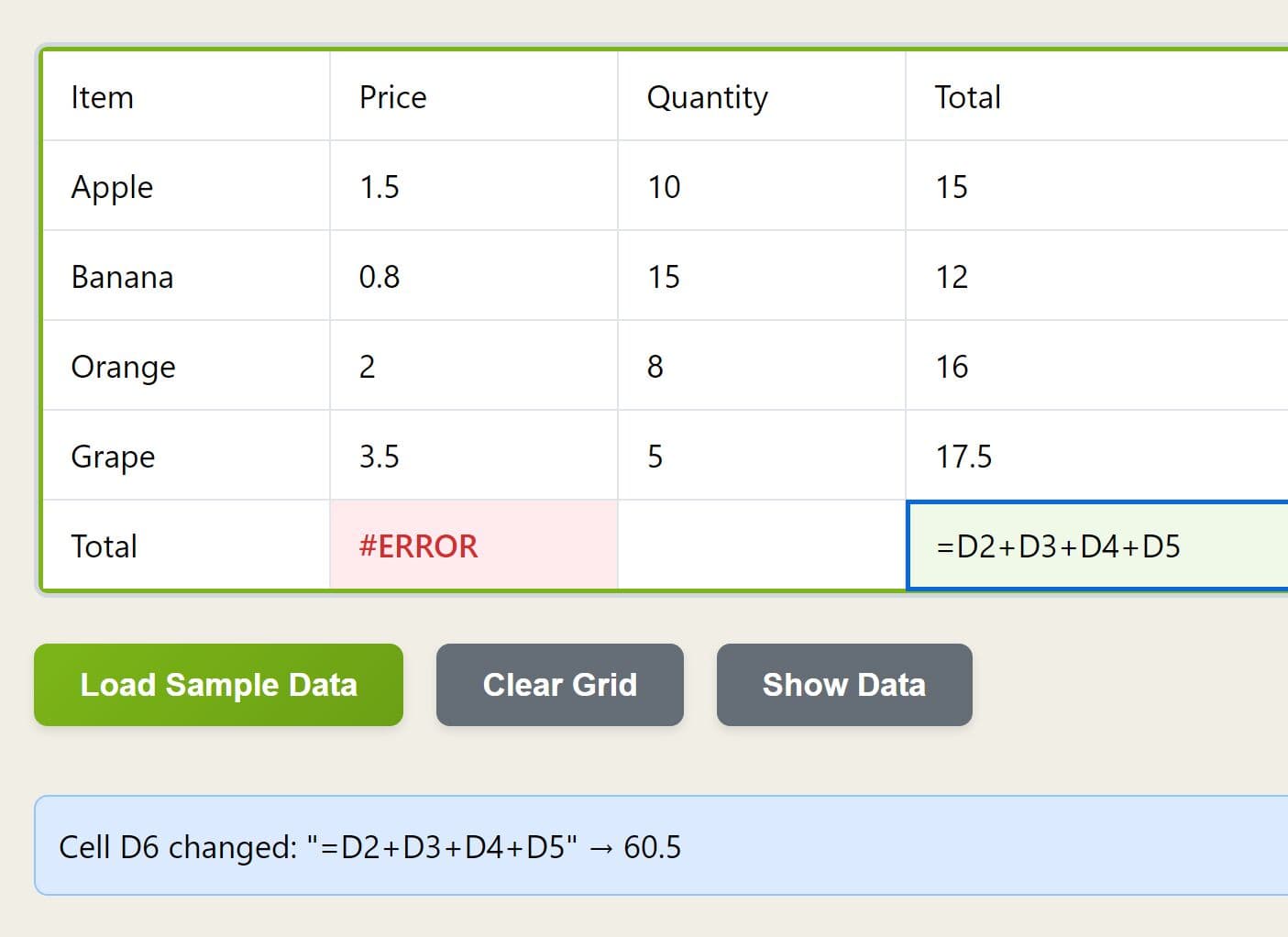
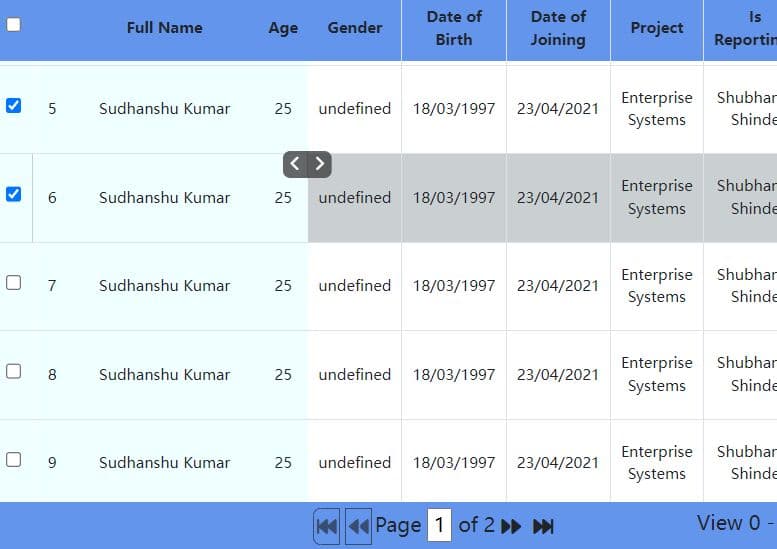
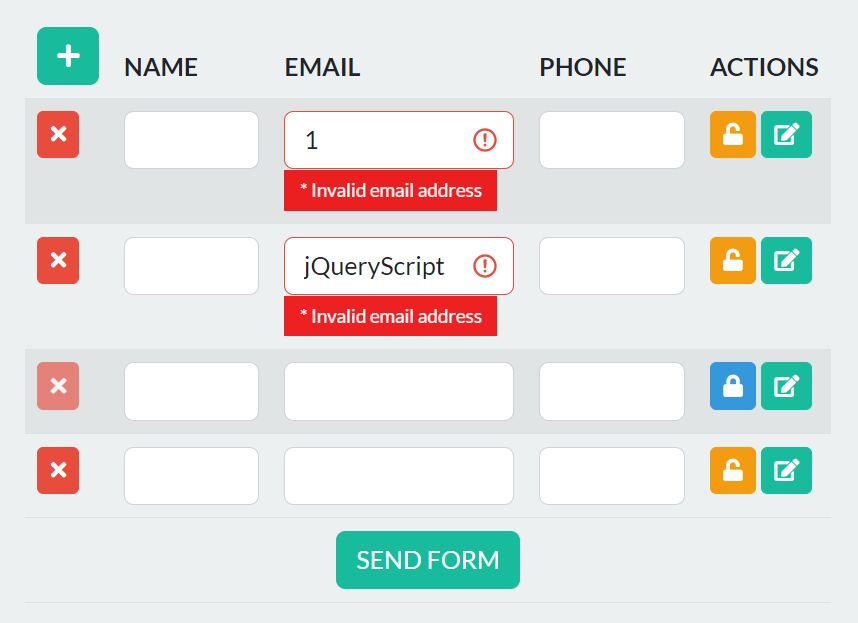
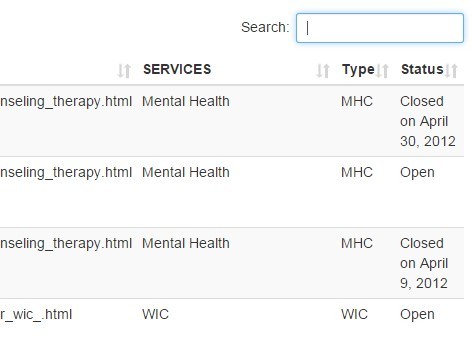
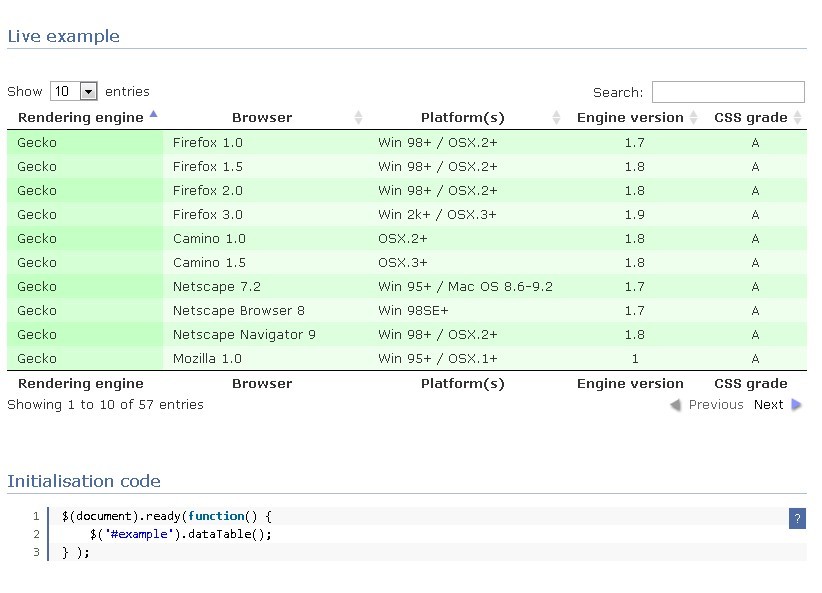
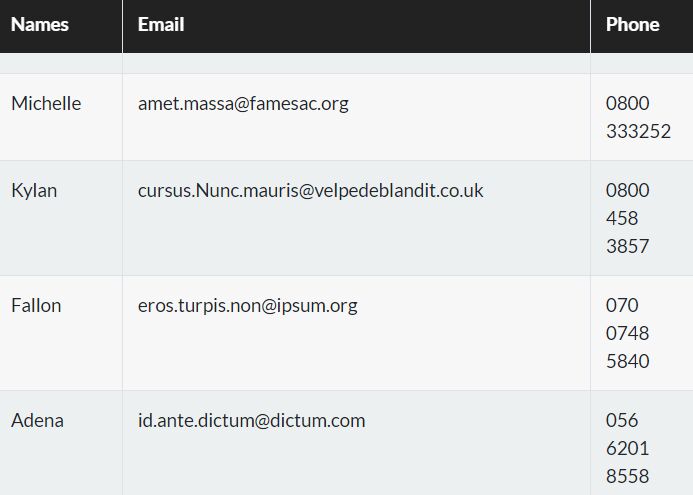
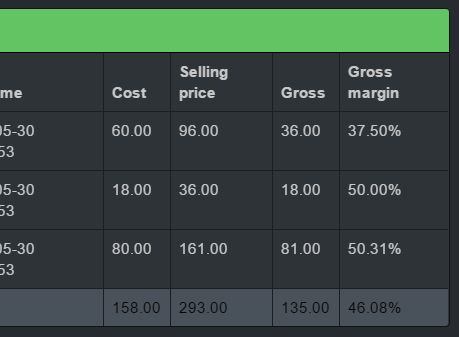
Handsontable is a spreadsheet-like JavaScript data grid library for editing structured data in the browser.
It's ideal for inventory tables, planning sheets, admin grids, financial models, and other data-heavy screens that need spreadsheet behavior.
The library currently runs independently of jQuery and also has wrappers for React, Angular, and Vue frameworks.
Features
- Spreadsheet-style cell editing and keyboard navigation.
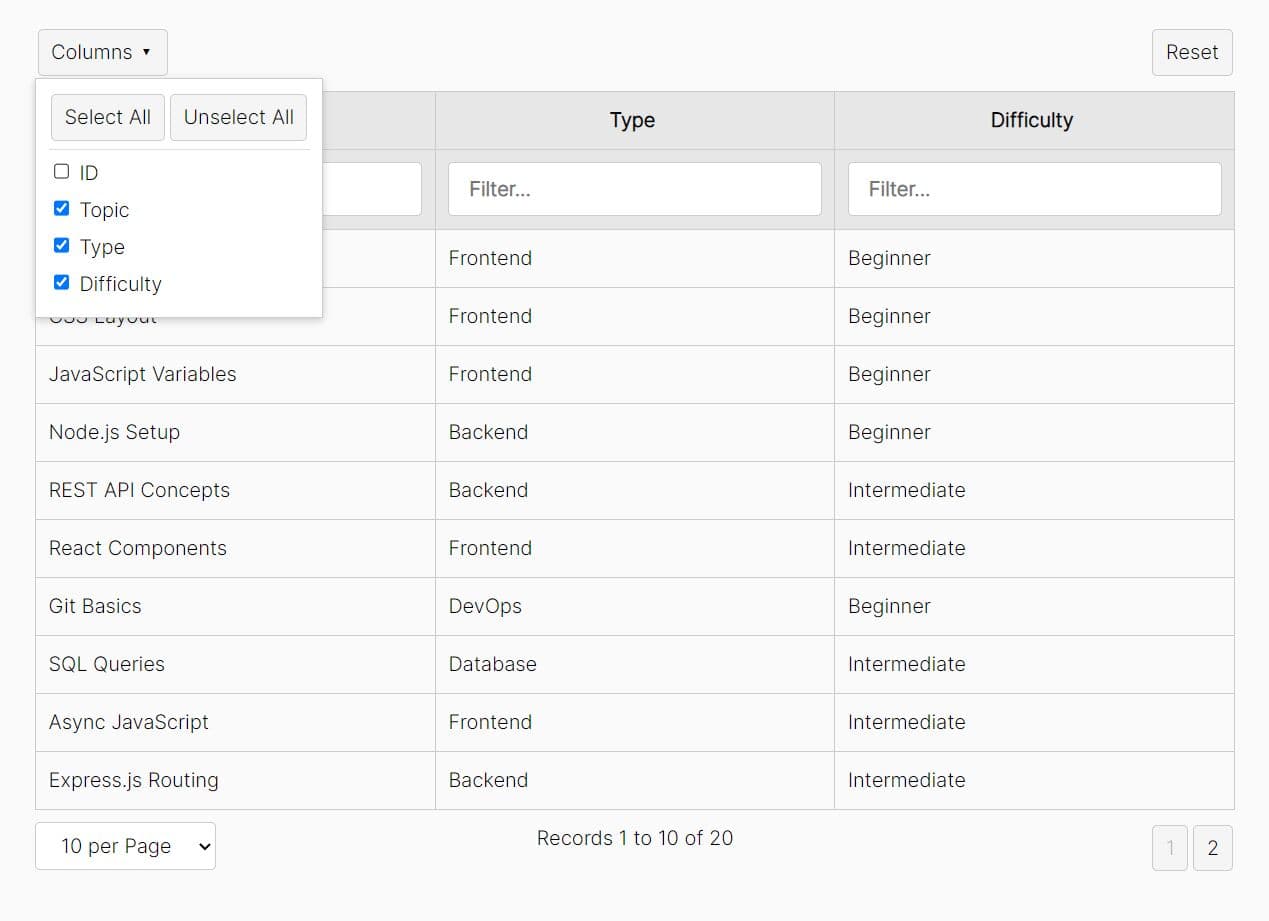
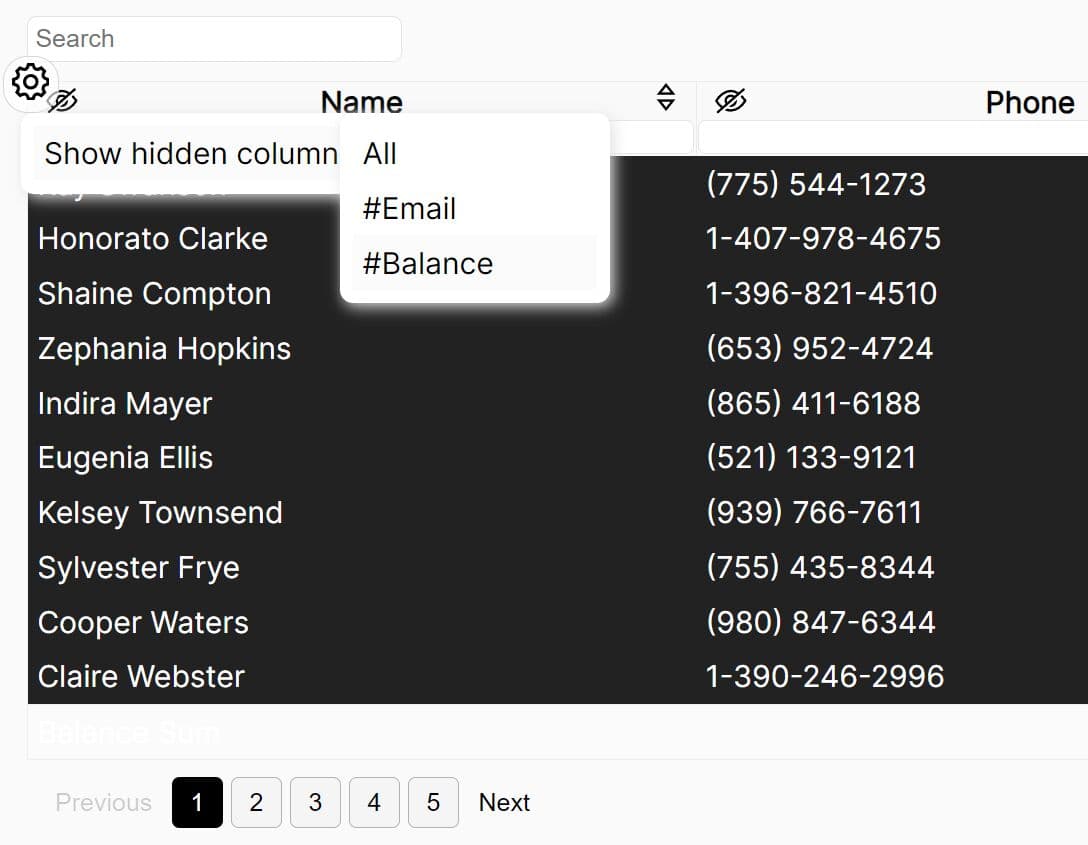
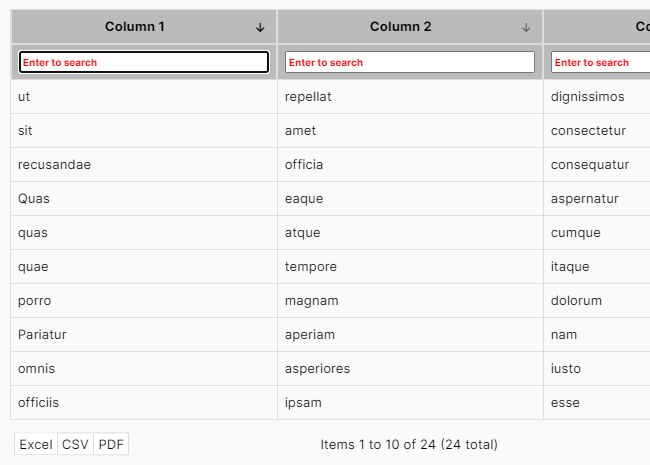
- Row and column sorting, filtering, moving, resizing, hiding, and freezing.
- Text, numeric, checkbox, date, time, date-time, select, dropdown, autocomplete, MultiSelect, password, and nested-grid cell types.
- Custom renderers, editors, validators, and cell metadata.
- Row pagination and virtualized rendering.
- Nested headers, merged cells, comments, context menus, and dropdown menus.
- Local array and object data plus server-driven data through DataProvider.
- Main, Horizon, and Classic themes with light and dark color schemes.
- CSV export plus XLSX export through ExcelJS.
- Spreadsheet formulas through HyperFormula.
- Hooks for edits, validation, selection, sorting, filtering, rendering, and data changes.
How To Use Handsontable
Install With npm
npm install handsontable
Import the library and a theme stylesheet in your application bundle.
import Handsontable from 'handsontable';
import 'handsontable/styles/ht-theme-main.min.css';
Load Handsontable From A CDN
<link rel="stylesheet" href="https://cdn.jsdelivr.net/npm/handsontable/styles/ht-theme-main.min.css">
<script src="https://cdn.jsdelivr.net/npm/handsontable/dist/handsontable.full.min.js"></script>
Create The Grid Container
<div id="sales-grid"></div>
Render A Basic Spreadsheet Grid
Note that every current grid configuration needs a licenseKey. Use non-commercial-and-evaluation only for projects that qualify for Handsontable's non-commercial or evaluation terms. Commercial projects require a valid commercial license key.
var salesData = [
  ['Keyboard', 12400, 14350, true],
  ['Mouse', 9800, 11240, true],
  ['Monitor', 18300, 17650, false],
  ['Webcam', 7200, 8450, true]
];

var container = document.getElementById('sales-grid');
var hot = new Handsontable(container, {
  data: salesData,
  colHeaders: ['Product', 'Q1 Revenue', 'Q2 Revenue', 'Active'],
  rowHeaders: true,
  height: 320,
  stretchH: 'all',
  contextMenu: true,
  dropdownMenu: true,
  filters: true,
  columnSorting: true,
  theme: 'ht-theme-main',
  licenseKey: 'non-commercial-and-evaluation'
});
Configure Column Types
The columns setting maps object properties to spreadsheet columns and assigns cell behavior.
var inventory = [
  { sku: 'KB-101', product: 'Mechanical Keyboard', status: 'In stock', quantity: 42, featured: true },
  { sku: 'MS-205', product: 'Wireless Mouse', status: 'Low stock', quantity: 8, featured: false },
  { sku: 'MN-410', product: '27-inch Monitor', status: 'Backordered', quantity: 0, featured: true }
];

var hot = new Handsontable(document.getElementById('sales-grid'), {
  data: inventory,
  colHeaders: ['SKU', 'Product', 'Status', 'Quantity', 'Featured'],
  columns: [
    { data: 'sku', type: 'text', readOnly: true },
    { data: 'product', type: 'text' },
    { data: 'status', type: 'dropdown', source: ['In stock', 'Low stock', 'Backordered'] },
    { data: 'quantity', type: 'numeric', allowInvalid: false },
    { data: 'featured', type: 'checkbox' }
  ],
  rowHeaders: true,
  theme: 'ht-theme-main',
  licenseKey: 'non-commercial-and-evaluation'
});
Track And Save Cell Edits
The afterChange hook runs after an edit reaches the data model. Ignore the loadData source when initialization should not trigger persistence logic.
var hot = new Handsontable(document.getElementById('sales-grid'), {
  data: inventory,
  colHeaders: ['SKU', 'Product', 'Status', 'Quantity', 'Featured'],
  afterChange: function(changes, source) {
    if (!changes || source === 'loadData') {
      return;
    }

    // changes: [row, property/column, oldValue, newValue]
    console.log('Changed cells:', changes);
    console.log('Current source data:', hot.getSourceData());
  },
  theme: 'ht-theme-main',
  licenseKey: 'non-commercial-and-evaluation'
});
Use Server-Side Data
The dataProvider option connects the grid to backend data. A complete provider defines rowId, fetchRows, onRowsCreate, onRowsUpdate, and onRowsRemove. Handsontable passes pagination, sorting, and filter state to fetchRows, then sends row mutations through the corresponding callbacks.
Use DataProvider for datasets that should stay on the server. Client-side pagination loads the full dataset into the browser first.
Handsontable Options
Data And Structure
| Option | Description |
|---|---|
data |
Sets local grid data as arrays or objects. |
dataProvider |
Connects server-side row loading and CRUD callbacks. |
columns |
Maps source fields to columns and defines per-column settings. |
colHeaders |
Shows column headers or supplies custom header labels. |
rowHeaders |
Shows row headers or supplies custom row labels. |
nestedHeaders |
Creates multi-level column headers. |
minSpareRows |
Keeps blank rows available after the current data. |
dataSchema |
Defines the structure used when Handsontable creates new object rows. |
Layout And Grid UI
| Option | Description |
|---|---|
width |
Sets grid width. |
height |
Sets grid height and controls the scrollable viewport. |
stretchH |
Controls horizontal column stretching. |
fixedRowsTop |
Freezes rows at the top edge. |
fixedRowsBottom |
Freezes rows at the bottom edge. |
fixedColumnsStart |
Freezes columns at the start edge. |
manualColumnResize |
Turns on drag resizing for columns. |
manualRowResize |
Turns on drag resizing for rows. |
manualColumnMove |
Turns on drag reordering for columns. |
manualRowMove |
Turns on drag reordering for rows. |
Sorting, Filtering, Menus, And Navigation
| Option | Description |
|---|---|
columnSorting |
Turns on single-column sorting. |
multiColumnSorting |
Turns on sorting by multiple columns. |
filters |
Turns on the Filters plugin. |
dropdownMenu |
Shows a column dropdown menu. |
contextMenu |
Shows the right-click context menu. |
pagination |
Turns on row pagination or accepts pagination settings. |
copyPaste |
Controls clipboard copy and paste behavior. |
fillHandle |
Controls spreadsheet-style autofill from the selection handle. |
selectionHandles |
Shows draggable handles for resizing selected ranges. |
moveCells |
Turns on moving selected cells by dragging the selection border. |
Cells And Editing
| Option | Description |
|---|---|
readOnly |
Locks editing globally or for a configured cell. |
cells |
Returns dynamic cell properties for each row and column. |
type |
Selects a registered cell type. |
editor |
Selects or disables a cell editor. |
renderer |
Selects a cell renderer. |
validator |
Runs custom validation logic. |
allowInvalid |
Controls if invalid values stay in the grid. |
source |
Supplies choices for autocomplete and dropdown editors. |
strict |
Restricts autocomplete or dropdown values to the configured source. |
className |
Applies CSS classes to configured cells. |
Handsontable Methods
| Method | Purpose |
|---|---|
getData() |
Returns rendered grid data in visual row and column order. |
getSourceData() |
Returns a copy of the source data in physical order. |
getDataAtCell(row, col) |
Reads the value at a visual row and column. |
setDataAtCell(row, col, value) |
Writes a value to a cell through the grid API. |
loadData(data) |
Replaces grid data and resets data-related state. |
updateData(data) |
Replaces data while preserving row and column state where possible. |
updateSettings(settings) |
Changes grid configuration after initialization. |
getPlugin(name) |
Returns an initialized plugin instance such as filters or exportFile. |
validateCells(callback) |
Runs configured cell validators across the current data set. |
render() |
Requests a grid rerender after an external visual change. |
destroy() |
Destroys the Handsontable instance and removes its DOM output. |
Events And Hooks
Handsontable hooks run around grid lifecycle and user actions. They work as configuration callbacks or through the instance hook API.
| Hook | Runs When |
|---|---|
beforeChange |
Cell changes are ready for review before Handsontable commits them. |
afterChange |
Cell changes have reached the data model. |
afterCreateRow |
After row creation. |
afterRemoveRow |
After row removal. |
afterColumnSort |
Column sorting has finished. |
afterFilter |
Filter conditions have changed. |
afterSelectionEnd |
A cell or range selection has finished. |
afterValidate |
A configured cell validator has returned a result. |
afterUpdateData |
The grid data has changed through updateData(). |
afterRender |
A render cycle has finished. |
Register A Hook After Initialization
function logSelection(row, column, row2, column2) {
  console.log('Selected range:', row, column, row2, column2);
}

hot.addHook('afterSelectionEnd', logSelection);

// Remove the listener later.
hot.removeHook('afterSelectionEnd', logSelection);
Themes
Current Handsontable themes include main, horizon, and classic. Each theme supports light and dark color schemes. The Theme API also controls density and design tokens at runtime.
<link rel="stylesheet" href="https://cdn.jsdelivr.net/npm/handsontable/styles/ht-theme-horizon.min.css">
var hot = new Handsontable(document.getElementById('sales-grid'), {
  data: salesData,
  theme: 'ht-theme-horizon',
  licenseKey: 'non-commercial-and-evaluation'
});
Row Pagination
Set pagination: true for client-side pagination. The grid keeps the full dataset in memory and shows one page at a time.
var hot = new Handsontable(document.getElementById('sales-grid'), {
  data: salesData,
  pagination: {
    pageSize: 20,
    pageSizeList: [10, 20, 50, 100],
    showPageSize: true,
    showCounter: true,
    showNavigation: true
  },
  theme: 'ht-theme-main',
  licenseKey: 'non-commercial-and-evaluation'
});
Formula Calculations With HyperFormula
The Formulas plugin uses HyperFormula for spreadsheet functions, references, and named expressions. Handsontable no longer bundles HyperFormula. Formula projects need the package as an explicit dependency.
npm install hyperformula
import Handsontable from 'handsontable';
import { HyperFormula } from 'hyperformula';
import 'handsontable/styles/ht-theme-main.min.css';

var hot = new Handsontable(document.getElementById('sales-grid'), {
  data: [
    ['Q1', 100],
    ['Q2', 150],
    ['Total', '=SUM(B1:B2)']
  ],
  formulas: {
    engine: HyperFormula
  },
  colHeaders: ['Period', 'Value'],
  theme: 'ht-theme-main',
  licenseKey: 'non-commercial-and-evaluation'
});
Export CSV And Excel Files
The ExportFile plugin exports CSV data directly in the browser.
var exportPlugin = hot.getPlugin('exportFile');

exportPlugin.downloadFile('csv', {
  filename: 'inventory_[YYYY]-[MM]-[DD]',
  colHeaders: true,
  rowHeaders: false,
  sanitizeValues: true
});
XLSX export uses ExcelJS as a peer dependency. Install exceljs, pass its constructor through exportFile.engines.xlsx, then use downloadFileAsync('xlsx', options).
npm install exceljs
import ExcelJS from 'exceljs';

var hot = new Handsontable(document.getElementById('sales-grid'), {
  data: inventory,
  exportFile: {
    engines: {
      xlsx: ExcelJS
    }
  },
  theme: 'ht-theme-main',
  licenseKey: 'non-commercial-and-evaluation'
});

var exportPlugin = hot.getPlugin('exportFile');
exportPlugin.downloadFileAsync('xlsx', {
  filename: 'inventory',
  colHeaders: true
});
Licensing And Browser Support
Current Handsontable releases use commercial licensing plus non-commercial and evaluation terms. The historical MIT release line ended with version 6.2.2. Review the license terms before deploying a current build in a commercial product.
Alternatives And Related Resources
- 10 Best Spreadsheet-like Data Grid Libraries In JavaScript (2026 Update): Comparison list for other spreadsheet-style grid libraries.
- Easy Data Table Generator with JSON - Tabulator: JavaScript data table with editing, sorting, filtering, and virtualized rows.
- Interactive And Customizable Data Table/Grid Web Component - Active Table: Web Component with editable cells, pagination, filtering, and file import/export.
- jQuery Editable Spreadsheet Plugin For Handsontable - handsontable-excel: Legacy Handsontable extension for older jQuery projects.
FAQs
Q: Does Handsontable require jQuery?
A: No. Current Handsontable runs as a JavaScript data grid and has framework wrappers for React, Angular, and Vue. The jQuery wording in this page's historical URL reflects much older releases.
Q: Why does an old Handsontable example lose its styling after an upgrade?
A: Current releases use the theme system. Handsontable 17 removed the legacy handsontable.full.min.css file. Load a current theme stylesheet or configure the Theme API.
Q: Why does Handsontable show a license modal?
A: Current releases require a valid licenseKey. Handsontable 18.1 blocks the grid when the key is missing or invalid. Use non-commercial-and-evaluation for qualifying non-commercial and evaluation projects.
Q: How do I save edited Handsontable data?
A: Use afterChange to detect edits, then read the required values through getSourceData(), getData(), or cell-level methods. DataProvider mutation callbacks handle server-driven grids.
Q: Does Handsontable include spreadsheet formulas?
A: The Formulas plugin uses HyperFormula. Install HyperFormula as an explicit dependency for current Handsontable releases, then pass the class or an instance to formulas.engine.
Changelog
v18.1.2 (2026-10-08)
- Bugfixes
- Changed entitlement license keys to protect their human-readable text as well as their bracketed block
v18.1.1 (2026-09-16)
- Bugfixes
v18.1.0 (2026-09-01)
- Selection handles for resizing ranges and cell movement by dragging a selection border.
- Persian right-to-left language support.
- Entitlement license key support and blocking behavior for missing or invalid keys.
- Native date-time cell type plus color scheme and density settings.
v18.0.0 (2026-06-30)
- Layout slots and a new layout option for grid UI elements.
- Handsontable core source migrated to TypeScript.
- HyperFormula became an explicit dependency for formula projects.
- Handsontable removed legacy core undo/redo methods. Use the UndoRedo plugin API.
v17.1.0 (2026-05-19)
- DataProvider for server-side row loading and mutations.
- XLSX export through the ExportFile plugin.
- Notification plugin and nested-header rowspan support.
v17.0.0 (2026-03-09)
- Theme API and MultiSelect cell type.
Intl.NumberFormatandIntl.DateTimeFormatsupport.- Legacy stylesheet removal and deprecation cleanup.
This awesome jQuery plugin is developed by handsontable. For more Advanced Usages, please check the demo page or visit the official website.