jQuery Editable Spreadsheet Plugin For Handsontable - handsontable-excel
| File Size: | 548KB |
|---|---|
| Views Total: | 27487 |
| Last Update: | |
| Publish Date: | |
| Official Website: | Go to website |
| License: | MIT |
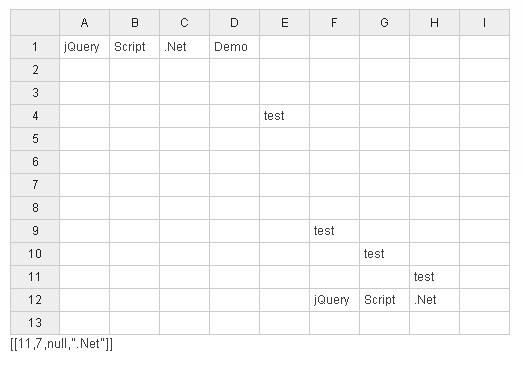
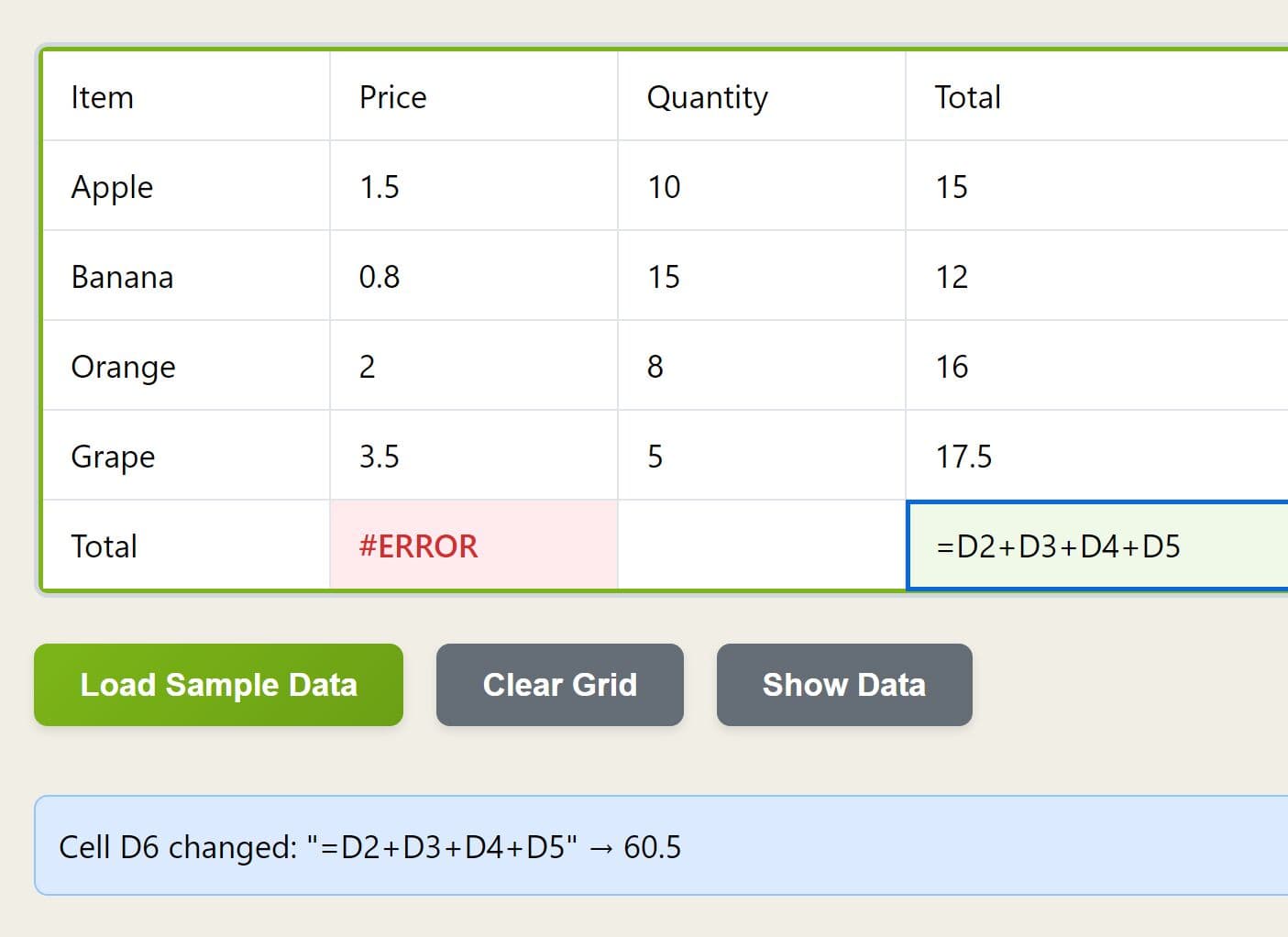
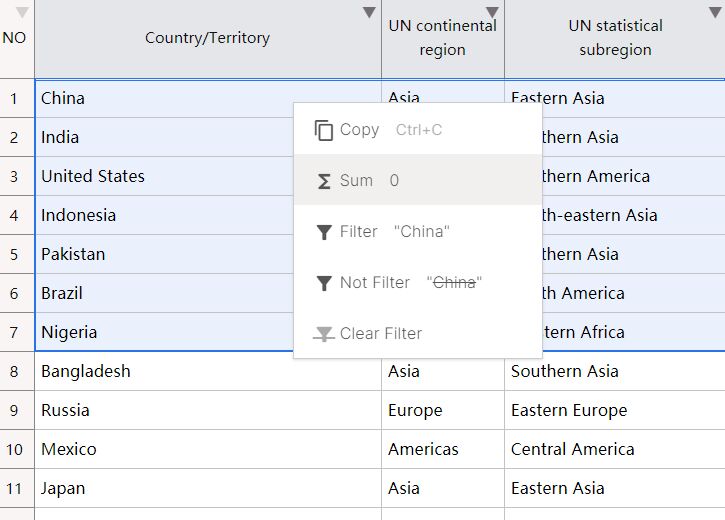
handsontable-excel is a jQuery based plugin for handsontable (A Excel-like Data Grid Editor Plugin with jQuery) that makes it behave more like a spreadsheet.
You might also like:
How to use it:
1. Include jQuery library, handsontable plugin and other necessary javascript files in the head section
<script src="js/jquery.min.js"></script>
<script src="js/jquery-ui.custom.min.js"></script>
<script src="js/jquery.handsontable.full.js"></script>
<script src="js/numeral.sv-se.js"></script>
<script src="jquery.handsontable-excel.js"></script>
2. Include necessary CSS files to style the plugin
<link rel="stylesheet" media="screen" href="css/ui-bootstrap/jquery-ui.custom.css">
<link rel="stylesheet" media="screen" href="css/jquery.handsontable.full.css">
<link rel="stylesheet" media="screen" href="css/demo-style.css">
3. The HTML
<div id="dataTable"></div>
<div id="myconsole"></div>
4. The javascript
<script>
(function ( $ ) {
  var container = $("#dataTable").handsontable({
    data: data,
    startRows: 6,
    startCols: 8
    minRows: 4,
    minCols: 4,
    startRows: 5,
    startCols: 5,
    rowHeaders: true,
    colHeaders: true,
    minSpareRows: 1,
    minSpareCols: 1,
    contextMenu: true,
    manualColumnResize: true,
    useFormula: true,
    onChange: function (data, source) {
      if (source === 'loadData') {
        return; //don't show this change in console
      }
      $("#myconsole").text(JSON.stringify(data));
  }

  });
})(jQuery);
</script>
This awesome jQuery plugin is developed by gurubenka. For more Advanced Usages, please check the demo page or visit the official website.