Customizable jQuery Stack Grid Plugin - stackgrid.adem.js
| File Size: | 4.95 KB |
|---|---|
| Views Total: | 2489 |
| Last Update: | |
| Publish Date: | |
| Official Website: | Go to website |
| License: | MIT |

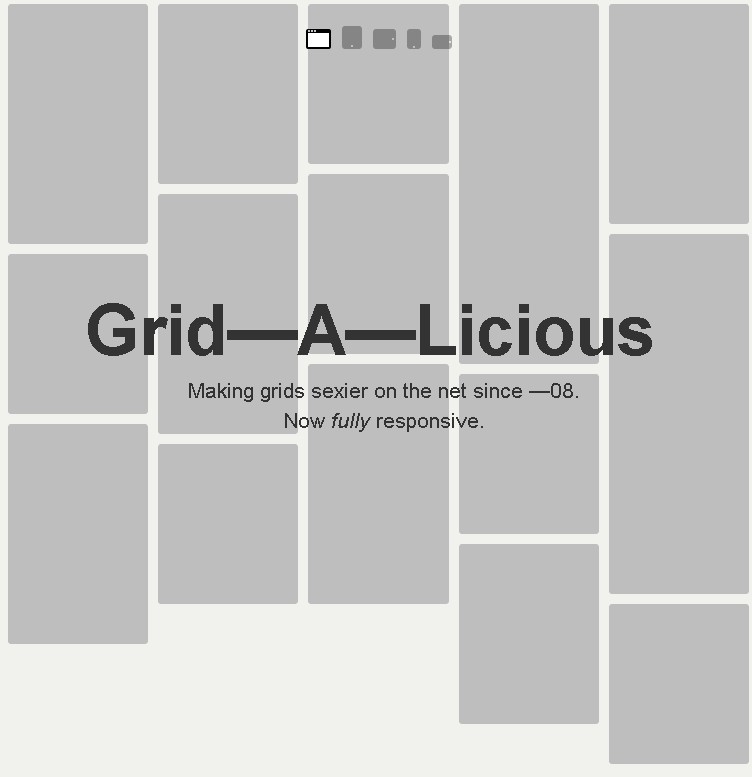
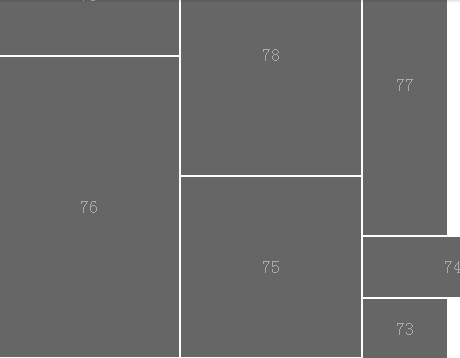
stackgrid.adem.js is a jQuery plugin used to create a dynamic, flexible, stackable grid layout with a plenty of customization options.
How to use it:
1. Include jQuery library and the jQuery stackgrid.adem.js plugin at the bottom of the html page.
<script src="jquery.js"></script>
<script src="stackgrid.adem.js"></script>
2. Insert a set of grid items into a container.
<div id="grid-container">
  <div class="grid-item">...</div>
  <div class="grid-item">...</div>
  <div class="grid-item">...</div>
</div>
3. Initialize the plugin on page loaded.
// Create a stackgrid object.
var stackgrid = new $.stackgrid;
var options = {
  // OPTIONS
};

// Wrap the initializer inside window on load to
// make sure to wait until all the grid contents are loaded.
var $window = $(window);
$window.on('load', function(){

  // Initialize stackgrid!
  // The first two arguments are for the container selector and the item selector.
  stackgrid.initialize('#grid-container', '.grid-item', options);

});
4. Default plugin options.
var options = {

  // Your column width.
  column_width: 320,

  // Adjust spacing in-between grid-items.
  gutter: 20,

  // Set this as true to let stackgrid automatically
  // determine the number of columns based on the
  // viewport's width.
  is_fluid: true,

  // Set this as true to sort the grid in an vertically optimal way.
  is_optimized: true,

  // If is_fluid is false, it will
  // use this as the default number of columns.
  number_of_columns: 4,

  // Timeout delay to call the resize complete function.
  resize_delay: 300,

  // You can customize when and how each item is moved!
  // Make sure to use jQuery stop() function if you decide to
  // animate it.
  // Where you place the callback determines
  // when the next move operation is called.
  move: function(element, left, top, callback) {
    element.css({
      left: left,
      top: top
    )};
    callback();
  },

  // This function is used to scale the container containing
  // the grid-items.
  // The callback function starts the move operations.
  scale: function(element, width, height, callback) {
    element.css({
      height: height,
      width: width
    });
    callback();
  }

};
5. Restack the grid to apply your config changes.
stackgrid.config.is_fluid = false;
stackgrid.restack();
6. Append a new grid item to the grid-container.
// Create new grid-item.
item = $("<div class=\"grid-item\"> I'm a new grid item. </div>");
// Append it to the grid-container.
item.appendTo("#grid-container");
// *** If the new content has image(s), make sure it's loaded first before appending!
// Append to stackgrid!
stackgrid.append(item);
This awesome jQuery plugin is developed by heyadem. For more Advanced Usages, please check the demo page or visit the official website.