jQuery Plugin For Vertical & Horizontal Centering - Make Me Center
| File Size: | 48 KB |
|---|---|
| Views Total: | 1838 |
| Last Update: | |
| Publish Date: | |
| Official Website: | Go to website |
| License: | MIT |

Make Me Center is a lightweight jQuery solution that makes you html elements always stay centered in the browser window.
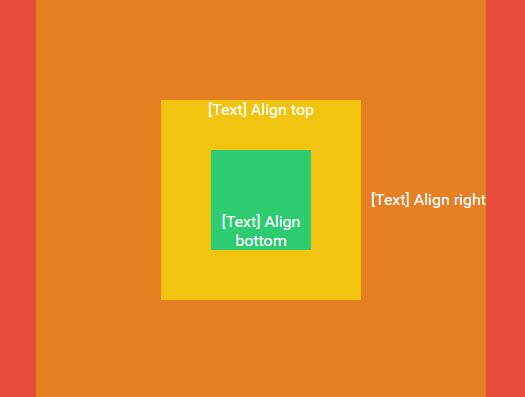
With this plugin, you can vertically and (or) horizontally center any DIV element relative to a specified container, with optional margin and padding settings.
How to use it:
1. Add jQuery library and the jQuery make me center plugin into your web page as follow.
<script src="//code.jquery.com/jquery-1.11.3.min.js"></script>
<script src="path/to/jquery.makemecenter.js"></script>
2. Apply the plugin by selecting an object with jQuery and calling the makemecente() method.
$("div.box").makemecenter();
3. Default plugin settings.
$("div.box").makemecenter({

// CSS position
position : "absolute",

// horizontal centering
horizontal : true,

// vertical centering
vertical : true,

// Sepecify parent element to which parent element will take as relative
parentRelative : window,

// callback
complete : null,

// margin, padding settings
marginLeft : null,
marginRight : null,
marginTop : null,
paddingLeft : null,
paddingRight : null,
paddingTop : null,
paddingBottom : null,

is_onload : true,
is_onresize : true,

// center it on text data or height change
is_ondatachange : true,

is_animate : false,

});
Changelog:
2015-06-20
- Library Updated
v0.1.1 (2015-06-08)
- Added Animation Support
- Added Dynamic Position
This awesome jQuery plugin is developed by tenbullstech. For more Advanced Usages, please check the demo page or visit the official website.