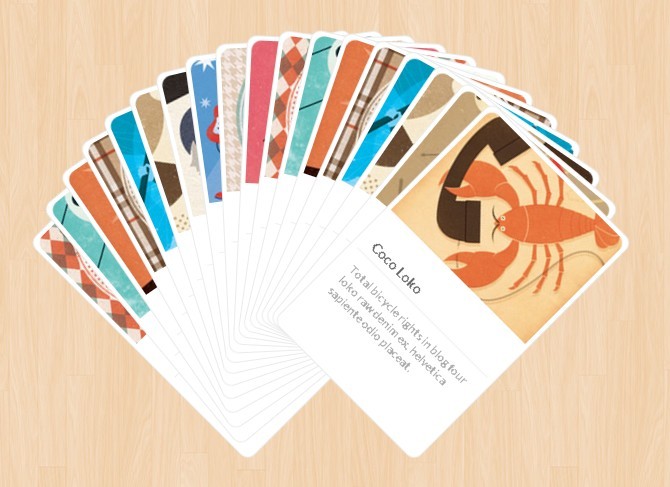
Cross-browser Image Rotator Plugin For jQuery - hislide
| File Size: | 9.08 KB |
|---|---|
| Views Total: | 5481 |
| Last Update: | |
| Publish Date: | |
| Official Website: | Go to website |
| License: | MIT |

hislide is an easy-to-use, cross-browser jQuery plugin used to present your 7 favorite images in an infinite-looping rotator interface.
How to use it:
1. Include the jQuery hislide's CSS file jquery.hislide.css in the header of the webpage.
<link rel="stylesheet" href="jquery.hislide.css">
2. Add your image list to the webpage following the markup structure as this:
<div class="slide hi-slide">
  <div class="hi-prev"></div>
  <div class="hi-next"></div>
  <ul>
    <li><img src="1.jpg" alt="Img 1"></li>
    <li><img src="2.jpg" alt="Img 2"></li>
    <li><img src="3.jpg" alt="Img 3"></li>
    <li><img src="4.jpg" alt="Img 4"></li>
    <li><img src="5.jpg" alt="Img 5"></li>
    <li><img src="6.jpg" alt="Img 6"></li>
    <li><img src="7.jpg" alt="Img 7"></li>
  </ul>
</div>
3. Include both jQuery library and the jQuery hislide plugin's script at the bottom of the webpage.
<script src="//code.jquery.com/jquery.min.js"></script>
<script src="jquery.hislide.js" ></script>
4. Initialize the image rotator with one JS call.
$('.slide').hiSlide();
5. Set the animation speed & delay in milliseconds.
$('.slide').hiSlide({
  speed: 1000,
  interval: 2000,
});
This awesome jQuery plugin is developed by Cphayim. For more Advanced Usages, please check the demo page or visit the official website.