Easy Responsive jQuery Image Slider Plugin - sSlider
| File Size: | 1.14 MB |
|---|---|
| Views Total: | 2069 |
| Last Update: | |
| Publish Date: | |
| Official Website: | Go to website |
| License: | MIT |

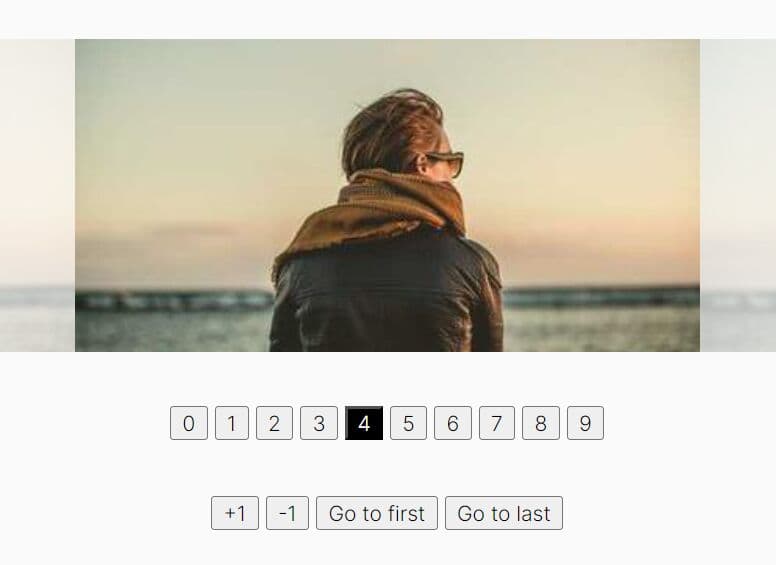
sSlider is a lightweight, responsive, customizable jQuery slider plugin that features auto slide with pause/play controls, horizontal/vertical slide, random animations, progress bar, image captions and much more.
Basic Usage:
1. Load the jQuery javascript library and jQuery sSlider plugin's javascript and CSS in the header.
<script src="http://ajax.googleapis.com/ajax/libs/jquery/1.11.0/jquery.min.js"></script>
<script src="jquery.sSlider.js"></script>
<link href="css/jquery.sSlider.css" rel="stylesheet" type="text/css">
2. Wrap the images you want to slide in the DIV elements.
<div id="demo" class="sSlider">
<div><img src="1.jpg"><span>Caption 1</span></div>
<div><img src="2.jpg"><span>Caption 2</span></div>
<div><img src="3.jpg"><span>Caption 3</span></div>
</div>
3. Initialize the image slider by calling the plugin on document ready.
<script>
$(document).ready(function(){
$('#demo').sSlider();
});
</script>
4. Available options to customize your image slider.
<script>
$(document).ready(function(){
$('#demo').sSlider({
'animationType' : 'fade', // @string: fade, no-effect, random, slide
'autoslide'     : true,   // @bool
'fixedSize'     : false,  // @object{ width: string(100%), height: string(300px) }
'nav'   : true,   // @bool
'progressBar'   : true,   // @bool
'responsive'    : true,   // @bool
'speed' : 7000    // @int
});
});
</script>
This awesome jQuery plugin is developed by peppeocchi. For more Advanced Usages, please check the demo page or visit the official website.