Responsive jQuery Content Slider With RTL Text Support - Glider
| File Size: | 11 KB |
|---|---|
| Views Total: | 9423 |
| Last Update: | |
| Publish Date: | |
| Official Website: | Go to website |
| License: | MIT |

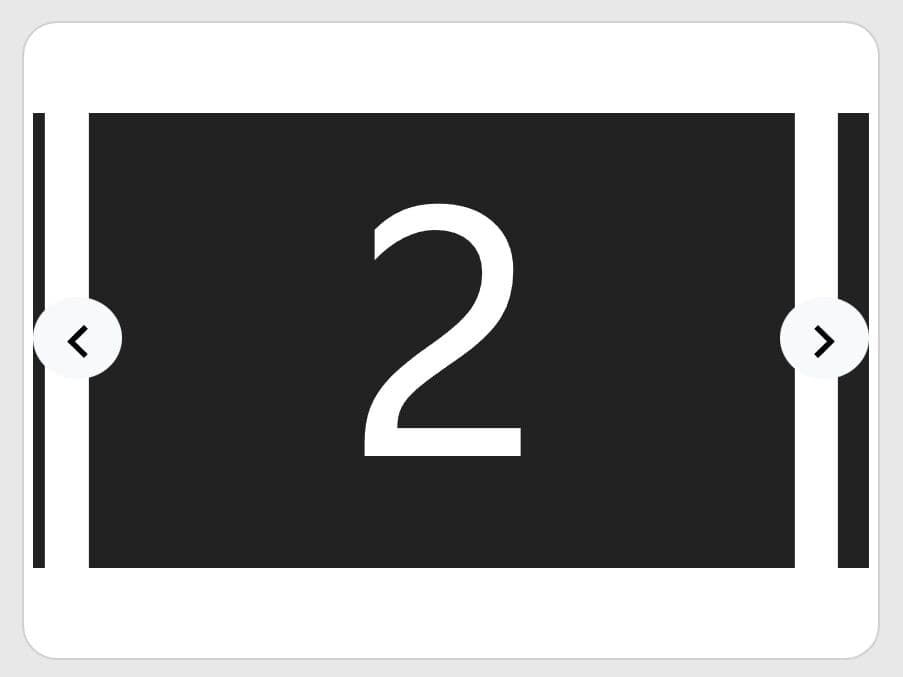
Glider is a generic responsive content slider/carousel plugin for jQuery that features auto play, custom slider controls, infinite looping, auto resizing and LTR/RTL text support.
How to use it:
1. Load the stylesheet file glider.css in the head and the JavaScript file glider.js at the end of the document.
<link rel="stylesheet" href="glider.css">
<script src="//code.jquery.com/jquery-3.1.0.min.js"></script>
<script src="glider.js"></script>
2. The basic HTML structure for the slider.
<div class="slide">
  <ul>
    <li>Slide 1</li>
    <li>Slide 2</li>
    <li>Slide 3</li>
    ...
  </ul>
</div>
3. Enable the 'Auto Play' functionality on the slider.
<div class="slide" data-glider-autoplay>
  ...
</div>
4. Set the text direction of your slider.
<div class="slide" dir="rtl" data-glider-autoplay>
  ...
</div>

<div class="slide" dir="ltr" data-glider-autoplay>
  ...
</div>
5. Add built-in navigation & pagination controls to the slider.
<div class="slide"
     data-glider-autoplay
     data-glider-controls="glider-top"
     data-glider-links="glider-bottom">
  ...
6. Initialize the plugin and done.
$('.slide').glider();
7. Default plugin settings.
$('.slide').glider({

  // slider list
  list: 'ul',

  // slider item
  item: 'li',

  // animation type
  animation: 'ease'

  // next/prev icons
  nextIcon: '>',
  backIcon: '<'

});
Changelog:
2019-09-05
- Bugfix
2017-04-21
- CSS fixed for Safari.
2017-02-07
- Fix for controllers position in multiple gliders on same page with different height.
2016-11-10
- Small refactor to stop glider when navigation button has been pressed
2016-09-23
- Hide next navigation earlier
- Only set height of controls in parent
- Handle containers with low height.
- Remove () from parent.
2016-09-17
- place controls outside glider (optional)
2016-09-06
- Fixed Cycle and Stop Navigation Modes
2016-09-01
- DSL for Responsive Widths
2016-08-31
- Added settings for next and back icons
2016-08-30
- Allows to show multiple slides at once
2016-08-29
- fixed the position of navigation arrows.
This awesome jQuery plugin is developed by Steve-Fenton. For more Advanced Usages, please check the demo page or visit the official website.