Highlight Partial or Full Text in HTML Elements - jQuery Trace.js
| File Size: | 10.4 KB |
|---|---|
| Views Total: | 445 |
| Last Update: | |
| Publish Date: | |
| Official Website: | Go to website |
| License: | MIT |
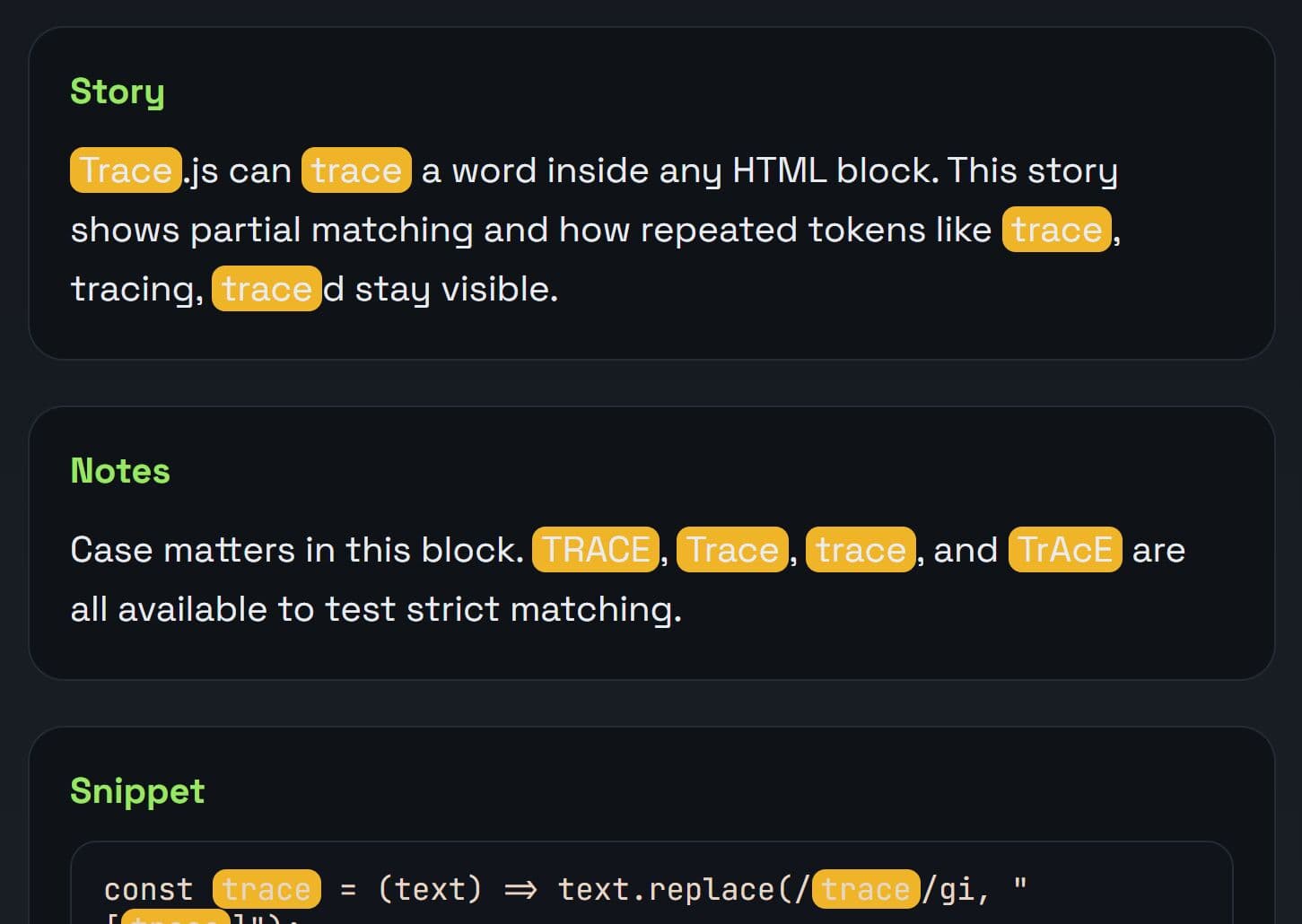
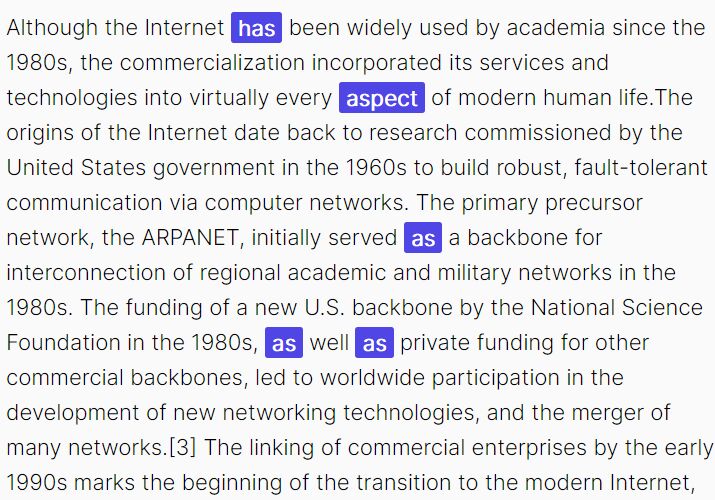
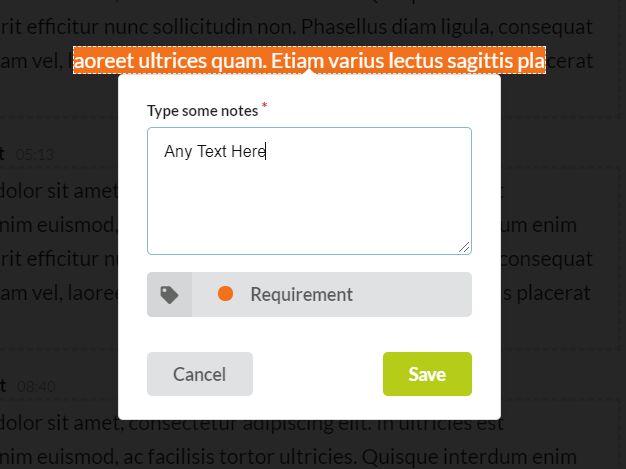
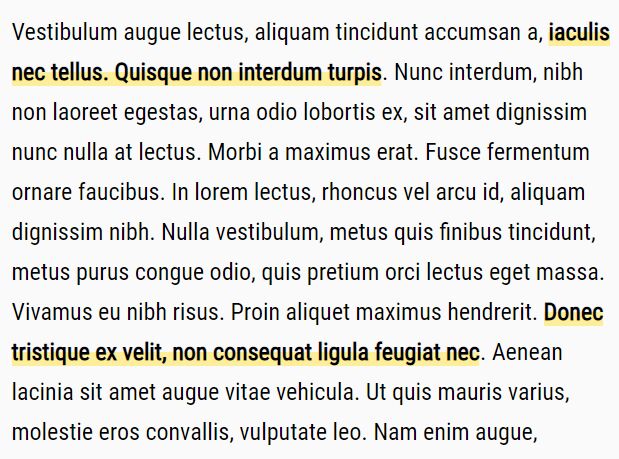
Trace.js is a lightweight jQuery text highlighting plugin that highlights words or phrases inside any HTML element. Supports full and partial word matching, case-sensitive comparisons, and custom background colors.
The plugin accepts a search term, wraps every match in a styled <span>, and lets you remove those highlights just as fast with a single .untrace() call.
Features:
- Switches between matching a string anywhere inside a word (
"partial") or only at exact word boundaries ("full"). - Toggles strict case matching for precise text targeting.
- Accepts any CSS color value: named colors, hex codes, or RGB strings.
- Auto-injects a scoped
<style>block into<head>and assigns a unique class per color.
Use Cases:
- Highlights user query terms dynamically on a results page.
- Emphasizes matching keywords in a live-filtering data table.
- Marks specific vocabulary words in educational reading applications.
- Highlights error codes or specific timestamps in a web-based log viewer.
How To Use It:
1. Load the Trace.js JS library after jQuery:
<script src="/path/to/cdn/jquery.min.js"></script>
<script src="/path/to/dist/trace.min.js"></script>
2. Call .trace() on any jQuery-selected element and pass a match string. In this example, the plugin scans #article's HTML, wraps every match in a <span class="trace-lightgreen">, and injects the corresponding CSS rule into <head> automatically.
<div id="article">
  JavaScript is the language of the web. It runs in every modern browser.
</div>
$(document).ready(function () {
  // Highlight the word "JavaScript" with a green background
  $("#article").trace({
    match: "JavaScript",
    color: "lightgreen"
  });
});
3. Use traceType: "full" to match only complete words. This is useful when you need to highlight "run" but not "running" or "runner":
$("#article").trace({
  match: "run",
  traceType: "full",
  color: "#ffd700"
});
4. By default, Trace.js matches case-insensitively. Set caseSensitive: true to restrict matches to the exact casing you provide:
// Highlights "API" but ignores "api" and "Api"
$("#article").trace({
  match: "API",
  caseSensitive: true,
  color: "#ffb347"
});
5. Call .untrace() on the same element to remove every trace <span> and restore the plain text:
// Remove all highlights from #article
$("#article").untrace();
6. You can chain .trace() calls on the same element to highlight different terms in different colors:
$("#article")
  .trace({ match: "JavaScript", color: "lightblue" })
  .trace({ match: "browser", color: "lightyellow" });
Alternatives:
This awesome jQuery plugin is developed by connectamitsahoo. For more Advanced Usages, please check the demo page or visit the official website.