Flat Date Range Picker Plugin with jQuery and jQuery UI
| File Size: | 191 KB |
|---|---|
| Views Total: | 4238 |
| Last Update: | |
| Publish Date: | |
| Official Website: | Go to website |
| License: | MIT |
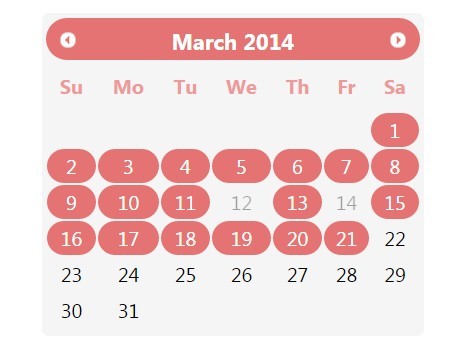
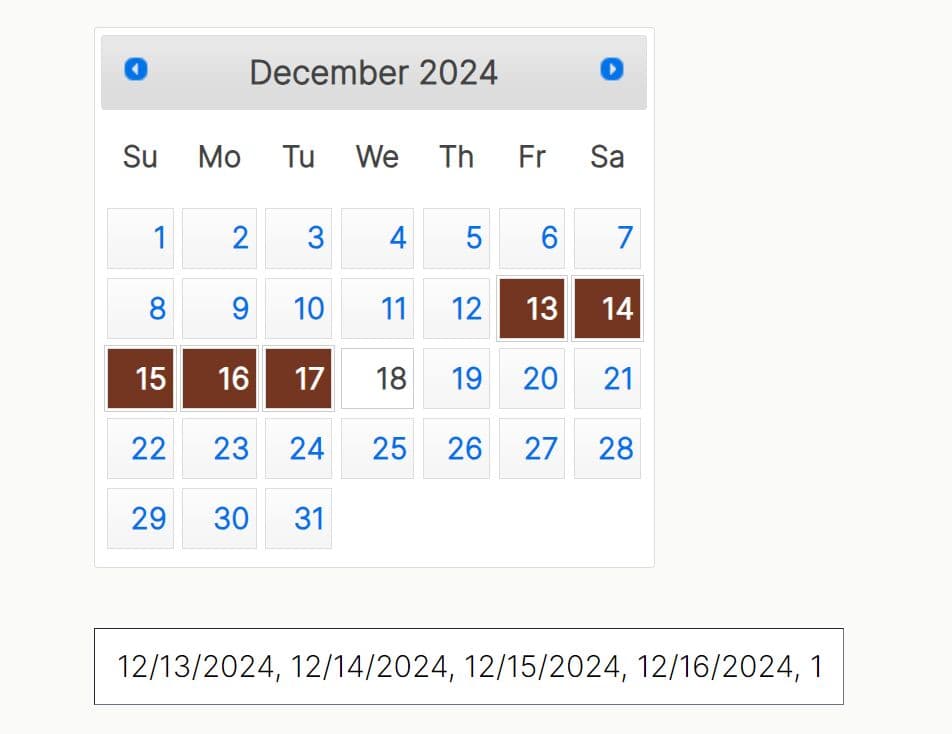
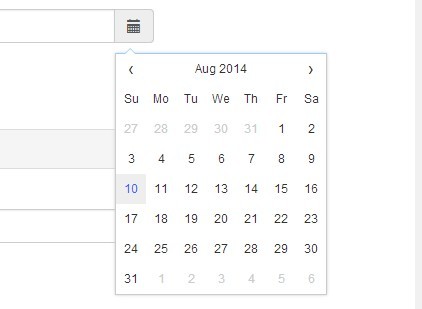
Just another date range picker plugin which allows you to select a date range from a flat calendar UI based on jQuery & jQuery UI.
Features:
- Click to select date range.
- CTRL + Click to select/unselect date.
- For Mac Users (Command + Click) to select/unselect date.
How to use it:
1. Load jQuery UI's stylesheet and the date-range-picker.css in the head section of your document.
<link rel="stylesheet" href="css/jquery-ui.css">
<link rel="stylesheet" href="css/date-range-picker.css">
2. Load the necessary jQuery & jQuery UI libraries and the jQuery Date Range Picker plugin in the document.
<link rel="stylesheet" href="css/jquery-ui.css">
<link rel="stylesheet" href="css/date-range-picker.css">
3. Create a DIV element / Input filed for the date range picker.
<div id="myDate" name="myDate">
</div>
4. Call the function to active the date range picker.
$("#myDate").datepicker({
// OPTIONS HERE
});
5. Full configurations.
$("#myDate").datepicker({

// an array of excluded dates
disableddates: [new Date("04/24/2015"), new Date("04/21/2015")],

// an array of pre-selected dates
daterange = [new Date("3/1/2014"),new Date("3/2/2014"),new Date("3/3/2014")

// appearance options
showButtonPanel:true,
showWeek: true,
firstDay: 1

});
});
6. Get the selected date range.
var r = $("#myDate").datepicker({
// OPTIONS HERE
});

r.getDateRange()
Change log:
2015-05-31
- Enable selection settings.
This awesome jQuery plugin is developed by cyrilcherian. For more Advanced Usages, please check the demo page or visit the official website.