jQuery Plugin To Enlarge Images On Mouseover - image-tooltip.js
| File Size: | 2.78 KB |
|---|---|
| Views Total: | 14354 |
| Last Update: | |
| Publish Date: | |
| Official Website: | Go to website |
| License: | MIT |

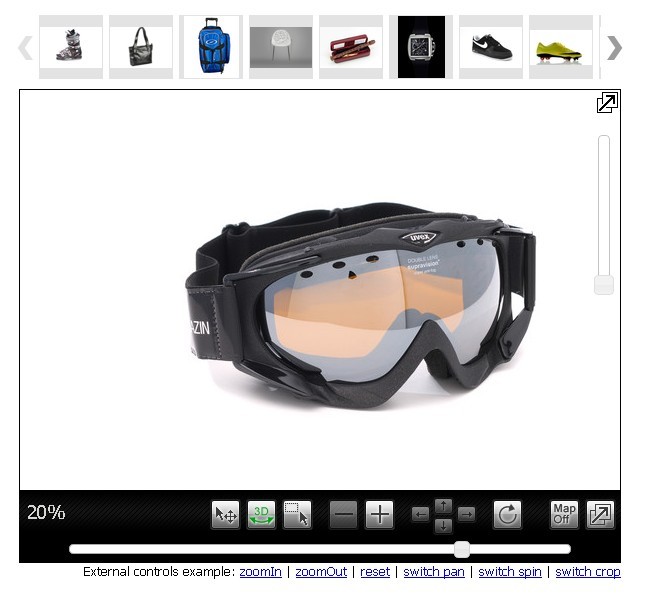
image-tooltip.js is lightweight jQuery image zoom plugin which enlarges your image and display it in a tooltip-like popup on mouse hover.
How to use it:
1. Add the jQuery image-tooltip.js script to the webpage after you've added jQuery library.
<script src="//code.jquery.com/jquery.min.js"></script>
<script src="image-tooltip.js"></script>
2. Call the function on the target image and the plugin will take care of the rest.
$('#my-image').imageTooltip();
3. Adjust the x/y offsets of the image zoom area.
$('#my-image').imageTooltip({
  xOffset: 0,
  yOffset: 0
});
Change log:
2016-06-11
- Improve image position / Change options to background color and image width
This awesome jQuery plugin is developed by paibamboo. For more Advanced Usages, please check the demo page or visit the official website.