jQuery Plugin For Snowfall Effect with Rotating Snowflakes
| File Size: | 3.53 KB |
|---|---|
| Views Total: | 7727 |
| Last Update: | |
| Publish Date: | |
| Official Website: | Go to website |
| License: | MIT |
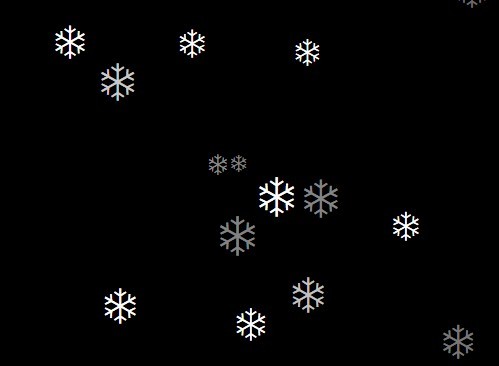
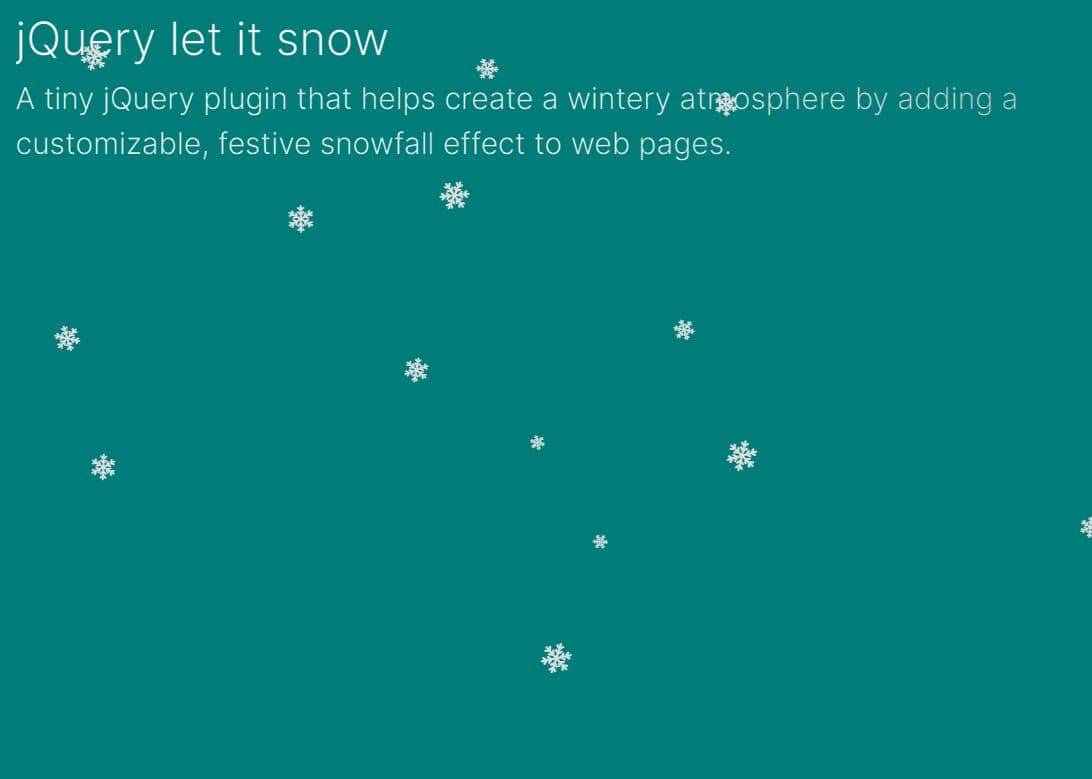
A pure JavaScript plugin for jQuery that allows you to implement holiday snowfall effect with rotating snowflakes on your web page.
Your might also like:
- jQuery Plugin To Create Snowfall Animations On Your Web Page - Snowfall
- Simple Falling Snow Effect with jQuery and CSS3 - let-it-snow
- Yet Another Falling Snow Animation with jQuery and Canvas - GlauserChristmas
- Creating Snow Falling Effect with jQuery snowfall Plugin
How to use it:
1. Load the latest version of jQuery library and the jquery.snow.js script in your web page.
<script src="//ajax.googleapis.com/ajax/libs/jquery/2.1.1/jquery.min.js"></script>
<script src="jquery.snow.js"></script>
2. Create the plugin on where you want to implement the snow falling effect.
jQuery("#CONTAINER").snow();
3. Rotate the snowflakes using CSS3 animations.
.snowflake {
  -webkit-animation: spin 4s linear infinite;
  -moz-animation: spin 4s linear infinite;
  animation: spin 4s linear infinite;
}

@-moz-keyframes
spin { 100% {
  -moz-transform: rotate(360deg);
}
}

@-webkit-keyframes
spin { 100% {
  -webkit-transform: rotate(360deg);
}
}

@keyframes
spin { 100% {
  -webkit-transform: rotate(360deg);
  transform:rotate(360deg);
}
}
4. Customize the snow falling effect during initialization.
jQuery("#CONTAINER").snow({

// default options
intensity: 10,
sizeRange: [10, 20],
opacityRange: [0.5, 1],
driftRange: [-2, 2],
speedRange: [25, 80]

});
This awesome jQuery plugin is developed by rocketage. For more Advanced Usages, please check the demo page or visit the official website.