Creating Image Ken Burns Effect With jQuery And CSS3 - kenburned
| File Size: | 3.02 KB |
|---|---|
| Views Total: | 5969 |
| Last Update: | |
| Publish Date: | |
| Official Website: | Go to website |
| License: | MIT |

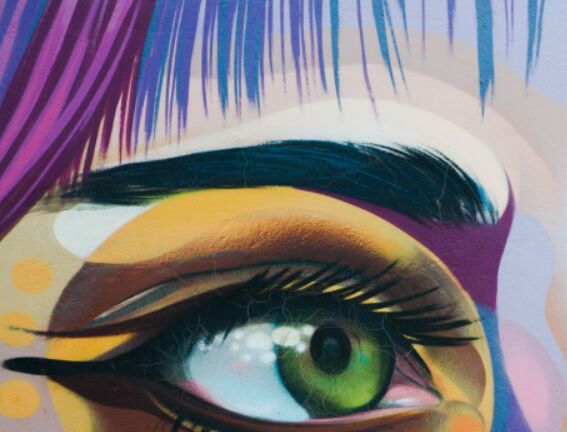
kenburned is a tiny jQuery script that makes use of CSS3 transforms and transitions to apply a responsive Ken Burns effect to a specific image. It also has the ability to maximize and center your image while maintaining image ratio on window resize.
How to use it:
1. Wrap your image into a DIV container as this:
<div class="images">
  <img src="image.jpg" alt="this is nice">
</div>
2. Include the necessary jQuery library at the bottom of the webpage.
<script src="//code.jquery.com/jquery.min.js"></script>
3. Apply the Ken Burns effect to the image using CSS3 transitions and transforms.
var scale = function(factor,time){
  $(".images img").css({
    "-webkit-transform": "scale(" + factor + ")",  // Safari 3.1+, Chrome
       "-moz-transform": "scale(" + factor + ")",  // Firefox 3.5+
        "-ms-transform": "scale(" + factor + ")",  // IE9+
         "-o-transform": "scale(" + factor + ")",  // Opera 10.50+
            "transform": "scale(" + factor + ")",
   "-webkit-transition": "-webkit-transform " + time + "s ease-in-out",  // Safari 3.2+, Chrome
      "-moz-transition": "-webkit-transform " + time + "s ease-in-out",  // Firefox 4-15
        "-o-transition": "-webkit-transform " + time + "s ease-in-out",  // Opera 10.5–12.00
           "transition": "-webkit-transform " + time + "s ease-in-out"  // Firefox 16+, Opera 12.50+
  });
 }
4. The main function to maintain Ratio & position of your image.
var maintainRatio = function(){
    // Get measurements
    var wrapperWidth = $(window).width();
    var wrapperHeight = $(window).height();
    var wrapperRatio = wrapperWidth/wrapperHeight;
    var imageWidth = $(".images img").width();
    var imageHeight = $(".images img").height();
    var imageRatio = imageWidth/imageHeight;

    // Set CSS to center image in wrapper
    $(".images img").css({
      "top": "50%",
      "left": "50%"
    });

    // Set CSS properties of current image
    if(wrapperRatio < imageRatio){
      $(".images img").css({
        "height": wrapperHeight,
        "width": wrapperHeight*imageRatio,
        "margin-top": -(wrapperHeight/2),
        "margin-left": -(wrapperHeight*imageRatio/2)
      });
    }
    else{
      $(".images img").css({
        "height": wrapperWidth*(1/imageRatio),
        "width": wrapperWidth,
        "margin-top": -(wrapperWidth*(1/imageRatio)/2),
        "margin-left": -(wrapperWidth/2),
      });
    }
  }
5. Active the Ken Burns effect on page load.
$(window).load(function(){
  // maximize and center image while maintaining image ratio
  maintainRatio();
  // scale and animate
  scale(1.5,10);
})
6. Maximize and center image while maintaining image ratio.
$(window).resize(function() {
  // maximize and center image while maintaining image ratio
  maintainRatio();
});
This awesome jQuery plugin is developed by jefvlamings. For more Advanced Usages, please check the demo page or visit the official website.