10 Best Terminal Emulators In JavaScript And jQuery (2026 Update)
Terminal emulators provide a way to use the command line interface (CLI) with a graphical user interface (GUI).
Have ever wanted to have a terminal emulator in the document that enables the user to interact with your web applications with commands?
This is the 10 best JavaScript/jQuery powered terminal emulators that add customizable, extensible bash terminals to the web applications, with built-in and/or user-defined commands. Enjoy.
Originally Published Oct 01 2019, updated Feb 20 2026
Table of contents:
jQuery Terminal Emulators:
jQuery Command Line Interpreter Plugin - Terminal Emulator
A simple jQuery based terminal emulator that makes it easy to create command line interpreter for your website or web application.
Features:
- Automatically call JSON-RPC service.
- You can provide your own function in which you can parse user command.
- Command Tree supported
- Command line history supported
- Tab completion supported
- Keyboard shortcut like CTRL+A, CTRL+D, CTRL+E etc, supported
- Authentication supported
- Multiple Command Line Interpreters on one page supported
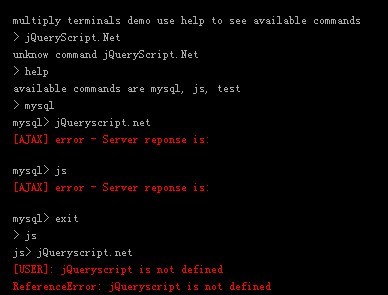
Web-based Shell Terminal Emulator - jQuery Shelly
A lightweight, web-based terminal emulator for emulating a shell (command line) environment on the webpage.
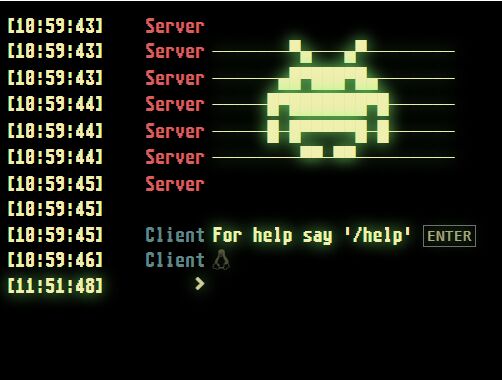
Easy Terminal Emulator With Custom Command Support - KonsoleJS
A a promise-based jQuery plugin for building text based terminals and command line interfaces for your projects.
The terminal can perform basic input/output, run shell commands, and render structured text. Suited for building web applications that needs console functionality such as logging and debugging, but can easily be extended to support shell commands.
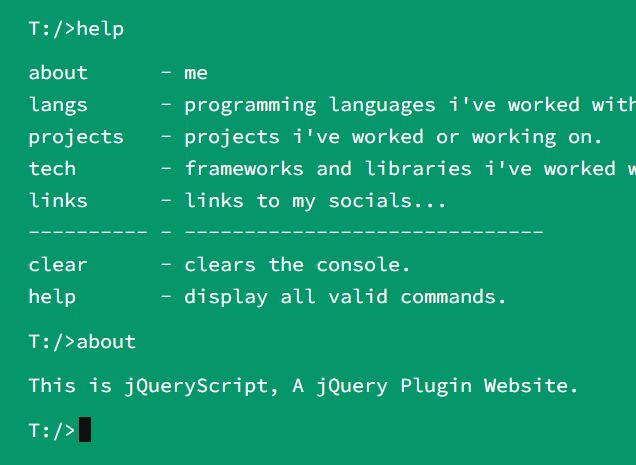
jQuery Plugin To Emulate Terminal Window - Shell.js
Shell.js is a jQuery plugin used to create responsive, themeable terminal windows with custom username, host, and commands on the webpage.
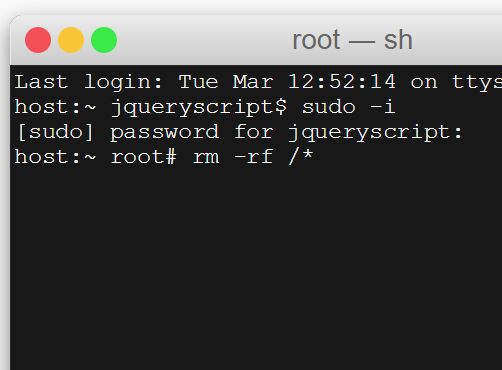
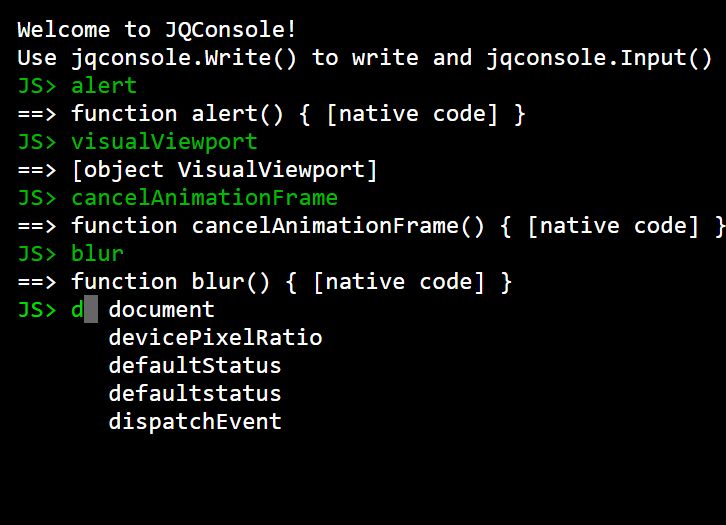
Feature-rich Terminal Emulation Plugin - jq-console
A simple yet feature-rich and highly customizable terminal emulator for jQuery, which allows you to simulate a linux/unix like environment in the browser.
Features:
- Custom styles.
- Keyboard shortcut.
- Command reminder.
- Console history.
- Supports ANSI escape code and SGR(Select Graphic Rendition)
Vanilla JavaScript Terminal Emulators:
Vanilla JavaScript Shell Terminal Emulator With Async/Await Functions – jsShell.js
An easy yet feature-rich JavaScript shell emulator (also known as bash terminal) that allows users to execute commands or interact with your app directly in the web browser.

Minimal Interactive Terminal In JavaScript – Terminal.js
A super tiny JavaScript library to emulate an interactive terminal on the page.

Create Custom Terminals With Pure JavaScript And CSS – shell.js
The shell.js JavaScript library provides an easy way to create Ubuntu, OS X, Windows, and Custom style bash terminal on the web application.

Lightweight Terminal Emulator In Pure JavaScript – terminal.js
An ultra-light and easy-to-extend bash terminal emulator written in pure vanilla JavaScript.

Lightweight Terminal Emulator With Vanilla JavaScript – Jaxit
A lightweight JavaScript library to create a configurable, customizable, interactive bash terminal (also called web console) on the page.

Conclusion:
I hope you enjoyed this list of some of the best terminal emulator in JavaScript. I think it’s great to see so much development going on in this area, and I can’t wait to see what comes next. What do you think? Are there any additional tools that should have been mentioned? Let us know in the comments!
Seeking more jQuery plugins or JavaScript libraries to create awesome Terminal Emulator on the web & mobile? See jQuery Terminal Emulator and JavaScript Terminal Emulator sections for details.





