Pinterest-like Fluid Layout with Infinite Scroll - jQuery Waterfall
| File Size: | 1.41 MB |
|---|---|
| Views Total: | 7705 |
| Last Update: | |
| Publish Date: | |
| Official Website: | Go to website |
| License: | MIT |

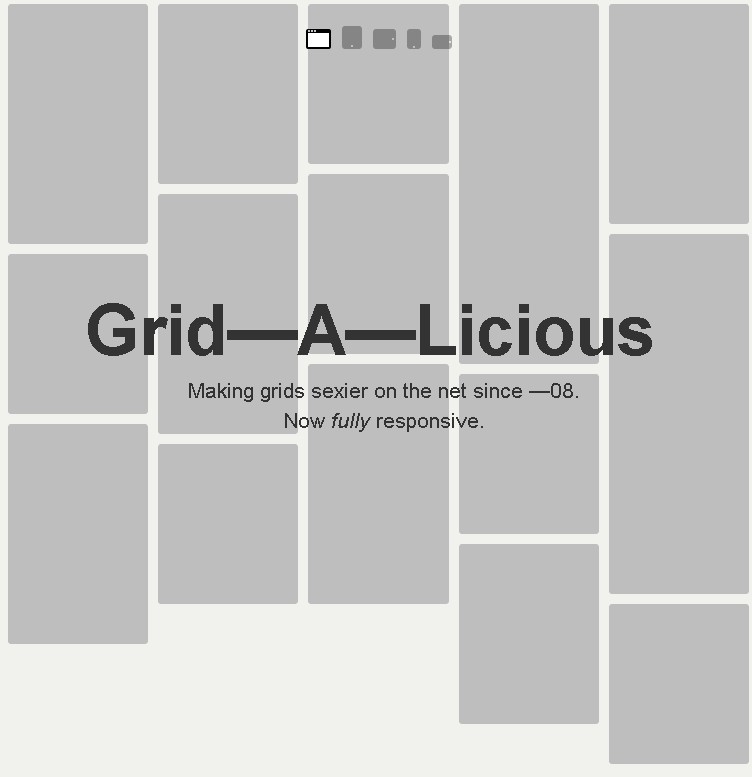
A jQuery approach to creating a Pinterest.com inspired, responsive, dynamic, fluid grid layout with support for infinite scrolling.
How to use it:
1. Add your images to the grid layout.
<div id="main">
  <div class="box">
    <div class="pic"> <img src="images/0.jpg"> </div>
  </div>
  <div class="box">
    <div class="pic"> <img src="images/1.jpg"> </div>
  </div>
  <div class="box">
    <div class="pic"> <img src="images/2.jpg"> </div>
  </div>

  ...

</div>
2. Style the grids in the CSS.
#main { position: relative; }

.box {
  padding: 15px 0 0 15px;
  float: left;
}

.pic {
  padding: 10px;
  border: 1px solid #ccc;
  border-radius: 5px;
  box-shadow: 0 0 5px #ccc;
}

.pic img {
  width: 165px;
  height: auto;
}
3. Include the necessary jQuery JavaScript library on the webpage.
<script src="//code.jquery.com/jquery-2.1.4.min.js"></script>
4. The core function.
function waterFall() {
  var $boxs=$('#main>div');
  var w=$boxs.eq(0).outerWidth();
  var cols=Math.floor($(window).width()/w);
  $("#main").width(w*cols).css('margin','0 auto');
  var hArr=[];
  $boxs.each(function(index,value){
    var h=$boxs.eq(index).outerHeight();
    if(index<cols){
      hArr.push(h);
    }else {
      minH=Math.min.apply(null,hArr);
      var minHeightIndex=$.inArray(minH,hArr);
      $(value).css({
        'position':'absolute',
        'top':minH+'px',
        'left':minHeightIndex*w+'px'
      });
      hArr[minHeightIndex]+=$boxs.eq(index).outerHeight();
    }
  });
}
5. The infinite scroll function.
function checkScrollSlide() {
  var $lastBox=$('#main>div').last();
  var lastBoxDis=$lastBox.offset().top+Math.floor($lastBox.outerHeight()/2);
  var scrollTop=$(window).scrollTop();
  var documentH=$(window).height();
  return (lastBoxDis<scrollTop+documentH)?true:false;

}
6. Active the grid layout with infinite scroll support.
$(window).on('load',function(){
  waterFall();
  var dataInt={"data":[{"src":"0.jpg"},{"src":"1.jpg"},{"src":"2.jpg"},{"src":"3.jpg"}]};
  $(window).on('scroll',function(){
    if(checkScrollSlide()){
      $.each(dataInt.data,function(key,value){
        var oBox=$('<div>').addClass('box').appendTo($('#main'));
        var oPic=$('<div>').addClass('pic').appendTo(oBox);
        $('<img>').attr('src','images/'+$(value).attr('src')).appendTo(oPic);
      });
      waterFall();
    }
  });
});
This awesome jQuery plugin is developed by onchangelz. For more Advanced Usages, please check the demo page or visit the official website.