Customizable Loading Modal Plugin - jQuery modal-loading
| File Size: | 7.49 KB |
|---|---|
| Views Total: | 12031 |
| Last Update: | |
| Publish Date: | |
| Official Website: | Go to website |
| License: | MIT |
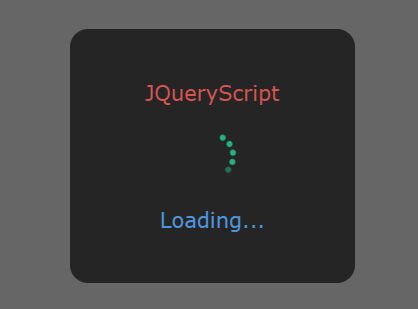
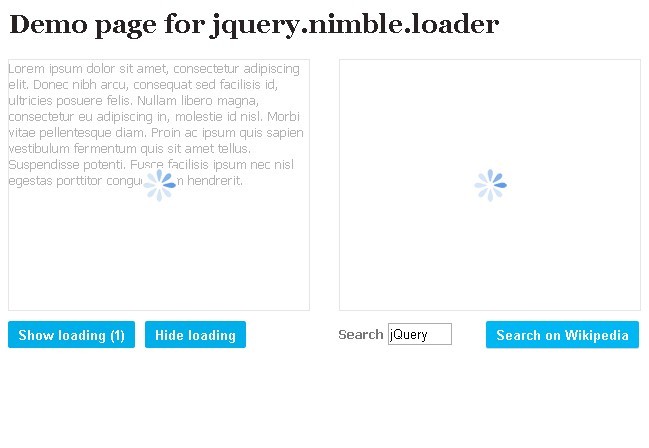
modal-loading is a jQuery plugin to create animated, highly customizable, modal-style loading indicators for ajax/async loading content.
Main features:
- Support both directions.
- Custom loading text (title and description).
- With or without background overlay.
- Supports custom loading spinner.
- With or without show/hide animations (based on CSS3).
How to use it:
1. Insert jQuery library and the jQuery modal-loading plugin's files into the webpage.
<!-- Core stylesheet -->
<link rel="stylesheet" href="modal-loading.css">

<!-- CSS3 animations -->
<link rel="stylesheet" href="modal-loading-animate.css">
2. Display a default loading modal on the screen.
var loading = new Loading();
3. Customize the loading modal with the following settings.
var loading = new Loading({

    // 'ver' or 'hor'
    direction: 'ver',

    // loading title
    title: undefined,

    // text color
    titleColor: '#FFF',

    // font size
    titleFontSize: 14,

    // extra class(es)
    titleClassName: undefined,

    // font family
    titleFontFamily:   undefined,

    // loading description
    discription: undefined,

    // text color
    discriptionColor:  '#FFF',

    // font size
    discriptionFontSize: 14,

    // extra class(es)
    discriptionClassName: undefined,

    // font family
    directionFontFamily: undefined,

    // width/height of loading indicator
    loadingWidth: 'auto',
    loadingHeight: 'auto',

    // padding in pixels
    loadingPadding: 20,

    // background color
    loadingBgColor: '#252525',

    // border radius in pixels
    loadingBorderRadius: 12,

    // loading position
    loadingPosition: 'fixed',

    // shows/hides background overlay
    mask: true,

    // background color
    maskBgColor: 'rgba(0, 0, 0, .6)',

    // extra class(es)
    maskClassName: undefined,

    // mask position
    maskPosition: 'fixed',

    // 'image': use a custom image
    loadingAnimation: 'origin',

    // path to loading spinner
    animationSrc: undefined,

    // width/height of loading spinner
    animationWidth: 40,
    animationHeight: 40,
    animationOriginWidth: 4,
    animationOriginHeight: 4,

    // color
    animationOriginColor: '#FFF',

    // extra class(es)
    animationClassName: undefined,

    // auto display
    defaultApply: true,

    // animation options
    animationIn: 'animated fadeIn',
    animationOut: 'animated fadeOut',
    animationDuration:  1000,

    // z-index property
    zIndex: 0,

});
This awesome jQuery plugin is developed by rainydaycode. For more Advanced Usages, please check the demo page or visit the official website.