Customizable Pull To Refresh Indicator With jQuery - ptrLight
| File Size: | 13.1 KB |
|---|---|
| Views Total: | 4349 |
| Last Update: | |
| Publish Date: | |
| Official Website: | Go to website |
| License: | MIT |
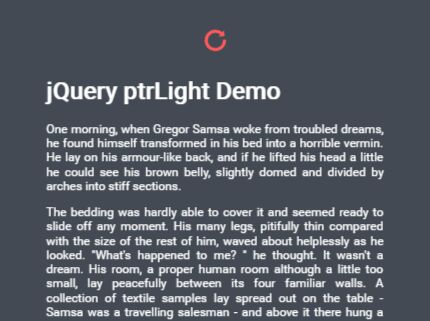
ptrLight is a mobile-first jQuery plugin which displays a custom loading indicator when you load more content via swipe events on touch devices.
How to use it:
1. Include the style sheet ptrLight.min.css in the header that will provide the main CSS styles and animations for the loading indicator.
<link rel="stylesheet" href="ptrLight.min.css">
2. Include jQuery library and the JavaScript file ptrLight.min.js at the bottom of the webpage.
<script src="//code.jquery.com/jquery-3.1.1.min.js"></script>
<script src="ptrLight.min.js"></script>
3. Active the pull to refresh indicator and specify a refresh function when the 'pull to refresh' is detected.
$('#content').ptrLight({
  'refresh': function() {
    // do something;
  }
});
4. Customize the loading indicator and 'pull to refresh' behavior with the following options.
$('#content').ptrLight({

  // disable the plugin
  paused: false,

  // scroll distance in pixels that will not count towards the pull distance
  ignoreThreshold: 10,

  // amount of pixels the scroll element needs to get pulled down by in order to execute the 'refresh()' function
  pullThreshold: 200,

  // maximum amount of pixels the scroll element will be allowed to scroll down by
  maxPullThreshold: 500,

  // reset the pull to refresh indicator after this amount of time in ms
  spinnerTimeout: 10000,

  // if not otherwise specified here, the parent node of your selected element is assumed as the scroll element of your page
  scrollingDom: null,

  // true: a user can start his upward scroll/downward drag on a scroll position > 0, reaching the top and pulling even further to activate ptr
  // false: a user will have to scroll to the very top, release his tap/drag and drag again from scroll position 0 to activate the ptr
  allowPtrWhenStartedWhileScrolled: false,

});
Change log:
2017-07-18
- insert ptr-light-indicator before element directly
This awesome jQuery plugin is developed by aurasalexander. For more Advanced Usages, please check the demo page or visit the official website.