Customizable jQuery Loading Overlay & Spinner Plugin - Waiting
| File Size: | 5.91 KB |
|---|---|
| Views Total: | 6490 |
| Last Update: | |
| Publish Date: | |
| Official Website: | Go to website |
| License: | MIT |

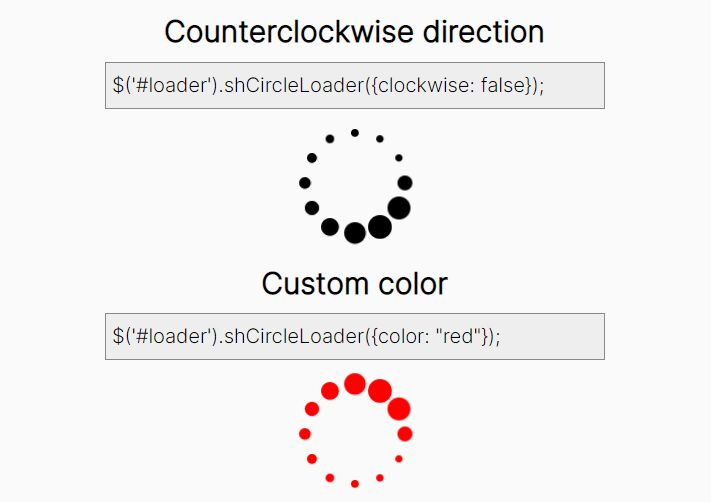
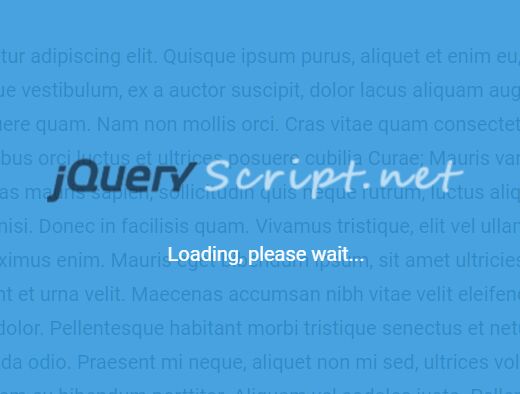
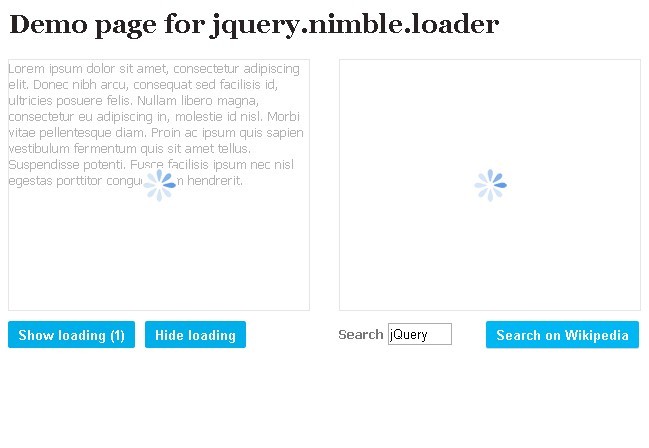
Waiting.js is a jQuery loading indication plugin used to generate a highly configurable loading spinner & overlay on the whole page or over a specific DOM element. Without the need of any external CSS styles, all the configurations can be defined via options object during initialization.
Basic usage:
1. Include jQuery library and the jQuery waiting.js script at the bottom of the Html page.
<script src="//code.jquery.com/jquery-1.11.2.min.js"></script>
<script src="jquery.waiting.js"></script>
2. Create a loading indicator over the container element '.demo'.
$('.demo').waiting();
3. Config the loading indicator.
$('.demo').waiting({

size: 0,
quantity: 10,
dotSize: 6,
enableReverse: true,
waitMovementIncrementer: 1,
light: false,
fullScreen: false,
speed: 100,
circleCount: 1,
tailPercent: 0.25

});
4. Public methods to control the loading indicator.
//Initialize the loading indicator
$('.demo').waiting();

//Stops the loading indicator
$('.demo').waiting('pause');

//Starts the loading indicator
$('.demo').waiting('play');

//Removes the loading indicator
$('.demo').waiting('done');
This awesome jQuery plugin is developed by qschmick. For more Advanced Usages, please check the demo page or visit the official website.